
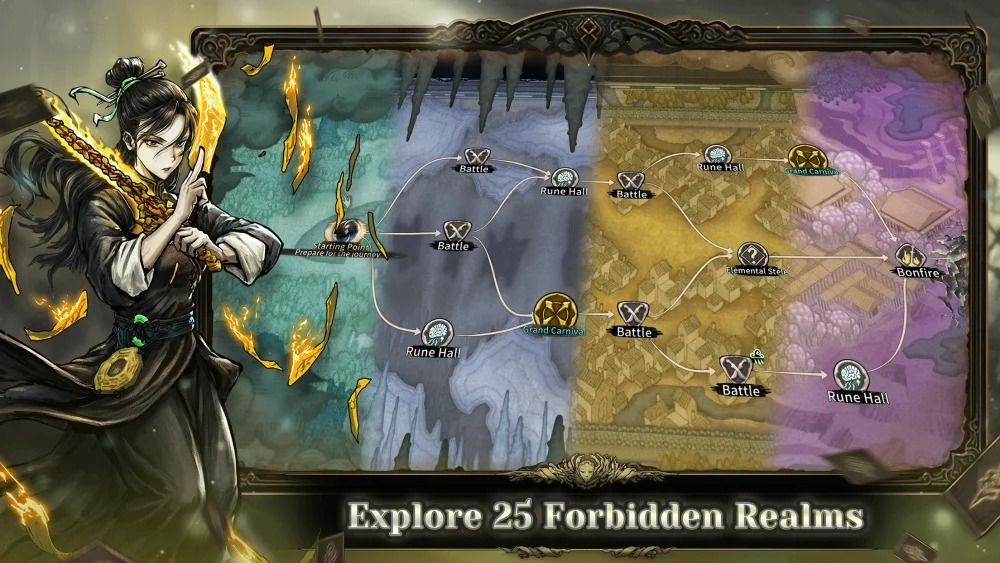
Abrupt black screens during narrative sequences in Abyssal Soul often stem from script execution errors or memory-intensive transitions. When a cutscene fails to load, the game remains active in the background, but the visual output stalls, effectively hard-locking your current run. Because these issues frequently occur during story-heavy milestones, players must employ specific recovery methods to bypass the error without losing their entire session progress or character synchronization data.
Identifying Cutscene Soft Lock Triggers
The most common cause for a black screen in Abyssal Soul is a failure in the cutscene asset streaming process. If your hardware struggles to load high-fidelity assets during a transition, the game engine may halt the rendering process to prevent a total crash.
- Asset Streaming Lag: Occurs when the game attempts to load visual effects and character models simultaneously during a cinematic trigger.
- Script Execution Stalls: If a dialogue event fails to initialize, the game will wait indefinitely for a confirmation signal that never arrives.
- Background Resource Conflict: Other applications competing for memory can cause the game to miss the trigger timing for cinematic overlays.
Recovery Tactics for Hard-Locked Runs
If you encounter a black screen, avoid force-closing the application immediately, as this can corrupt your local save file. Instead, prioritize these steps to attempt a soft recovery.
| Method | Action | Expected Result |
|---|---|---|
| Input Check | Press the "Escape" or "Menu" key repeatedly | Potential bypass of the active cutscene script. |
| Window Toggle | Use Alt+Enter to switch between Fullscreen and Windowed mode | Forces a re-render of the primary display buffer. |
| Background Sync | Minimize the game for 30 seconds, then restore | Allows the system to clear memory bottlenecks for the cinematic. |
| Client Reset | Restart the game client | Resumes at the start of the current room/event, bypassing the faulty trigger. |
Preventing Future Cinematic Crashes
To minimize the risk of encountering these locks during critical progression, optimize your client settings before entering high-narrative areas. Ensure your graphics drivers are up to date, as many Abyssal Soul visual bugs are tied to shader compilation issues during cutscenes. Additionally, disabling non-essential background processes can free up the necessary overhead to ensure complex sequences load correctly. If a specific cutscene consistently fails, verify your game file integrity through your launcher to replace any potentially corrupted cinematic files.

Free Abyssal Soul Codes
Current active codes and how to redeem them.

Sarah Williams
Sarah specializes in RPG and collection games, explaining team building, character growth, and beginner-friendly ways to avoid expensive early mistakes.
COMMUNITY
Player Comments
102 players commented on this guide.
Good guide for Abyssal Soul players. The strategy part was useful.
Can you add more details about strategy in a future update?
I wish I had read this before upgrading the wrong thing.
Nice guide. I am checking the other Abyssal Soul articles next.