Play with a keyboard, mouse, or controller
Start with ready-made keymapping profiles or create custom controls for the way you play.

LDPLAYER FOR WINDOWS
Play Android games on your Windows PC with high frame rates, responsive controls, and an emulator built for gaming.
Free Android emulator for Windows 10 and Windows 11 PCs.

WHY LDPLAYER
Start with ready-made keymapping profiles or create custom controls for the way you play.
LDPlayer is designed for quick startup, high frame rates, and efficient use of your PC’s resources.
Use multiple instances to manage alternate accounts or repeat actions across game windows.
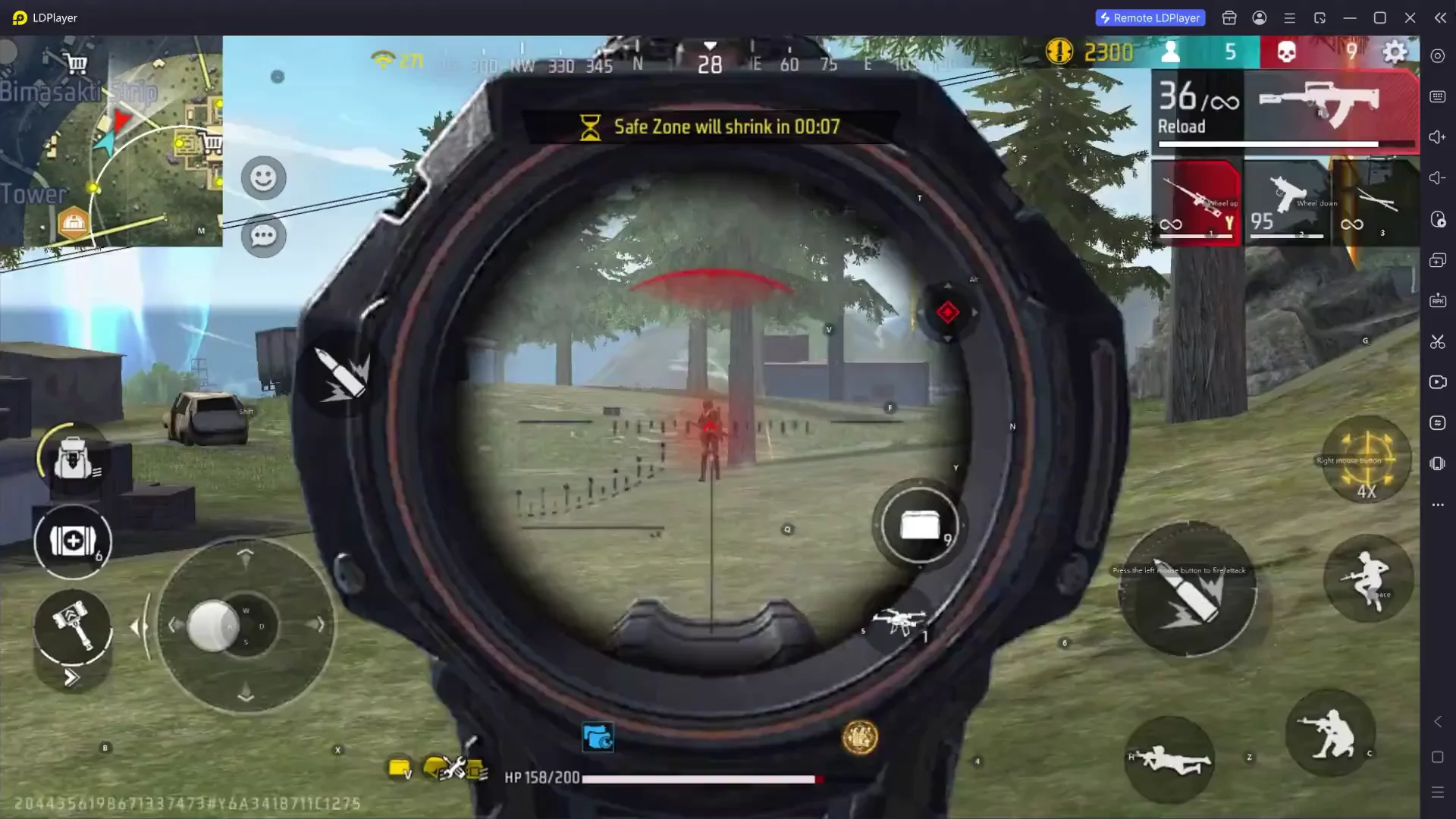
PLAY YOUR WAY
Enjoy Android games on a bigger screen with controls that fit everything from casual play to competitive sessions.
GET STARTED
Download the official Windows installer and follow the setup instructions.
Sign in to Google Play or install a supported APK.
Launch the game, adjust your controls and graphics, and start playing.
BEFORE YOU INSTALL
A stronger computer can support higher resolutions and frame rates. Enable virtualization when available for better emulator performance.
COMMON QUESTIONS
LDPlayer is an Android emulator for Windows PCs. The current Android 14 version targets Windows 10 and Windows 11, with a 64-bit operating system recommended.
Yes. LDPlayer supports keymapping presets, custom keyboard and mouse controls, and game-controller input.
Yes. Multi-instance management is available; the practical number depends on your computer and the games being run.
Use the official LDPlayer installer linked from this page. Avoid unverified installers and third-party mirrors.
PLAY ON A BIGGER SCREEN

DOWNLOAD STARTED
Check your browser Downloads if it does not appear.
Download again