
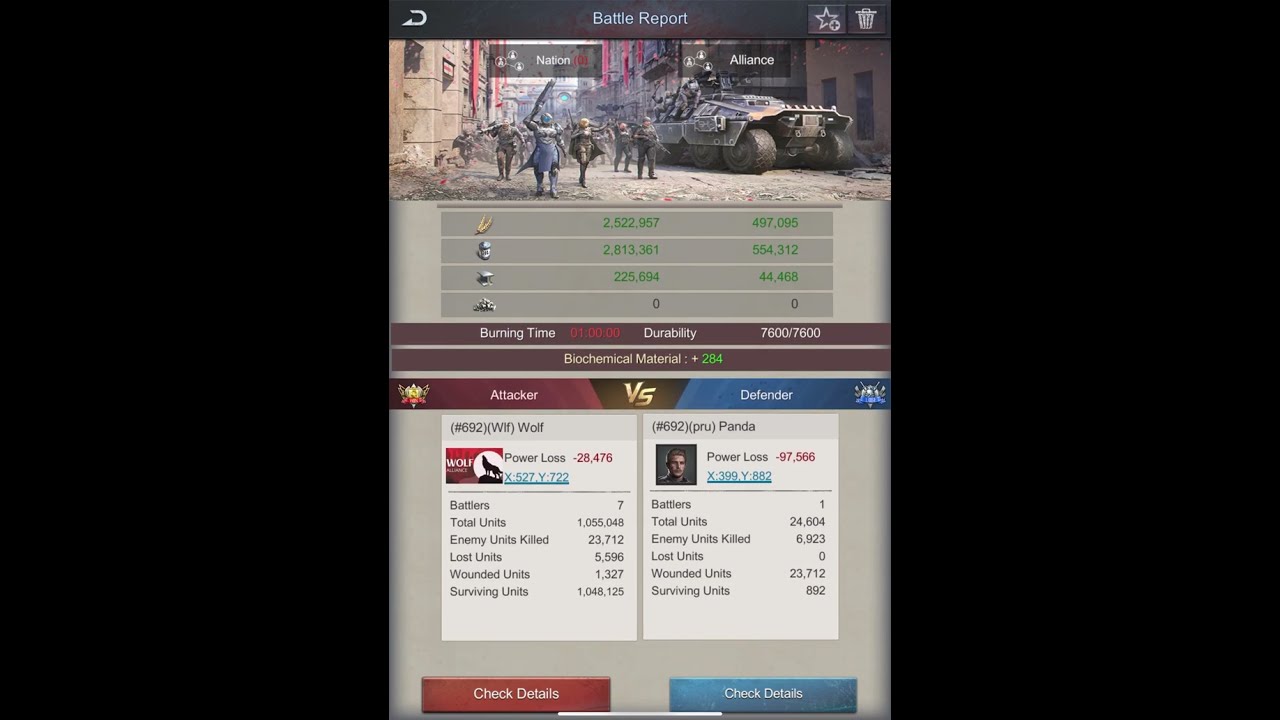
In the high-stakes world of Age of Origins, manual troop selection is the enemy of victory. When a rally is launched or an enemy city becomes vulnerable, you have seconds to act. Players who rely on the "Fleet Formation" system to pre-save optimized troop compositions consistently outperform those who scramble to pick units manually. By mastering the art of the preset, you ensure your strongest units are always on the front lines, your hero synergies are fully utilized, and your response times are optimized for the fast-paced reality of alliance warfare.
Mastering the Fleet Formation Menu
The Fleet Formation menu is your most vital strategic tool. Located within your city’s main command interface, this system acts as a shortcut manager for your military deployments. Instead of dragging sliders or clicking unit icons during an active raid, you select a pre-saved "slot."
To set this up, navigate to the formation interface and define your troop ratios. Once saved, these configurations act as your "standard operating procedure" for various combat scenarios. By accessing this menu early in your progression, you can create distinct loadouts:
- The Aggressor: A heavy-hitter preset for PVP attacks and city sieges.
- The Defender: A balanced composition for reinforcing alliance members.
- The Scavenger: A low-cost, high-capacity preset for gathering resources from the world map.
- The Monster Hunter: A specialized formation designed to minimize troop loss against zombies and world bosses.
Prioritizing Troop Tiers for Maximum Impact
In Age of Origins, unit tier is the single most important variable in your combat power. A small group of high-tier troops will often outperform a massive swarm of low-tier units due to the exponential scaling of base stats and damage mitigation.
When building your presets, the interface shows your total available troops. You should manually allocate your highest-tier units to fill your formation capacity first. If your city is currently training Tier 7 or Tier 8 troops, ensure those units are the foundation of your saved "Aggressor" preset.
Pro-Tip: Always keep an eye on your "Capacity" limit. If your total troop count drops due to heavy casualties in a "Kill Event," your saved preset might deploy fewer troops than your capacity allows. Periodically review your formation slots to ensure they are fully utilizing your current maximum march capacity.
The Science of Troop Ratios
"All-in" strategies—where a player stacks only one type of unit—are generally discouraged unless you have a specific, high-level hero combination that dictates a specialized build. For the vast majority of players, a balanced formation is the most reliable path to victory.
Recommended Composition Logic:
- Front-Line Infantry: These units act as the "tank" of your army. They have high health and defense stats. If your infantry dies too quickly, your back-line damage dealers are exposed, leading to a total wipe. Increase your infantry percentage if your battle reports show high friendly casualties.
- Back-Line Snipers and Vehicles: These are your glass cannons. Snipers are excellent for high single-target damage, while vehicles are vital for overall damage output and siege efficiency.
- Hero Synergy: Your formation should reflect your primary commander’s strengths. If your lead hero has a specialized skill boosting "Sniper Damage," your saved formation should prioritize snipers to capitalize on that percentage-based multiplier.
Executing and Saving Your Presets
Saving your formations is only half the battle; knowing how to deploy them effectively is what separates veterans from beginners. After saving your custom ratios into a numbered slot, you can bypass the manual selection screen on the world map entirely.
When selecting a target (such as an enemy city or a resource node), the deployment window will present your saved presets. Simply tap the corresponding number, and the game automatically pulls the required troop types and counts from your base. This is crucial during events like the "Alliance War" or "Kill Event," where enemy players are active and looking to exploit your hesitation.
Limitations and Proactive Maintenance
While fleet presets are powerful, they are not "set and forget." You must treat your presets as living configurations that require updates as your city grows.
Common Pitfalls to Avoid:
- The Casualty Trap: After a large battle, your troop counts will be significantly lower. If you don't adjust or re-save your slots, your "optimized" formation might deploy a diluted version of your original strategy. Always re-save after significant losses.
- Hero Swapping: If you change your main commander, your previous "optimal" formation might become suboptimal. For example, if you switch from a hero that boosts Infantry to one that boosts Vehicles, you must immediately update your presets to favor vehicles to maintain your damage efficiency.
- Tier Upgrades: As you unlock higher-tier troops, old presets will still attempt to use your older, weaker units. Regularly clear and recreate your presets to ensure your newest, strongest units are always prioritized in your deployments.
Strategy Summary: Why This Matters
Age of Origins is a game of marginal gains. In large-scale combat, the difference between a successful raid and a disastrous defeat often comes down to who can get their strongest forces on the field the fastest. By automating your troop selection with the Fleet Formation menu, you remove the human error of manual clicking, ensure your high-tier units are always protected by a proper infantry screen, and keep your damage output synchronized with your hero buffs.
Treat your fleet presets as your primary weapon in the fight against the undead and rival alliances. Review them after every major upgrade, keep your ratios balanced according to your hero lineup, and you will find that your survivability and combat success increase significantly across all game modes.

Free Age of Origins Codes
Current active codes and how to redeem them.

Emily Johnson
Emily writes practical mobile strategy guides with a focus on resource planning, base progression, and the early decisions that shape a long-term account.
COMMUNITY
Player Comments
38 players commented on this guide.
The tips are practical and easy to follow.
I tried this today and it worked better than my old setup.
Good guide for Age of Origins players. The strategy part was useful.
This saved me time in the early game.