
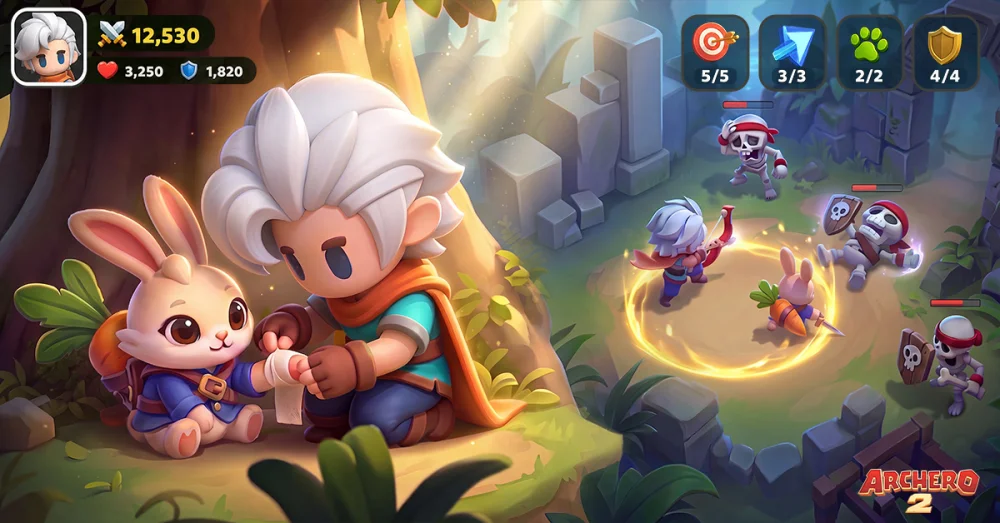
Maximizing your daily reward intake in Archero 2 requires a systematic approach to navigating the game's interface. By consistently checking the main menu, event tabs, and inbox, you ensure that no resources are left unclaimed. This routine allows you to accumulate materials faster, which is essential for gear upgrades and character progression. Prioritizing these claims daily prevents resource bottlenecks and keeps your power level scaling in line with harder chapter requirements.
Navigating the Reward Dashboard
The most efficient way to collect rewards in Archero 2 is to perform a sweep of all sub-menus immediately upon logging in. Many rewards are time-sensitive or reset based on the server clock, making a consistent routine vital.
- Main Lobby Check: Always start by scanning the home screen for notification badges. These indicate pending rewards from daily tasks or event milestones.
- Inbox Priority: Check your in-game mailbox first, as items sent by developers or guild events may have expiration dates.
- Event Tab Rotation: Cycle through every active event tab. Even if you haven't completed a challenge, checking the screen can trigger hidden milestones or reward pop-ups.
Managing Resource Claim Intervals
Resources in Archero 2 are often gated behind timers. Understanding how to manage these intervals prevents your inventory from stagnating.
| Reward Type | Collection Frequency | Best Practice |
|---|---|---|
| Daily Gifts | Once per 24 hours | Claim immediately upon login |
| Event Milestones | Event-dependent | Check after every stage clear |
| Quest Rewards | Daily/Weekly | Review progress before starting new runs |
Maximizing Daily Quest Efficiency
Daily quests serve as your primary source for consistent growth materials. Before pushing into new chapters, ensure you have collected all completed quest rewards. If you are close to completing a quest, prioritize finishing it before tackling high-difficulty stages, as the rewards often include power-ups or currency that can help you clear the next boss more effectively.
Troubleshooting Missing Rewards
If you find that rewards are not appearing, ensure your game client is fully updated to the latest version. Frequently, reward collection issues are caused by synchronization errors between your device and the server. If you suspect a reward is missing after a successful stage clear, restarting the application often forces the game to refresh the reward inventory. Always verify your internet connection before attempting to claim large batches of items.

Free Archero 2 Codes
Current active codes and how to redeem them.

Emily Johnson
Emily writes practical mobile strategy guides with a focus on resource planning, base progression, and the early decisions that shape a long-term account.
COMMUNITY
Player Comments
101 players commented on this guide.
This guide answered the exact question I had.
The explanation is clear, especially for beginners.
Good guide for Archero 2 players. The heroes part was useful.
I wish I had read this before upgrading the wrong thing.