
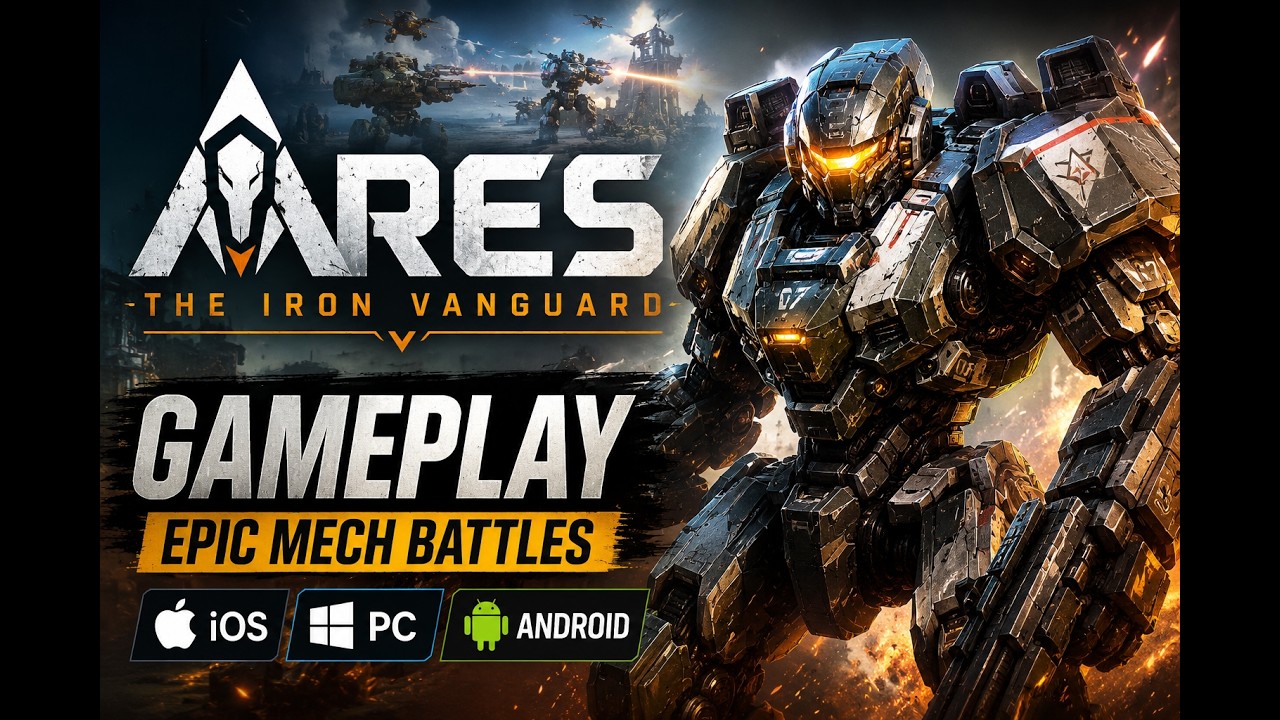
Character creation in ARES: THE IRON VANGUARD allows you to customize your avatar's physical appearance before starting gameplay. Visual settings are strictly cosmetic and do not affect your Combat Power (CP), Combat Suit attributes, or base combat performance.
Customization Features and Settings
You can build an avatar by selecting base templates or manually adjusting individual facial and body attributes. The creation menu provides several options to refine your character's look:
- Presets: Select prebuilt facial and body structures to establish a quick baseline before applying manual tweaks.
- Facial Sliders: Adjust fine details including eye shape, nose width, and jawline sharpness.
- Hair Customization: Select hairstyles and adjust hair color across available options.
- Body Proportions: Adjust body structure sliders to change physical proportions.
While customizing, use the interface tools to evaluate your character under different conditions:
- Check preview lighting: Test your character model across the lighting environments provided in the UI to see how textures and shadows render.
- Rotate the model 360 degrees: View your avatar from every angle to identify visual clipping between hairstyles, neck features, and head shapes.
Finalizing Character Appearance and Next Steps
Major physical overhauls are restricted after initial creation. Facial structure, hair color, and eye shape persist during cutscenes and whenever helmets are hidden in social hubs or co-op missions.
To complete character creation and move into gameplay:
- Review your avatar's features in all preview lighting angles.
- Select the confirm button to lock in your appearance choices.
- Proceed to the opening sequence to unlock your first set of Combat Suits and access mobility features.

Free ARES: THE IRON VANGUARD Codes
Current active codes and how to redeem them.

James Brown
James focuses on Android gaming on PC, emulator setup, controls, performance tuning, and practical troubleshooting for longer play sessions.
COMMUNITY
Player Comments
124 players commented on this guide.
This saved me time in the early game.
This helped me understand heroes much better.
I tried this today and it worked better than my old setup.
Nice guide. I am checking the other ARES: THE IRON VANGUARD articles next.