
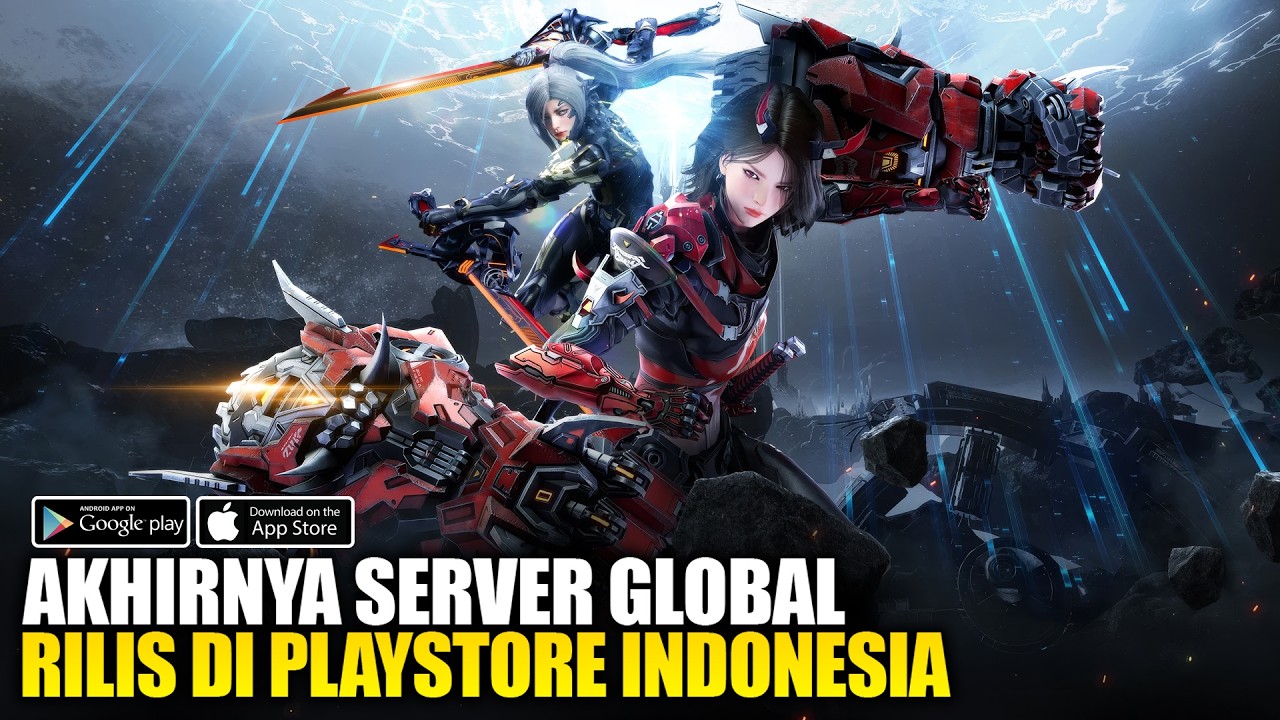
To access the official global version of ARES: THE IRON VANGUARD on mobile devices, download the client directly from the Google Play Store or iOS App Store under the official publisher, Com2uS Holdings. Immediately link your account to a permanent platform service upon reaching the main menu to prevent progress loss.
Verifying the Official Store Package
Regional variations can prevent your account from connecting to international servers or receiving standard updates. Confirm you are downloading the legitimate global release before installing:
- Publisher Name: Verify that the app lists Com2uS Holdings as the official developer and publisher.
- Package Identifier: The official Android store listing uses the package ID
com.com2usholdings.agwiv.android.google.global.normal. - Store Region: If the store page displays a grayed-out install button or fails to appear in searches, your Google Play account region may not match an active rollout territory. Ensure your account store region reflects an eligible location.
Avoid downloading third-party APK mirrors. Unofficial files cannot guarantee automatic hotfix updates and may cause version mismatches with the global server ecosystem.
Securing Account Progression
Do not rely on Guest accounts for regular play. Guest data stored locally on your device can be wiped during app cache cleanups or client patches.
| Account Type | Data Security | Multi-Device Sync |
|---|---|---|
| Guest Account | Low (Vulnerable to patch data loss) | Unsupported |
| Com2uS Hive | High (Permanent server link) | Supported (Mobile & PC Emulators) |
| Google / Apple | High (Permanent platform link) | Supported across matching platforms |
Bind your profile to Com2uS Hive, Google, or Apple during initial setup. Linking your login ensures character progress, currencies, and suit unlocks remain intact when switching mobile devices or transitioning to PC emulator setups.
Client Installation Checklist
Before launching the client for the first time, complete these steps to avoid installation stalls and startup errors:
- Check System Storage: Reserve extra internal storage space beyond the base store installer to account for day-one patch downloads.
- Confirm Hardware Requirements: Review your device specifications against the store listing requirements to minimize frame drops and startup crashes during real-time suit switching and combat sequences.
- Connect to Guilds Early: Once logged into the global server, join an active guild as soon as unlocked to coordinate for higher-tier dungeon encounters and share server resources.

Free ARES: THE IRON VANGUARD Codes
Current active codes and how to redeem them.

James Brown
James focuses on Android gaming on PC, emulator setup, controls, performance tuning, and practical troubleshooting for longer play sessions.
COMMUNITY
Player Comments
31 players commented on this guide.
Nice guide. I am checking the other ARES: THE IRON VANGUARD articles next.
This helped me understand strategy much better.
This guide answered the exact question I had.
Can you add more details about strategy in a future update?