
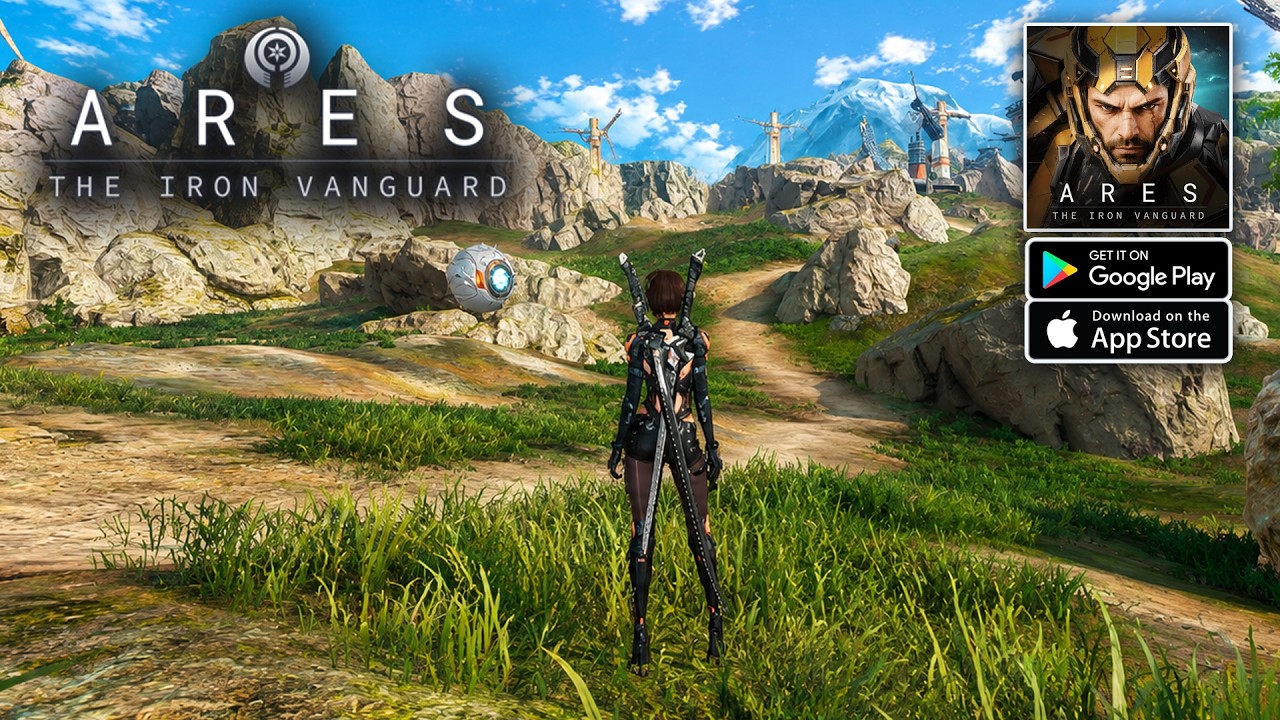
In the high-velocity, sci-fi battlefields of ARES: THE IRON VANGUARD, your HUD (Heads-Up Display) is more than just background information—it is the primary source of truth for your survival. Because the game relies on fluid, real-time suit switching and high-mobility combat, players who master their interface awareness can react to threats seconds before their opponents. To succeed, you must move beyond simply "looking" at the screen and begin "reading" the tactical data provided by your suit’s systems.
Interpreting the Tactical HUD Layout
The HUD in ARES: THE IRON VANGUARD is designed to keep your eyes centered on the action while providing peripheral data on your suit’s integrity. The central reticle is your most critical interface element; it indicates your current target's status and your weapon's firing state.
- Weapon Feedback: The reticle will often change shape or color depending on target range and whether your crosshair is currently locked onto an enemy’s critical hit box.
- Suit Vitals: Positioned prominently at the bottom or sides of the screen, your health and shield bars are color-coded. In ARES: THE IRON VANGUARD, shields typically regenerate after a period of non-combat, while health is a static resource. Monitoring these bars is vital when deciding whether to commit to a brawl or utilize your hoverboard to retreat and reset.
Expert players treat the center of the screen as the "Combat Zone" and the periphery as the "Data Zone." By training your eyes to maintain a soft focus on the center, you can detect incoming projectiles while peripheral vision picks up the flash of a cooldown resetting or a critical status warning.
Mastering Suit Status and Resource Management
ARES: THE IRON VANGUARD utilizes a unique resource management system based on your selected suit class—Engineer, Warlock, Warlord, or Hunter. Each class features distinct gauges that track energy or "heat" generated by your abilities.
Managing Ability Rotations
Your skill bar, usually located at the bottom of the screen, is the heart of your combat rotation.
- Cooldown Awareness: Never tunnel vision on the enemy. If your ultimate ability icon begins to glow, it signals that your most powerful tool is ready. Failing to trigger these skills at the optimal moment is the most common mistake for new players.
- Class-Specific Meters: Whether you are managing the Warlock’s spell-casting energy or the Warlord’s defensive stance gauge, these meters determine the timing of your "Switch-In" attacks. Use these gauges to decide when to swap suits to maintain a continuous damage loop.
Navigation: The Mini-Map and Spatial Awareness
The mini-map in ARES: THE IRON VANGUARD is your ultimate tool for avoiding ambushes and reaching objectives without backtracking. Located in the top-right corner, it displays more than just where to go; it displays how to get there safely.
- Dynamic Markers: Watch for flashing red icons on the mini-map. These indicate active combatants. If you see a cluster of red dots, it is often better to flank rather than charge straight into a high-density zone.
- Altitude and Depth: Because ARES: THE IRON VANGUARD features verticality, the mini-map uses markers to indicate if an objective is above or below your current elevation. If an objective marker is greyed out or shows an arrow, look up or down before wasting time searching the wrong floor.
Decoding Combat Alerts and Target Indicators
The game’s alert system is sophisticated, designed to cut through the visual noise of intense particle effects. When you are under fire, the HUD will display directional "damage indicators"—curved brackets that glow in the direction of the incoming attack.
- Reacting to Alerts: If you see a bright pulse on the left side of your screen, your immediate instinct should be to dash or hover-strafe to the right.
- Priority Targeting: In group dungeons or boss encounters, the HUD will often highlight a specific enemy with a gold or purple outline. These are "Priority Targets." Using your target-cycle button to snap your focus to these enemies is essential for interrupting boss mechanics or eliminating snipers before they deplete your shields.
Advanced HUD Customization Strategies
While ARES: THE IRON VANGUARD provides a robust default HUD, you can maximize your performance by treating the screen as a compartmentalized workspace.
- Lower-Left Quadrant: This is your "Offense/Defense" sector. Keep your skill cooldowns here. If you find yourself dying often, spend one session just watching this area to ensure you aren't waiting too long to pop your defensive skills.
- Upper-Right Quadrant: This is your "Mission Control." Use this to monitor objective progress and enemy pathing.
- Center-Screen: This is your "Execution" sector. Keep this clear of clutter. If you are using a mobile device, ensure your thumb placement doesn't obscure the center of the screen, as this is where the game’s dodge-timing cues occur.
Common Mistakes and How to Avoid Them
- The "Tunnel Vision" Trap: Players often focus exclusively on the enemy they are shooting. This leads to missing environmental hazards or incoming boss telegraphs. Force yourself to glance at your health bar every time you reload or perform a suit swap.
- Ignoring the Hoverboard UI: When using your hoverboard for travel, the HUD changes to display speed and momentum. Use this interface to master your movement speed; proper momentum management is the difference between a clean traversal and getting snagged on environment geometry.
- Over-relying on Auto-Targeting: While the game provides assistance, manual adjustment is often necessary for high-level play. If your reticle is constantly snapping to the wrong target, use your manual target-lock to override the system and focus on high-priority enemies.
Why HUD Awareness Determines Success
In ARES: THE IRON VANGUARD, the UI is not just a collection of menus; it is a tactical layer that bridges the gap between your input and the game's high-speed response. Every frame matters. By understanding the visual language of the HUD, you gain the ability to play proactively rather than reactively.
When you know exactly when your cooldowns are ready and where your enemies are positioned, the game shifts from a chaotic experience into a calculated execution of strategy. Use the information provided by the HUD to dictate the flow of battle, and you will find yourself mastering the diverse combat styles of the Vanguard with ease. Keep your eyes on the data, your thumbs on the movement, and your suit ready for the next challenge.

Free ARES: THE IRON VANGUARD Codes
Current active codes and how to redeem them.

Michael Smith
Michael covers live-service games, events, reward systems, and efficient daily routines, turning frequent updates into clear actions for players.
COMMUNITY
Player Comments
135 players commented on this guide.
The explanation is clear, especially for beginners.
Good guide for ARES: THE IRON VANGUARD players. The strategy part was useful.
The tips are practical and easy to follow.
This helped me understand strategy much better.