
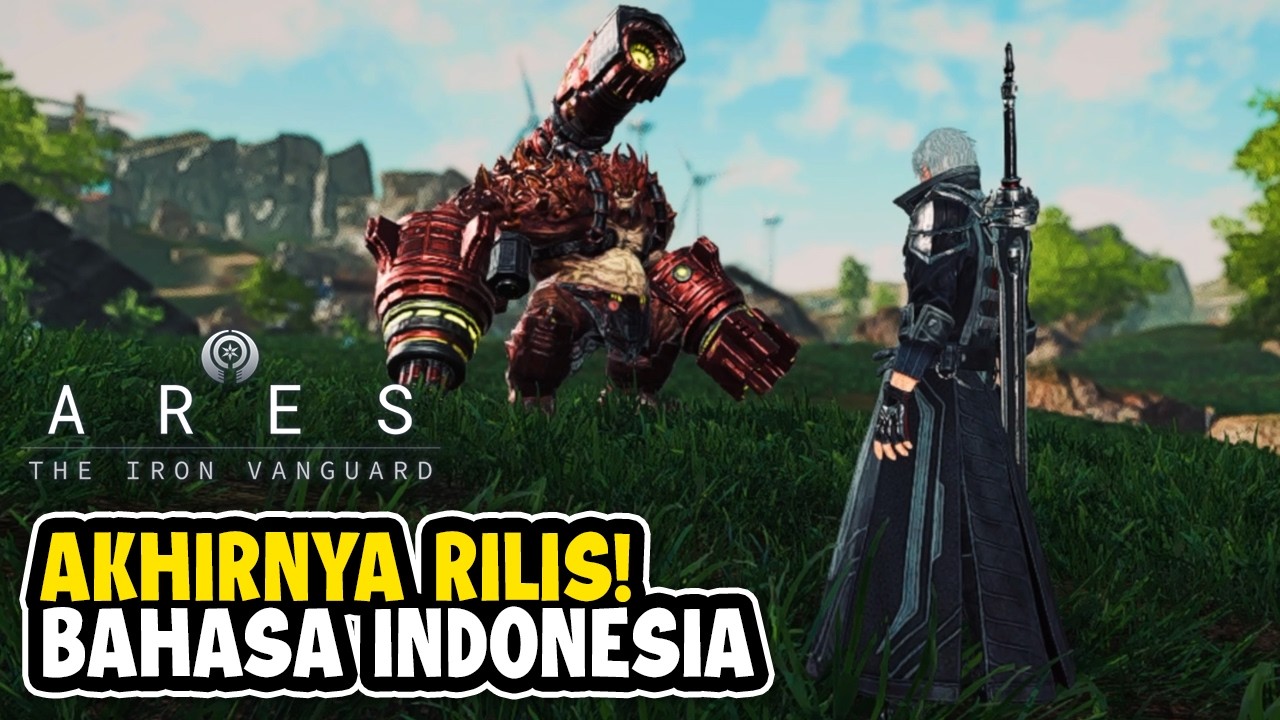
To achieve peak efficiency in ARES: THE IRON VANGUARD, you must prioritize account synchronization across your PC and mobile devices. By linking your game account to a verified service provider immediately upon your first login, you ensure that your character data, suit upgrades, and progression milestones remain consistent across all platforms. This prevents data fragmentation and allows you to leverage the precision of PC controls for difficult encounters while maintaining the flexibility of mobile play for daily resource management.
Managing Account Synchronization and Security
The core of the ARES: THE IRON VANGUARD experience is the seamless transition between hardware environments. Players often make the mistake of using "Guest" accounts, which are locked to a single device and cannot be migrated.
To set up your account for success:
- Link Early: Use an official, verified email or social account provider during the initial setup screen. This acts as your "source of truth."
- Prevent Data Loss: If you upgrade your phone or move to a more powerful PC, your account credentials are your only key to retrieving your progress.
- Platform Synergy: Use your mobile device for low-intensity tasks like resource collection, guild check-ins, or managing inventory. Reserve the PC client for high-difficulty boss raids and complex PvP, where the increased screen real estate and keyboard-and-mouse precision offer a distinct competitive advantage.
Navigating Soft Launch Regional Realities
ARES: THE IRON VANGUARD soft launches often include regional server locking. If you are playing outside of a soft launch territory, you may experience increased latency or restricted access to specific regional events.
- Server Selection: Always connect to the server closest to your physical location to minimize input lag. Latency is the enemy in a high-speed action RPG; delayed suit-switching can lead to missed dodge windows and preventable deaths.
- Update Discipline: Ensure your client is downloaded from the official store (PlayStore/AppStore) associated with the soft launch region. Using third-party APKs or unofficial mirrors can lead to compatibility errors or account flags when the global update patches are deployed.
Optimizing Suit Development: The "Focus-Fire" Strategy
In ARES: THE IRON VANGUARD, spreading your upgrade materials across all available suits is a common trap for new players. Because the game rewards specialization, you should funnel your early-game resources into one primary battle suit.
The Specialist Approach
- Choose Your Archetype: Whether you favor the tactical versatility of the Warlock, the heavy-hitting durability of the Warlord, the high-mobility precision of the Hunter, or the technical support of the Engineer, pick one and commit to its core components.
- Weapon Modules: Prioritize upgrading weapon attack modifiers first. In PvE content, hitting specific "Damage Per Second" (DPS) gates is the only way to progress through the story without hitting a wall.
- Gear Synergy: Do not mix and match individual high-level pieces if it breaks your set bonuses. A cohesive set provides passive buffs that are often more valuable than the raw stats of a single, higher-rarity item.
Leveraging the PC Client for Combat Mastery
The PC version of ARES: THE IRON VANGUARD is not just a visual upgrade; it is a tactical tool. The combat system relies heavily on "Suit Switching"—the ability to swap between three different suits on the fly to chain skills and manage cooldowns.
- Keyboard Bindings: On mobile, you are limited by screen space and touch response. On PC, you can map suit-switching and skill activations to specific keys, allowing for near-instant transitions that are physically impossible to replicate on a touch screen.
- Field Awareness: The wider Field of View (FOV) on PC allows you to track enemy telegraphs more effectively. During multi-stage boss encounters, being able to see a flank attack from an enemy off-screen can be the difference between clearing the mission and failing.
- Mechanical Precision: If you find yourself consistently missing skill shots or failing to dodge area-of-effect (AoE) attacks on your phone, treat the PC client as your "training ground" for mastering the combat meta.
Resource Management and Economic Discipline
Currency management is vital during the early stages of the game. ARES: THE IRON VANGUARD features a complex economy, and squandering resources early will stifle your growth later.
- Avoid Cosmetic Temptations: While the suits are highly customizable, spending premium currency on aesthetics in the first week is a major setback. Every unit of premium currency should be funneled into suit refinement and premium gear pulls.
- Daily Routine Missions: The game’s economy is balanced around daily activities. Skipping these is the fastest way to fall behind. Prioritize missions that offer upgrade materials (cores, chips, and currency) over pure XP grinds.
- Long-Term Planning: As you approach the end of the soft launch period, costs for upgrading suits will scale significantly. By hoarding your resources and focusing on a single, high-performance suit, you ensure that you are ready for the competitive modes that follow the global launch.
Final Expert Insights
The transition from mobile to PC in ARES: THE IRON VANGUARD is designed to be frictionless, provided you have bound your account correctly. Use the current soft launch period to experiment with the different classes. The Engineer provides excellent utility for team-based play, while the Warlock excels at burst damage from a distance. By the time the game fully releases, your goal should be a high-level, optimized suit and a deep understanding of the game's movement tech. If you can master the hoverboard mechanics for battlefield traversal and the suit-swap timing for combat, you will be well-positioned to remain at the top of the leaderboards long after the official launch.

Free ARES: THE IRON VANGUARD Codes
Current active codes and how to redeem them.

James Brown
James focuses on Android gaming on PC, emulator setup, controls, performance tuning, and practical troubleshooting for longer play sessions.
COMMUNITY
Player Comments
121 players commented on this guide.
Nice guide. I am checking the other ARES: THE IRON VANGUARD articles next.
The tips are practical and easy to follow.
This saved me time in the early game.
Good guide for ARES: THE IRON VANGUARD players. The early game part was useful.