
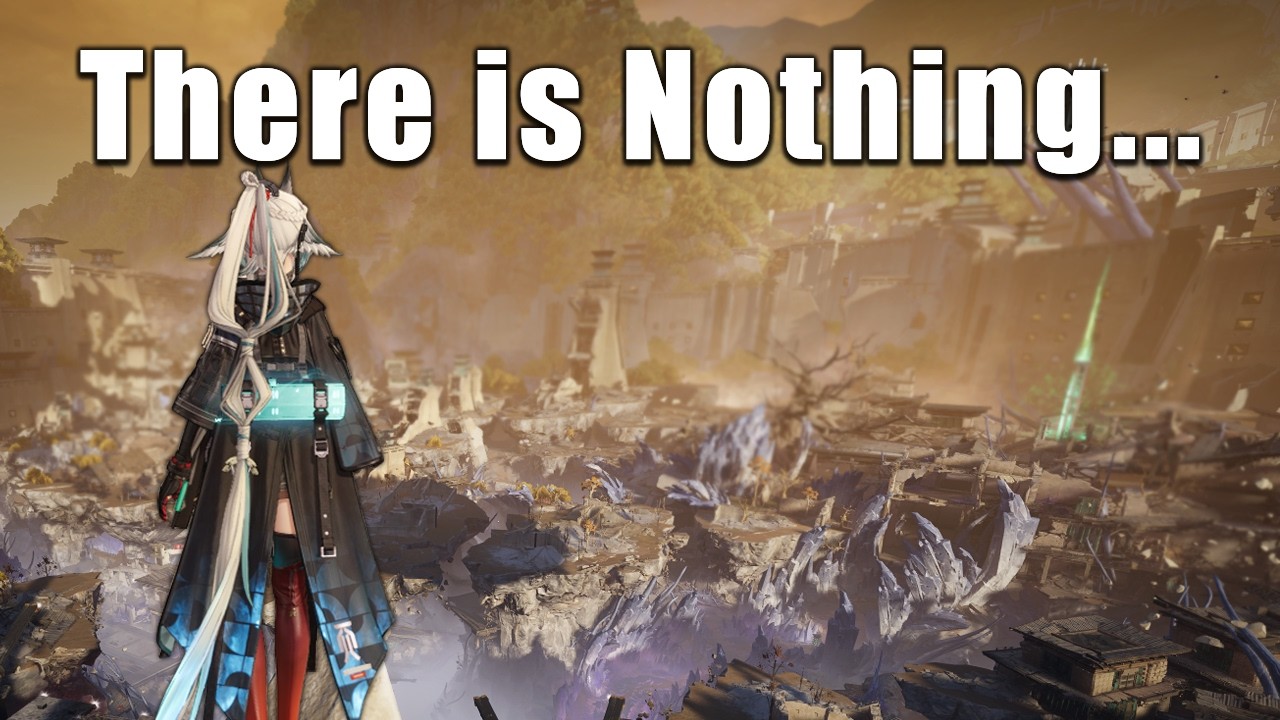
Arknights: Endfield brings the intricate world of Talos-II to life with stunning environments and complex factory-management mechanics. However, as with many expansive, early-build titles, players may encounter technical hurdles such as frame pacing inconsistencies and micro-stuttering during intense exploration or combat. This guide provides the expert strategies necessary to stabilize your experience, ensuring that your journey across humanity’s frontier remains fluid and responsive regardless of your current hardware configuration.
Understanding the Root of Technical Instability
The primary performance bottleneck in Arknights: Endfield stems from how the game engine handles asset streaming. As you traverse the vast, interconnected zones of Talos-II, the game must load high-fidelity textures and environmental data in real-time. This "on-the-fly" rendering is the leading cause of the frame pacing issues reported by the community.
These micro-stutters are rarely a result of insufficient raw GPU power. Instead, they are often caused by the CPU or storage drive failing to feed the engine assets at the necessary speed during rapid movement. To mitigate this, consider installing the game on a high-speed NVMe SSD rather than a traditional HDD. This simple hardware adjustment can drastically reduce the duration of loading hitches when entering new exploration sectors.
Tactical Graphical Settings for Smooth Gameplay
To achieve a consistent frame rate, you must find the balance between visual fidelity and engine stability. While the temptation to max out every graphical preset is understandable given the game's aesthetic, doing so often exacerbates the engine's current overhead issues.
Recommended Optimization Steps:
- Cap Your Frame Rate: If your monitor is 144Hz but your system struggles to maintain a stable 144 FPS, lock the game at 60 FPS. A consistent 60 FPS feels significantly better than a fluctuating 80–120 FPS range.
- Lower Shadow and Lighting Quality: These settings are the most taxing on the GPU during combat. Reducing them to "Medium" or "High" (rather than "Ultra") often yields the highest performance gains with minimal impact on visual quality.
- Manage Post-Processing: Motion blur and depth-of-field effects can mask frame pacing issues, but they can also make a stuttering game feel "muddier." Experiment with disabling these if you feel your input latency is too high during combat.
- Adjust Particle Density: During high-intensity boss encounters, particle effects can cause the engine to hitch. Reducing this setting ensures that your ability rotations remain visible and responsive.
Managing System Resources for Peak Performance
Arknights: Endfield is a resource-intensive title. Because the game relies heavily on real-time rendering and complex background calculations for its factory management systems, extraneous processes will degrade your experience.
Before launching the client, ensure that you have cleared unnecessary background applications—particularly browsers with hardware acceleration enabled, screen recording software, or cloud synchronization services. Additionally, check your GPU driver status. NVIDIA and AMD frequently release "Game Ready" or "Adrenalin" driver updates tailored to specific engine architectures. Always perform a "Clean Install" of these drivers to prevent software-side conflicts that could manifest as performance dips.
Navigating Open-World Traversal and Combat
The transition between exploration and combat is where many players notice the most jarring performance drops. To maintain control during these transitions, adopt a "pacing-aware" playstyle:
- Avoid Erratic Movement: Rushing into new, unrendered areas of the map forces the engine to load massive amounts of data simultaneously, causing a spike in stuttering. Slow down slightly when approaching new structures to give the engine time to "catch up."
- Combat Readiness: In combat, focus on positioning that minimizes the need for rapid camera rotation. Fast camera turns increase the number of assets the game must render, which can lead to frame drops exactly when you need to dodge or activate a skill.
- UI Management: If you experience "hitching" while the UI is active, check if your system is struggling with the high-resolution overlay elements. Reducing transparency effects can sometimes alleviate the strain on the rendering pipeline during busy encounters.
Making Strategic Decisions Based on Technical State
While you wait for official optimization patches from the developers, your approach to the game should be strategic. If you find the open-world traversal too taxing on your system, shift your focus toward the factory management and story-driven instances. These modes are often contained within more predictable environments, offering a much more stable frame rate.
Treat your settings as a "living document." As the developers release patches, re-test your hardware. A setting that caused stuttering in a previous build might be fully optimized in the next. By keeping a log of your "stable" settings, you can quickly revert to them if an update introduces new performance variables.
Future-Proofing Your Experience
It is critical to remember that Arknights: Endfield is in a state of constant evolution. Technical optimization is typically one of the final phases of development. The current "shocking" performance reports are a vital part of the feedback loop, helping developers identify exactly which hardware configurations are struggling with specific engine calls.
Stay active in official community channels and monitor patch notes specifically for "Engine Optimization" or "Asset Streaming" improvements. When these updates arrive, focus your testing on the areas that previously caused you the most trouble. By providing constructive data—such as hardware specs and specific locations where stuttering occurs—you contribute to a more stable final release for the entire Arknights: Endfield community. Until then, prioritize consistency over visual maximums to keep your operators performing at their best.

Free Arknights: Endfield Codes
Current active codes and how to redeem them.

Michael Smith
Michael covers live-service games, events, reward systems, and efficient daily routines, turning frequent updates into clear actions for players.
COMMUNITY
Player Comments
146 players commented on this guide.
I tried this today and it worked better than my old setup.
This helped me understand strategy much better.
Can you add more details about strategy in a future update?
Good guide for Arknights: Endfield players. The strategy part was useful.