
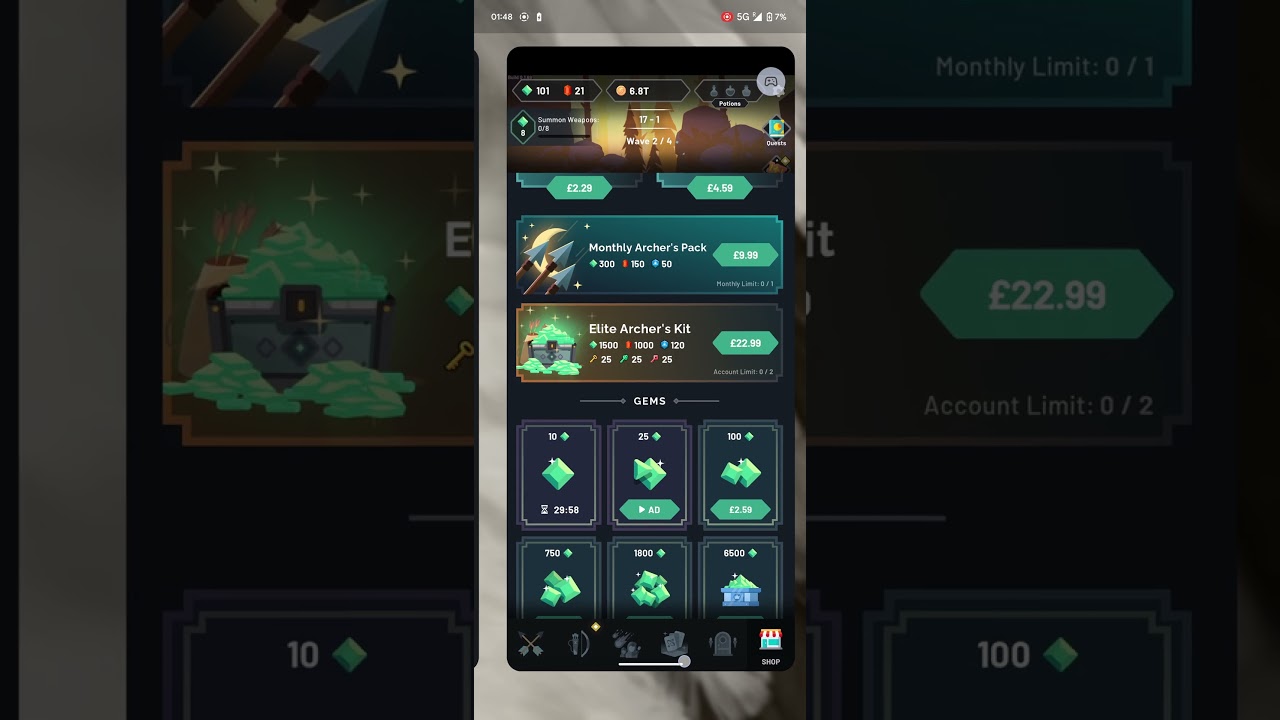
To collect offline upgrade resources immediately in Arrow Quest: Idle defense RPG, force-close the game, disable network time synchronization in your device settings, and advance your system clock forward by 24 to 48 hours. Because the game calculates offline accumulation by checking local device timestamps rather than a continuous server heartbeat, relaunching after a date change triggers the offline earnings payout instantly.
Always spend all newly claimed gold and currencies on permanent character enhancements before reverting your device clock to normal time.
How to Execute the Date Skip
Follow this sequence to ensure the offline reward screen triggers without dropping currency data:
- Force-close the app: Return to the main screen, confirm your current progress is saved, and terminate Arrow Quest: Idle defense RPG completely from your phone's app switcher. Changing device time while the game runs in the foreground can cause dropped rewards or unsaved currency gains.
- Turn off automatic time: Open your mobile device settings, select the date and time menu, and switch off "Set Automatically" or "Use Network-Provided Time."
- Move the calendar forward: Advance the date by 24 to 48 hours. This duration reaches the offline reward collection threshold without pushing client timers unnecessarily far into the future.
- Claim your offline loot: Launch Arrow Quest: Idle defense RPG. The offline accumulation pop-up will appear, allowing you to collect the generated gold and items.
- Spend all resources immediately: Invest the acquired gold into hero upgrades right away before performing another skip or resetting your system clock.
Upgrade Priorities for Skipped Currencies
Offline reward payouts scale with your highest cleared stage and clear speed. Reinvesting gold directly into offensive power creates an efficient loop for subsequent skips.
| Upgrade Focus | Priority | Primary Benefit |
|---|---|---|
| Base Attack | High | Multiplies wave clear speed to raise future offline payout caps |
| Critical Rate & Damage | High | Provides burst damage needed to pass stalling boss encounters |
| Offline Income Rates | High | Directly increases the volume of resources gained per skip |
| Health and Armor | Moderate | Absorbs chip damage when survival halts stage progression |
Focusing primarily on defense slows down wave clears and reduces the resource yield of future time skips.
Risks and Timer Side Effects
Manipulating device time can cause technical conflicts with scheduled game modes:
- Locked cooldowns: Features tied to real-world intervals—including daily login calendars, dungeon entry tickets, and ad-based bonuses—may adopt the advanced date as their new baseline. Returning to real time can leave these countdowns frozen until real-world time reaches that future date.
- Server desynchronization: Cloud saves and leaderboard rankings track timestamp changes. Irregular timestamps create conflicts between local and remote files, risking stage rollbacks.
- Minimizing disruption: Skip by increments of hours or 1 to 2 days at a time. Large jumps into future months increase the likelihood of corrupted local timers.
How to Reset Device Time Safely
To restore network time without losing your progress, convert all volatile currencies into permanent character stats first:
- Spend all gold and materials on base attributes and talents, which lock permanently into your profile data.
- Advance to the next wave checkpoint to register your updated stats.
- Completely force-close Arrow Quest: Idle defense RPG.
- Return to your device settings and toggle "Set Automatically" back on.
- Relaunch the game. Your purchased attributes and stage placement will remain intact, though ad cooldowns or daily timers may display extended waits.

Free Arrow Quest: Idle defense RPG Codes
Current active codes and how to redeem them.

James Brown
James focuses on Android gaming on PC, emulator setup, controls, performance tuning, and practical troubleshooting for longer play sessions.
COMMUNITY
Player Comments
123 players commented on this guide.
The explanation is clear, especially for beginners.
Good guide for Arrow Quest: Idle defense RPG players. The strategy part was useful.
The tips are practical and easy to follow.
Can you add more details about strategy in a future update?