
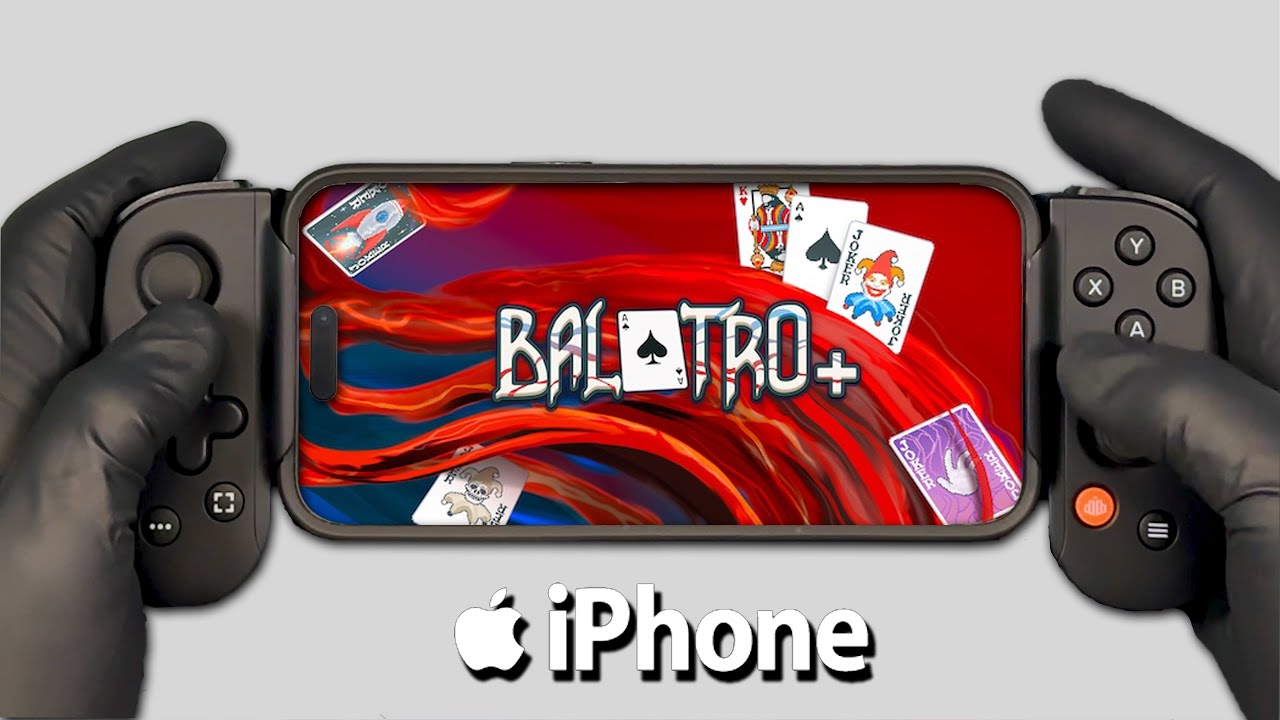
Mastering Balatro+ on mobile requires more than just knowing your poker hands; it requires adapting your cognitive workflow to the fluidity of a touch-based interface. While the core roguelike mechanics remain identical to the desktop version, the transition to a handheld device allows for a more tactile, rapid-fire playstyle if you know how to leverage the UI. By mastering tap-and-drag gestures, strategic screen real estate management, and disciplined shop interactions, you can turn your iPhone into a high-scoring machine capable of clearing even the most difficult Ante levels.
Navigating the Mobile Interface and Touch Controls
The primary hurdle for new Balatro+ mobile players is shifting from mouse-driven precision to thumb-based reliability. On a touch screen, your fingers are both your cursor and your blocker. To maintain efficiency, prioritize "thumb-mapping" your play area.
- The Tap-Drag Workflow: Instead of tapping each card individually, practice fluidly dragging your thumb across your hand to select multiple cards. This is significantly faster than single-tapping and reduces the risk of accidental deselection.
- Hitbox Awareness: The developers have optimized Balatro+ for mobile, meaning the hitboxes for cards are generous. Trust the game’s responsiveness; don’t overcompensate with heavy pressure. A light, deliberate tap is more accurate and less fatiguing during long sessions.
- Visual Feedback: When you drag a card, it elevates slightly. Always wait for this visual cue before finalizing your hand. This simple habit prevents "ghost taps" where the game fails to register a selection, saving you from playing the wrong hand during high-stakes Boss Blinds.
Optimizing Shop Interactions for Economy
The shop is where runs are won or lost. On mobile, the shop UI is condensed, requiring a systematic approach to avoid wasting gold on unnecessary rerolls or misclicking purchases.
- Inspection First: Before clicking any item, use the "tap-and-hold" feature. This is the single most important mechanic for mobile players. It reveals the full tooltip of a Joker or Tarot card without committing to a purchase.
- Scrolling Hygiene: Use the dedicated arrows to scan inventory. Avoid "flick-scrolling" through the shop, as it is easy to accidentally skip over a crucial Joker (like a Blueprint or Brainstorm) that could define your run.
- Economy Management: Your gold balance is displayed at the top. Because your fingers are likely resting near the bottom of the screen, make it a point to check your interest levels before you touch the shop reroll button. Developing a mental "budget check" before every reroll ensures you don't dip below the $25 interest cap.
Streamlining Hand Management During Rounds
Success in Balatro+ is defined by how quickly you can evaluate your options. Mobile play allows for a "select-then-act" workflow that, when optimized, is faster than clicking on a PC.
When a round begins, your hand is displayed horizontally. Do not rush to play. Instead, use your non-dominant hand to hold the device and your dominant thumb to perform "scanning sweeps." By scanning your hand from left to right, you can quickly identify flushes, straights, or high-card pairs. If you need to discard, deselecting cards is as easy as a quick tap. If you find yourself frequently misclicking, try playing with your device resting on a surface; this stabilizes your hand and significantly improves accuracy during late-game stress.
Advanced Visual Management: Pinch-to-Zoom
One of the most overlooked features in Balatro+ mobile is the pinch-to-zoom capability. Players often forget that they are not tethered to a fixed-camera perspective.
Use pinch-to-zoom when you have a full Joker board. When you have five Jokers active, the screen can become cluttered. Zooming in allows you to see exactly which Joker is triggering its effect first—a crucial detail when you are stacking multipliers like The Idol or Triboulet. Understanding the order of operations (left to right) is vital, and the zoom feature ensures you aren't guessing which card is currently being calculated into your final score.
Common Mobile Mistakes to Avoid
- The "Double-Tap" Trap: In the heat of a Boss Blind, players often double-tap a card, causing it to be selected and then immediately deselected. Slow down by a fraction of a second. The game is turn-based; there is no timer. Speed comes from muscle memory, not from rushing your physical inputs.
- Obscuring Information: Be mindful of your hand placement. It is common to cover the "Run Info" button or the current Ante goal with your palm or fingers. Keep your grip loose and your hands low on the device to maintain visibility of the scoreboard.
- Neglecting the "Run Info" Menu: On mobile, the "Run Info" button is your best friend. If you aren't sure if a specific card counts toward a specific Joker's requirement, open the menu. It is faster to check the rules than to lose a run because of a misunderstood interaction.
Strategic Thinking: The Mobile Advantage
Ultimately, Balatro+ on mobile rewards players who treat their device like a high-end interface rather than a casual toy. The tactile nature of the game makes it easier to "feel" your deck. When you discard, you are physically clearing space; when you play, you are physically committing to a choice.
By treating every round as a deliberate series of touch interactions, you reduce the mental load required to calculate complex scores. Once you stop fighting the interface and start utilizing the fluid zoom, responsive menus, and ergonomic layout, you will find that mobile play offers a unique, focused experience that can actually help you play more consistently than the traditional desktop version. Keep your focus on the synergies, trust your muscle memory, and let the mobile UI handle the heavy lifting of your winning streak.

Free Balatro+ Codes
Current active codes and how to redeem them.

Sarah Williams
Sarah specializes in RPG and collection games, explaining team building, character growth, and beginner-friendly ways to avoid expensive early mistakes.
COMMUNITY
Player Comments
51 players commented on this guide.
The tips are practical and easy to follow.
The explanation is clear, especially for beginners.
This helped me understand strategy much better.
Nice guide. I am checking the other Balatro+ articles next.