
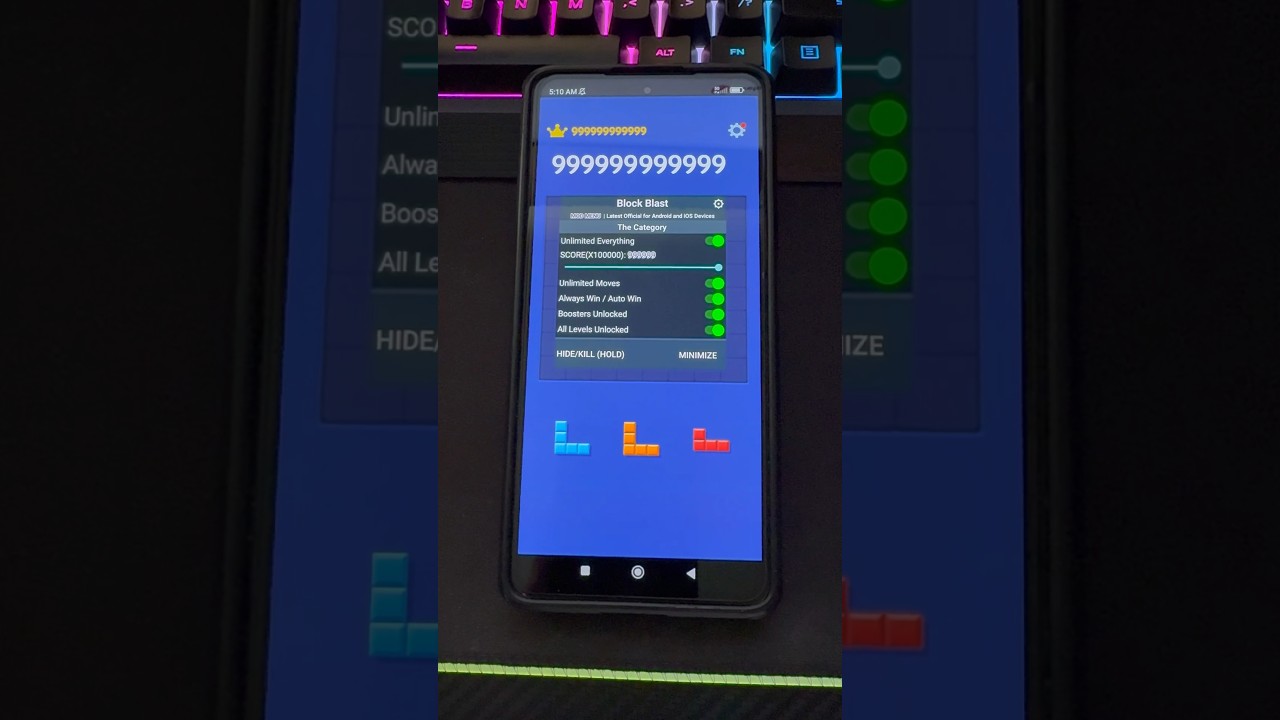
To avoid losing an active run to an unplayable piece trio in Block Blast!, force-close the application immediately before touching or dragging any tile. The game saves score and board state primarily when block placements and line clears finish resolving, rather than writing to storage on every frame. If you terminate the game process while an impossible set of pieces sits in your dock, the engine never registers a failure state. Reopening the app reloads your existing 8x8 grid layout with a newly randomized three-piece queue.
Step-by-Step Restart Glitch Execution
The glitch requires strict timing. Interacting with an impossible piece or allowing the game-over screen to render locks your session permanently.
| Phase | Player Action | Technical Result |
|---|---|---|
| 1. Assessment | Spot that large shapes (such as 3x3 blocks or 5-tile lines) have no valid spaces. | Avoids triggering placement checks and failure screens. |
| 2. Suspension | Do not touch any tile. Open your device's multitasking app switcher. | Halts local execution before the loss state writes to storage. |
| 3. Force Close | Swipe the Block Blast! card away to kill the application process completely. | Clears temporary memory containing the current piece seed. |
| 4. Relaunch | Open Block Blast! and tap the play button to resume your run. | Restores the saved grid state with three newly rolled pieces. |
Follow these steps to reset the piece tray:
- Check your three-piece dock immediately. Whenever a new batch arrives, scan your 8x8 grid for clearance before committing to a move. Pay close attention to high-footprint pieces, such as 3x3 squares, 5x1 lines, and large L-shapes.
- Keep your fingers off the screen. If none of the three shapes can legally fit onto the active grid, do not touch or drag them. Any interaction can trigger local validation checks that push your game into a terminal failure screen.
- Open the app switcher. On iOS, swipe up from the bottom edge of the display and hold briefly. On Android, press the recent apps button or perform the multitasking swipe gesture.
- Kill the process completely. Swipe the Block Blast! app preview card off the screen. Do not simply minimize the game to your home screen, as backgrounded apps keep the active session seed in volatile memory.
- Relaunch the game. Wait a few seconds, open the application, and tap the main play button to resume. The game will restore your board with three new pieces.
Why Players Use the Reroll Glitch
The primary reason to use the restart glitch is to protect an established combo multiplier during standard endless mode. In Block Blast!, consecutive line clears scale your point values exponentially. While placing a block without clearing a row simply resets your multiplier, running out of space ends the run entirely.
When bad piece seeds threaten a game over, regular play forces desperate sacrifices that clutter the center of the board and break line-clearing routes. Forcing an app reset maintains your stable board geometry. When the reload delivers manageable shapes—such as 1x1, 1x2, or simple corner blocks—you can place them directly into targeted rows to keep the streak alive.
Potential Drawbacks and Desync Risks
Relying on forced app closures introduces several mechanical and performance drawbacks:
- Rollback of recent moves: Because local saves occur intermittently after completed line animations, force-quitting can roll your game back two or three placements. If you completed a major combo right before the unplayable batch appeared, that recent point increase might not have been committed to disk.
- Hardware overhead: Repeated cold starts prolong loading times, cause occasional frame stutter upon reloading, and increase battery drain on older mobile devices.
- Update vulnerability: Periodic app updates can alter when save triggers happen. If an update causes the game to write board state the instant the dock populates, killing the app will simply reload the same impossible pieces.
Board Management to Avoid Run-Ending Spawns
Solid spatial planning reduces your dependence on app restarts and protects runs naturally:
- Preserve a 3x3 clearance: Keep at least one 3x3 quadrant open whenever possible to ensure large box tiles can always fit.
- Clear the center tiles early: Congestion across the central 4x4 area cuts off horizontal and vertical clear paths simultaneously.
- Build flat surfaces against outer walls: Stacking irregular shapes flat along the perimeter prevents isolated single-cell holes, ensuring small and medium polyominoes remain playable.
Free Block Blast! Codes
Current active codes and how to redeem them.

Michael Smith
Michael covers live-service games, events, reward systems, and efficient daily routines, turning frequent updates into clear actions for players.
COMMUNITY
Player Comments
157 players commented on this guide.
I wish I had read this before upgrading the wrong thing.
The tips are practical and easy to follow.
Can you add more details about strategy in a future update?
The explanation is clear, especially for beginners.