
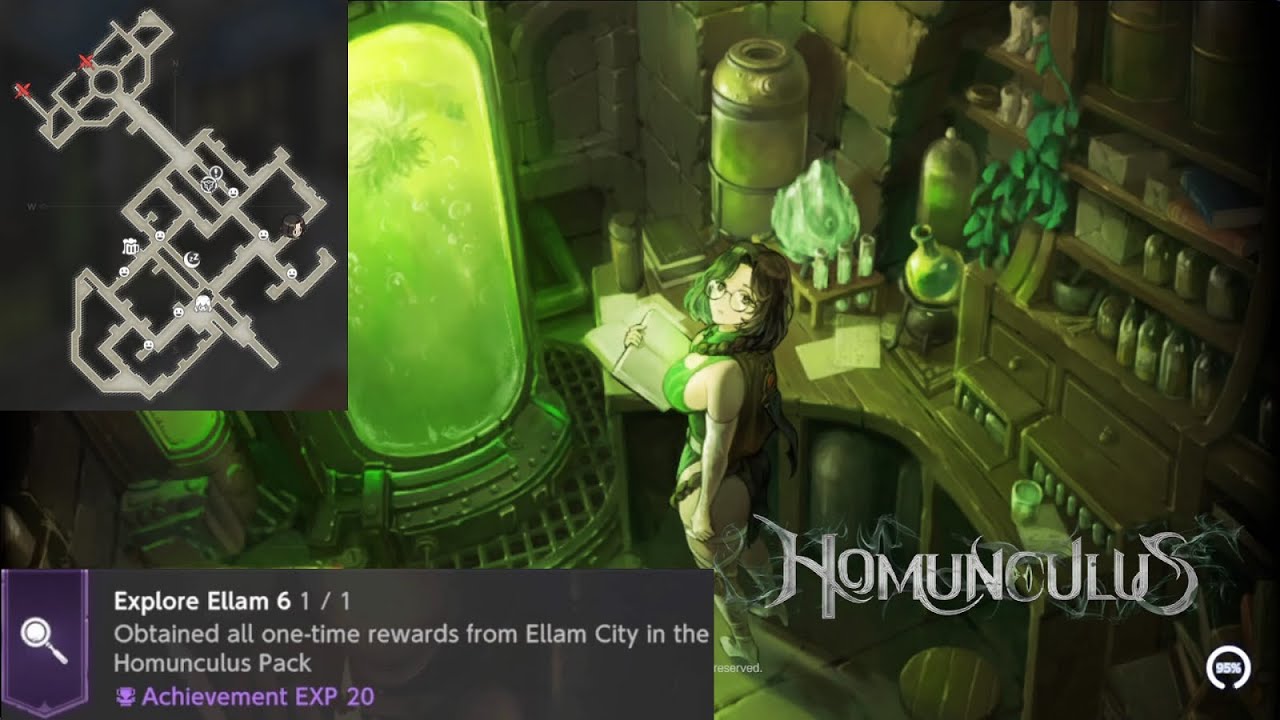
To complete the Ellam City investigation achievement in Browndust2 - Adventure RPG (Homunculus Pack), visit four specific buildings across the map and trigger the hidden "Search" interaction prompt in each one. You must search all four required locations—the Ellam Pub, Ellam Inn, Ellam Shop, and Official Residence—to unlock the achievement notification.
Ellam City Search Locations
| Building | Specific Search Interaction Spot |
|---|---|
| Ellam Pub | Main bar area behind or directly adjacent to the tavern keeper's counter. |
| Ellam Inn | Reception desk near the building entrance. |
| Ellam Shop | Surface of the service counter or the shelving unit behind the merchant. |
| Official Residence | Main lobby area, near central desks or side document tables. |
How to Find Each Investigation Spot
1. Ellam Pub
Enter the pub and approach the main service counter where the tavern keeper is stationed. Move close to the counter or bar area to reveal the interaction prompt. The search prompt prioritizes environmental interaction over standard NPC conversation.
2. Ellam Inn
Walk into the reception area of the Inn. Position your character directly in front of or behind the service desk counter to bring up the search prompt. Clear this spot before leaving the building district.
3. Ellam Shop
Head behind the service counter in the shop. The search target is an environmental item on the counter surface or the rear shelving unit. You do not need to buy any inventory items from the shop keeper to clear this investigation step.
4. Official Residence
Travel through the central plaza to reach the administrative area. Enter the main hall of the Official Residence and check the desks and side tables located in the primary lobby. Interacting with the desk search prompt completes the four-location requirement.
Troubleshooting Interaction Prompts
If a search prompt does not appear when standing near a target spot:
- Adjust Character Positioning: Shift your character one tile left or right along the counter or desk to fix orientation alignment.
- Reset Building Hitboxes: Exit and re-enter the building if an NPC or wall obscures the line of sight and prevents the prompt hitbox from triggering.
- Verify All Four Sites: If the achievement notification does not register after searching the Official Residence, return to the Pub, Inn, and Shop to ensure no location was skipped.

Free Browndust2 - Adventure RPG Codes
Current active codes and how to redeem them.

James Brown
James focuses on Android gaming on PC, emulator setup, controls, performance tuning, and practical troubleshooting for longer play sessions.
COMMUNITY
Player Comments
60 players commented on this guide.
Can you add more details about strategy in a future update?
I tried this today and it worked better than my old setup.
The tips are practical and easy to follow.
I wish I had read this before upgrading the wrong thing.