
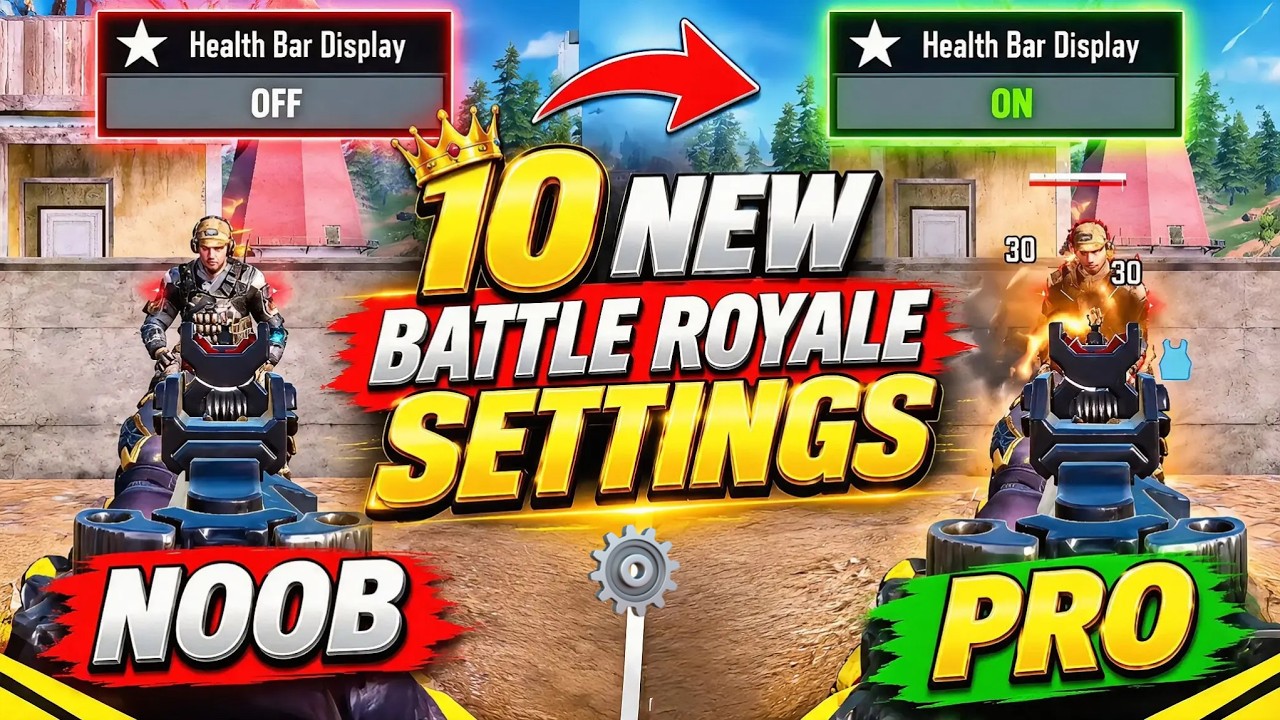
To optimize your performance in Call of Duty®: Mobile Battle Royale, adjust your camera, movement, looting, and display settings to reduce interface friction and increase target clarity. The most critical immediate changes are setting Always Sprint sensitivity to at least 85, turning on Sync ADS FOV to Optics, locking your virtual joystick, and defining strict inventory auto-loot caps.
Camera and Field of View Settings
Fine-tuning your perspective prevents visual disorientation during gunfights across maps like Isolated, Blackout, and Krai.
- Third-Person Perspective (TPP) FOV: Set your TPP FOV slider between 75 and 85. Expanding toward 80–90 widens peripheral vision to reveal flanking players, approaching vehicles, and glider drops earlier. However, exceeding 85 shrinks distant enemy silhouettes, which makes long-range spotting with iron sights more difficult.
- Sync ADS FOV to Optics: Turn this setting ON. When active, aiming down sights with iron sights, reflex sights, or holographic optics maintains your base field of view instead of snapping inward. This consistency minimizes visual recoil disorientation and makes micro-adjustments smoother. Scopes with 4x magnification or higher automatically bypass this setting to preserve target zoom.
Movement and Joystick Controls
Responsive movement mechanics prevent dead-zone delays and keep your slide-canceling sequences consistent.
- Always Sprint Sensitivity: Raise this slider to a value between 85 and 100. At lower default values, you must push the joystick further forward before sprinting triggers. A higher value instantly activates full sprint velocity on touch, removing delay when slide-canceling into cover.
- Fixed Virtual Joystick: Lock the joystick position on your heads-up display (HUD). A dynamic, floating joystick shifts depending on where your thumb first lands, which can cause accidental walking inputs or interrupted sprint-slides. A fixed, enlarged anchor ensures reliable directional inputs during evasive movement.
Auto-Loot and Inventory Caps
Unchecked auto-looting clutters your backpack with excess ammunition and unwanted attachments. Configure your loot settings with hard limits to keep inventory space open for medical supplies and kinetic armor.
| Item Category | Recommended Limit | Practical Purpose |
|---|---|---|
| Heavy & Light Ammo | 350–400 rounds each | Sustains multi-squad gunfights without consuming extra inventory slots |
| Sniper & Marksman Ammo | 50 rounds | Provides adequate reserves for ranged picks without wasting space |
| Shotgun Ammo | 40 rounds | Covers close-quarters combat needs efficiently |
| Standard Armor Plates | 10–15 plates | Secures quick repairs while leaving room for Kinetic Overchargers |
| Mid-Tier Scopes (Red Dot/Tactical) | Disabled | Prevents ground optics from overwriting custom blueprint iron sights |
Combat Display and Audio Visualization
Visual cues and clean sound channels provide vital intelligence on enemy health and positioning.
- Damage Numbers: Turn this setting ON in the Battle Royale basic settings menu. It displays floating numerical damage per shot. Blue numbers indicate damage to kinetic armor, while white numbers indicate direct health reduction. This distinction reveals when an opponent's armor breaks so your squad knows whether to push or hold.
- Sound Visualizer: Enable on-screen sound visualization to project directional markers for footsteps, gunfire, and vehicle engines onto your mini-map and HUD compass. This tracks flanking vectors even when multi-team audio overlaps.
- Volume Levels: Lower ambient music and UI volume to 0 while keeping Sound Effects (SFX) at 100 to maximize footstep clarity.
Vehicle and Class Activation Options
Quick vehicle handling and responsive class skill deployment prevent execution errors under fire.
- Vehicle Layout: Select Layout B (separate directional buttons for forward, reverse, left, and right). This layout provides more precise steering than virtual steering wheels when navigating rocky terrain in light vehicles, the Antelope A20, or muscle cars.
- Auto-Obstacle Avoidance: Turn this setting OFF so the game does not alter your driving trajectory when steering through tight gates, fences, or rock gaps.
- Class Skill Activation: Set emergency escape classes (such as Rewind, Ninja, and Poltergeist) to single-tap instant deployment to cut reaction time. For deployable or area-denial classes (such as Defender or Trap Master), keep manual aim confirmation enabled to avoid misplacing defenses in narrow bottlenecks.

Free Call of Duty®: Mobile Codes
Current active codes and how to redeem them.

James Brown
James focuses on Android gaming on PC, emulator setup, controls, performance tuning, and practical troubleshooting for longer play sessions.
COMMUNITY
Player Comments
110 players commented on this guide.
I tried this today and it worked better than my old setup.
This guide answered the exact question I had.
I wish I had read this before upgrading the wrong thing.
The tips are practical and easy to follow.