
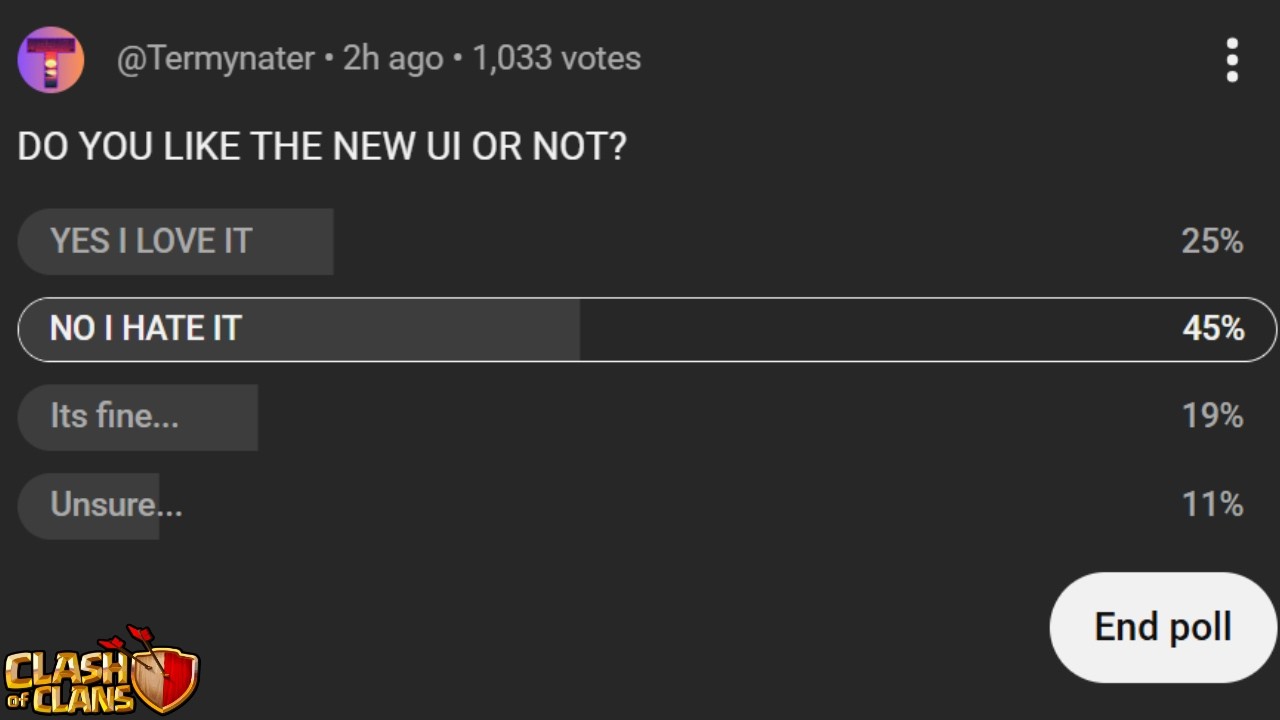
To navigate the redesigned Builder Menu in Clash of Clans effectively, monitor your nearest completion time using the top timer bar, check construction status directly on the village map, and select upgrades manually instead of relying on the automated recommendation feed.
What Changed in the Builder Menu Update
The interface redesign replaces the legacy, compact dropdown list with an expanded, card-based interface. Previously, tapping the top builder icon opened a single scrollable summary showing all active worker timers alongside a direct upgrade list. The updated interface divides active builder tracking and upgrade recommendations into separate cards and tabs, requiring extra inputs to view full village progression data.
| Feature | Legacy Builder Dropdown | Redesigned Builder Menu |
|---|---|---|
| Layout Structure | Compact vertical list | Multi-tab card interface |
| Timer Display | Unified glance for all builders | Segmented active worker slots |
| Upgrade Suggestions | Immediate 1-tap direct list | Nested recommendation prompts |
| Navigation Speed | Single tap to review all tasks | Multiple taps across sub-panels |
Tracking Active Builder Timers Efficiently
Because the redesigned menu spreads ongoing projects across larger visual elements, seeing which upgrade finishes next requires checking individual builder slots or switching tabs. To monitor timers without getting slowed down by the interface:
- Use the top timer bar: Check the persistent indicator at the top of the menu to identify the upgrade closest to completion without opening deeper sub-menus.
- Inspect the village grid directly: Look for construction scaffolding, Zzz sleep bubbles over builder huts, or active building animations to determine worker availability instantly.
- Check timers on the structures: Tap an upgrading building directly on your base to check remaining time rather than navigating through card menus.
- Synchronize with shields: Compare your shortest remaining builder timer with your active shield or guard duration to avoid having builders sit idle while your village is vulnerable to attacks.
Filtering Suggested Upgrades
The automated upgrade algorithm in the redesigned menu prioritizes buildings based on system weightings—often promoting Town Hall requirements, traps, or non-essential defenses—rather than tactical value. Tapping the first available prompt risks locking significant Gold or Elixir into low-impact upgrades.
| Priority Tier | Building Focus | Interface Behavior |
|---|---|---|
| Offensive Priority | Laboratory, Army Camps, Clan Castle, Heroes | Often nested behind defensive prompts |
| Core Defenses | Key Town Hall defensive weapons | Frequently prioritized over offensive structures |
| Low Priority | Traps, Resource Collectors, minor storage levels | Commonly placed at the top of quick-upgrade feeds |
| Progression Blocker | Town Hall upgrade | Pushed aggressively once minimum criteria are met |
To prevent misallocated resources, close the suggested upgrade card and tap your intended offensive target directly on the base map before assigning an available worker.
Safe Resource and War Management Steps
The new card presentation emphasizes raw upgrade costs on large buttons, making it easy to commit loot before reserving resources for scheduled Laboratory research or Hero levels.
Follow this sequence before committing your builders:
- Fund the Laboratory: Start active troop, spell, or siege machine research first to keep your primary progression bottleneck running.
- Check Clan War timing: Open the Clan War map. If war battle day begins within 24 hours, do not start an upgrade on an attacking Hero (such as the Archer Queen or Grand Warden). Redirect that builder to a defensive structure or resource collector instead.
- Reserve Hero Dark Elixir: Ensure you retain enough Dark Elixir for planned Hero upgrades before spending it on secondary tasks.
- Allocate Gold or Elixir to your primary target: Manually tap your designated offensive or defensive building on the base map and confirm the upgrade.
- Dump surplus into Walls: Spend any remaining unreserved Gold or Elixir on Wall segments before assigning your final available builder to ensure excess loot cannot be plundered in raids.

Free Clash of Clans Codes
Current active codes and how to redeem them.

Sarah Williams
Sarah specializes in RPG and collection games, explaining team building, character growth, and beginner-friendly ways to avoid expensive early mistakes.
COMMUNITY
Player Comments
69 players commented on this guide.
Good guide for Clash of Clans players. The base building part was useful.
Nice guide. I am checking the other Clash of Clans articles next.
Can you add more details about base building in a future update?
This helped me understand base building much better.