
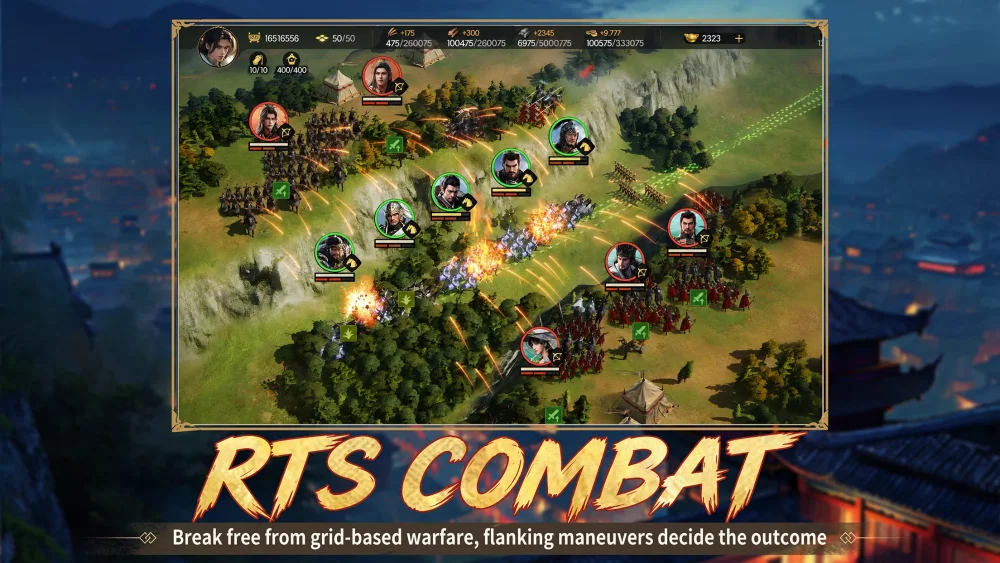
To redeem gift codes in Conquest of Nine Kingdoms, complete the initial tutorial sequence and open your player profile settings menu. Redeeming codes awards base resources, building speed-ups, and hero recruitment tokens to accelerate early faction expansion.
How to Access the Code Redemption Menu
Follow these steps to locate the redemption menu and claim your items:
- Tap your player avatar icon located in the top-left corner of the main screen.
- Select the Settings or System Settings menu, marked by a gear icon.
- Tap the Redeem Code or Gift Code button.
- Enter your promotional code into the input field exactly as shown.
- Confirm your entry to send the rewards to your account or in-game mailbox.
Resource Management and Reward Strategy
Items claimed through codes provide immediate boosts to construction queues and squad development. To maximize their value during seasonal progression, apply these strategies:
- Resource Bundles: Keep resource packs unopened until you need to meet the upgrade costs for your main command center or hero training facilities. Unused packs stored in your inventory remain safe from plunder during faction combat.
- Speed-Ups: Reserve speed-up items for active events that award leaderboard points for power increases or completed building milestones.
- Recruitment Tokens: Save hero recruitment tokens for limited-time banners that feature high-tier heroes required for your primary marching compositions.
Troubleshooting Failed Code Entries
If a code returns an error message or fails to deliver items, check for these common issues:
| Issue | Cause | Solution |
|---|---|---|
| Invalid Code Error | Case sensitivity or extra spaces | Re-enter the code matching exact uppercase and lowercase letters, removing trailing spaces. |
| Server/Region Rejection | Regional or server cluster restrictions | Verify that the code is valid for your specific server region on official community channels. |
| Unclaimed Mail | Delayed item delivery | Check your in-game mailbox, or restart the application to force an inventory refresh. |
| Outdated Game Client | Out-of-date game version | Update Conquest of Nine Kingdoms through your app store to the latest version. |
Free Conquest of Nine Kingdoms Codes
Current active codes and how to redeem them.

Sarah Williams
Sarah specializes in RPG and collection games, explaining team building, character growth, and beginner-friendly ways to avoid expensive early mistakes.
COMMUNITY
Player Comments
92 players commented on this guide.
Good guide for Conquest of Nine Kingdoms players. The resources part was useful.
The tips are practical and easy to follow.
This guide answered the exact question I had.
This helped me understand resources much better.