
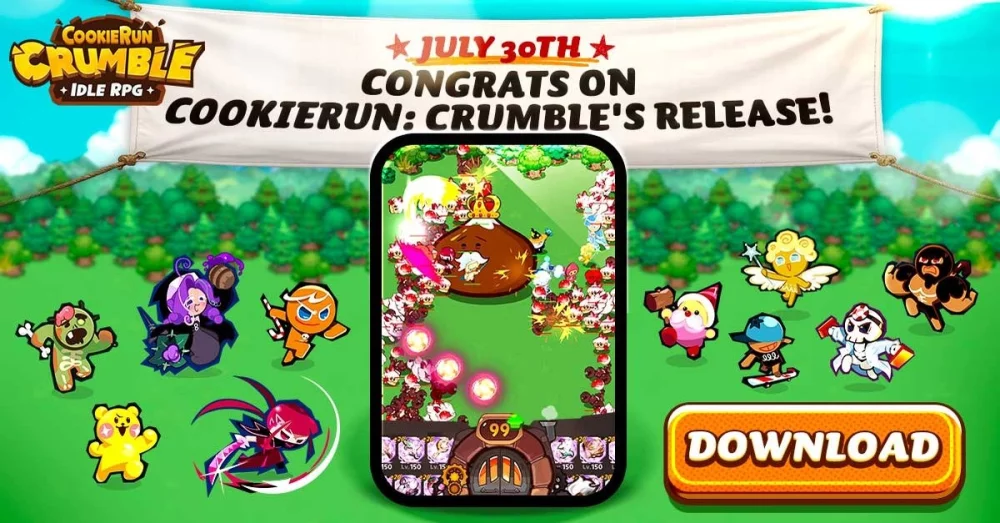
Redeeming creator codes in CookieRun: Crumble allows players to secure exclusive, time-sensitive rewards that accelerate account progression. By entering specific promotional codes linked to community creators, you can unlock additional resources that are otherwise difficult to farm during the early and mid-game phases. These codes are released periodically and often come with expiration windows, making it essential to apply them as soon as they are verified to ensure you do not miss out on potential boosts.
Locating and Entering Creator Codes
The most efficient way to access bonus rewards is by inputting valid creator codes directly into the game's redemption interface. While these codes are distributed through various community channels, they follow a standard entry format once you have them in hand.
- Access the Menu: Open the main game screen and navigate to the settings or account profile section.
- Find the Redemption Tab: Look for a button labeled "Coupon," "Code," or "Redeem" within the settings menu.
- Input the Code: Type your active code (such as the creator-specific code
cuchii2#2963) into the text field. - Confirm: Submit the code to verify its status and instantly claim the associated rewards to your mailbox or inventory.
Managing Time-Limited Rewards
Creator codes in CookieRun: Crumble are frequently time-sensitive, meaning their availability can fluctuate based on ongoing events or seasonal promotions. To maximize your efficiency, keep the following tips in mind:
| Tip Category | Strategy |
|---|---|
| Verification | Always check the most recent community posts or video descriptions for the latest active codes. |
| Timeliness | Apply codes as soon as they are shared, as many are limited by a specific number of redemptions or a hard expiration date. |
| Case Sensitivity | Ensure you enter the code exactly as it appears, including any special characters like hashtags, to avoid errors. |
| Account Limit | Be aware that each account typically can only redeem a specific code once; duplicate attempts will be rejected by the system. |
Troubleshooting Common Redemption Issues
If you encounter an error while attempting to redeem a code, it usually points to a few common issues that are easy to resolve. First, verify that your internet connection is stable, as the game must communicate with the server to validate the coupon. If the game returns an "invalid" or "expired" message, the code has likely reached its usage limit or has been officially deactivated by the developers. Always double-check for typos, specifically regarding case-sensitive letters and numeric digits.

Free CookieRun: Crumble Codes
Current active codes and how to redeem them.

Sarah Williams
Sarah specializes in RPG and collection games, explaining team building, character growth, and beginner-friendly ways to avoid expensive early mistakes.
COMMUNITY
Player Comments
88 players commented on this guide.
Can you add more details about resources in a future update?
I tried this today and it worked better than my old setup.
Nice guide. I am checking the other CookieRun: Crumble articles next.
This saved me time in the early game.