
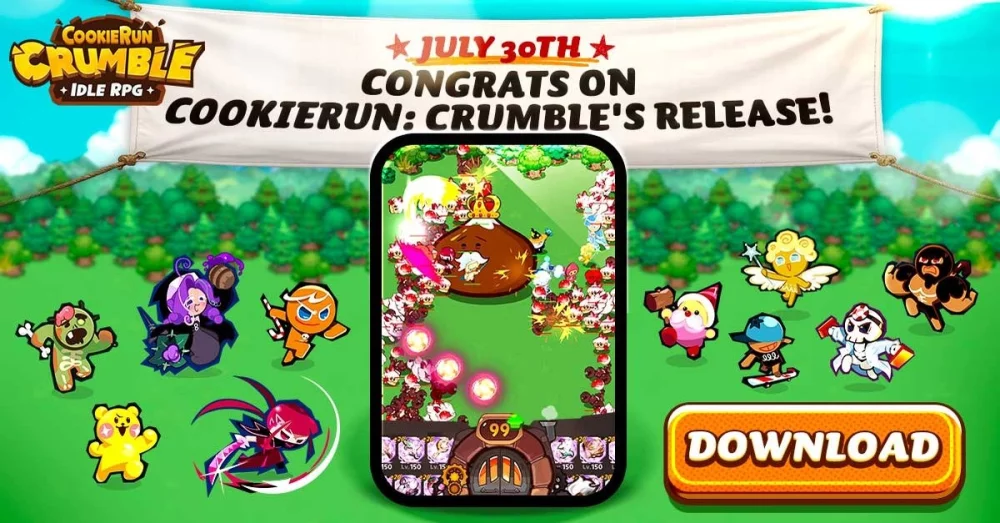
Missing out on pre-registration bonuses can put new players at a significant disadvantage during their first few days. By completing the official pre-registration process for CookieRun: Crumble, you gain access to a bundle of starting resources that accelerate your initial progression. This guide covers how to identify if you have successfully claimed these benefits and why prioritizing these sign-ups is the most effective way to kickstart your account without spending extra resources.
Why Pre-Registration Matters for Early Growth
Securing pre-registration rewards provides a foundational boost to your account that is difficult to replicate through standard progression alone. These rewards typically include a mix of premium currency, experience items, or exclusive character cosmetics that help you bypass early-game bottlenecks.
- Resource Advantage: Starting with extra currency allows for more efficient early-game summons.
- Time Efficiency: Experience items help level up your core squad faster, letting you clear stages with less manual effort.
- Account Value: Exclusive items are often time-limited and cannot be acquired once the initial launch window closes.
Steps to Verify Your Pre-Registration Status
If you are unsure whether you successfully registered, you must check the official portals immediately. Developers usually link these rewards to the email address or platform account used during the sign-up phase.
- Check Official Channels: Visit the official CookieRun: Crumble website or your platform's store page to confirm your registration status.
- Monitor Your Connected Email: Check the inbox associated with your account for confirmation receipts or redemption codes sent by the developers.
- In-Game Mailbox: Once the game is live, your rewards are typically delivered directly to your in-game mailbox. Ensure you claim them before they expire, as many promotional items have a set collection window.
Troubleshooting Common Reward Issues
If you completed the process but do not see your rewards, follow these steps to ensure you don't lose out on your bonuses:
| Issue | Resolution Step |
|---|---|
| Missing Rewards | Check your in-game mailbox filter for "System" or "Event" messages. |
| Wrong Account | Ensure you are logged into the same store account used for the initial pre-registration. |
| Expired Claims | Verify if the rewards had a hard deadline for collection in the game's news feed. |
If you still cannot locate your items, contact the support team via the in-game settings menu, providing your account ID and proof of registration if available. Do not wait until your progression stalls to address missing items, as early-game resources have the highest impact on your long-term success.

Free CookieRun: Crumble Codes
Current active codes and how to redeem them.

James Brown
James focuses on Android gaming on PC, emulator setup, controls, performance tuning, and practical troubleshooting for longer play sessions.
COMMUNITY
Player Comments
59 players commented on this guide.
The explanation is clear, especially for beginners.
This helped me understand strategy much better.
I tried this today and it worked better than my old setup.
This guide answered the exact question I had.