
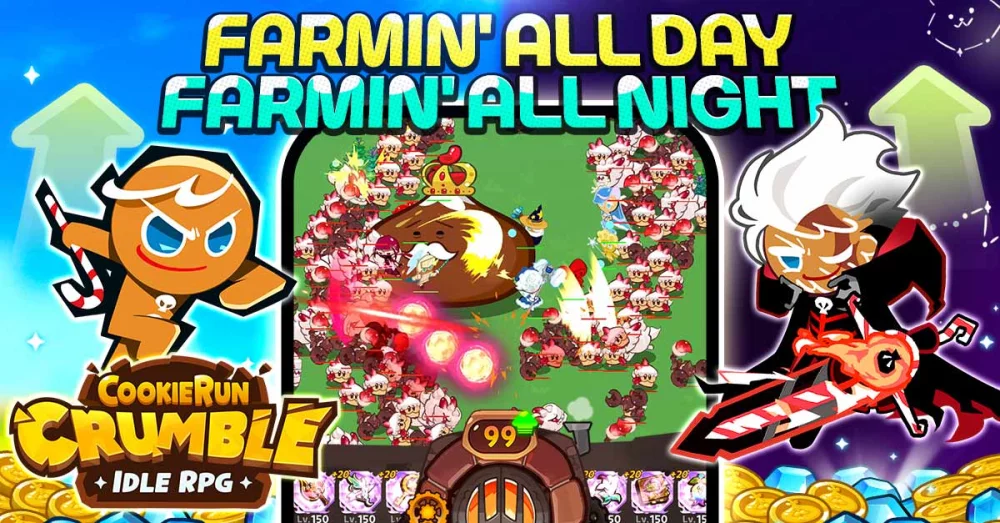
New players can significantly accelerate their progress in CookieRun: Crumble by mastering the layout of the main dashboard and the sub-menus immediately upon launch. Understanding where to locate your inventory, character management screens, and the notification center ensures you never miss a reward or a critical upgrade opportunity. This guide highlights the essential UI elements you need to prioritize to keep your team power climbing during your first few hours of the adventure.
Navigating the Main Dashboard
The primary screen in CookieRun: Crumble acts as your mission control. Familiarizing yourself with these icons is the fastest way to manage your growing collection of Cookies and resources.
- Top Bar: Displays your current currency totals, including gold and premium gems. This is your primary indicator for when you have enough resources to perform gacha pulls or upgrades.
- Notification Icon: Located typically on the right or top-right, this tab alerts you to completed achievements and unclaimed daily login bonuses.
- Character Tab: Your central hub for leveling up Cookies, equipping gear, and managing party formations.
- Menu/Settings: Usually found in the top-right corner, this allows you to toggle sound settings, language preferences, and account binding.
Understanding the Character Management Screen
Efficiently managing your squad is vital for overcoming early-game difficulty spikes. When you open the Cookie menu, focus on these specific interactive elements to ensure your team is always optimized for the current stage.
| UI Element | Function | Priority |
|---|---|---|
| Level Up Button | Consumes experience items to boost stats. | High |
| Equip Slot | Where you assign weapons or accessories. | Medium |
| Formation Tab | Adjusts the positioning of your front and back line. | High |
| Skill View | Shows the active ability and cooldown timer. | Low |
Optimizing Settings for Performance and Clarity
Before diving deep into the stages, check your settings to ensure the game runs smoothly on your device. Adjusting these early helps you avoid unnecessary distractions during combat.
- Account Binding: Always bind your account to a social platform or email immediately. This prevents the loss of your progress if you switch devices or reinstall the app.
- Notification Toggles: If you find the game alerts too intrusive, you can manage push notifications within the settings menu to keep your focus on your active play sessions.
- Display Settings: If you experience stuttering during intense combat sequences, look for settings that reduce particle effects to maintain a consistent frame rate.
Efficient Reward Tracking
The game provides various ways to earn free materials, but these are often hidden behind secondary menus. Regularly check the event boards and mission logs accessible from the main screen. By clearing red-dot notifications as they appear, you ensure that your inventory remains stocked with the upgrade materials necessary for leveling up your primary damage dealers. Always prioritize claiming daily rewards before starting your stage pushes.
Free CookieRun: Crumble Codes
Current active codes and how to redeem them.

Emily Johnson
Emily writes practical mobile strategy guides with a focus on resource planning, base progression, and the early decisions that shape a long-term account.
COMMUNITY
Player Comments
100 players commented on this guide.
This helped me understand resources much better.
Can you add more details about resources in a future update?
This guide answered the exact question I had.
I tried this today and it worked better than my old setup.