
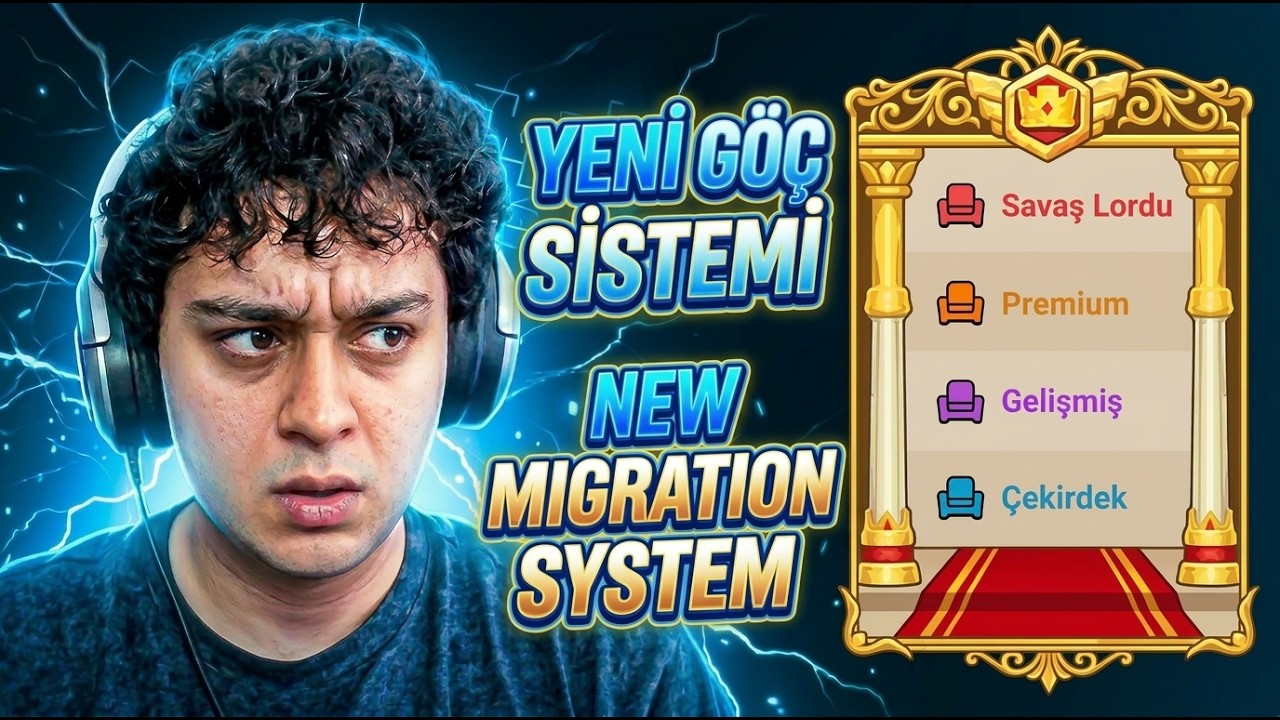
To transfer servers during a migration window in Dark War:Survival, open the migration menu to check your character's eligibility status, acquire the required Red Seat item, and resolve any alliance leadership or resource lockouts before finalizing your move.
Checking Migration Eligibility Status
Before starting a server transfer, open the migration menu to review your character's status indicators. The system displays whether your account is marked as Eligible or Ineligible based on several key checks:
- Account Age and Power: Your account must meet minimum age thresholds and fit within the target server's power rules.
- Alliance Status: You cannot migrate while holding a high-ranking alliance role or during active alliance-wide events.
- Combat and Event Locks: Accounts involved in ongoing combat or active event modes like the Purge cannot initiate a transfer.
- Account Binding: Ensure your game account is fully bound and synced to prevent transfer rejections.
If the interface flags your account as ineligible, resolve the listed issue—such as stepping down from an alliance role or waiting out a pending cooldown—before attempting to move.
Securing the Red Seat Item
The Red Seat item serves as the primary requirement for transferring into competitive or high-demand servers in Dark War:Survival. Without this item in your inventory, the transfer confirmation button remains inactive even if your account meets all basic eligibility checks.
To obtain the Red Seat:
- Check event tasks and server progression milestones during the active migration cycle.
- Complete designated seasonal objectives or reach specified progression thresholds.
- Review the in-game shop for event-specific availability if featured during the transfer window.
Because high-demand destination servers limit incoming transfers, acquire the Red Seat early in the event cycle to secure your transfer slot.
Managing Alliance and Resource Constraints
Moving to a new server requires managing your current alliance ties and inventory levels to prevent lost progress:
- Step Down from Alliance Roles: Coordinate with your alliance leadership to resign from officer or leader positions. High-ranking members are restricted from migrating until their rank is lowered.
- Trim Excess Resources: The migration system enforces strict limits on mobile resource totals to protect target server economies. Convert or spend resources that exceed the maximum transport caps prior to transferring, as excess materials will be lost upon arrival.
- Confirm Destination Alliances: Contact leadership in your target server before finalizing the move. Many top alliances require vetting prior to entry, and migrating without a confirmed spot can leave you without local alliance support.
Step-by-Step Server Transfer Process
Follow this sequence when your target server's migration window opens:
- Verify Eligibility: Open the migration panel and confirm all status indicators show as eligible.
- Obtain the Red Seat: Secure the Red Seat item through current event tasks or shop offers.
- Leave Your Alliance: Resign any leadership positions and exit your alliance.
- Cap Mobile Resources: Reduce stored resources to fall within allowable transfer limits.
- Confirm Destination: Double-check your chosen server's rules and alliance arrangements.
- Initiate Transfer: Select your target server, submit the Red Seat item, and execute the migration early in the window to avoid deadline traffic or errors.

Free Dark War:Survival Codes
Current active codes and how to redeem them.

Emily Johnson
Emily writes practical mobile strategy guides with a focus on resource planning, base progression, and the early decisions that shape a long-term account.
COMMUNITY
Player Comments
146 players commented on this guide.
I tried this today and it worked better than my old setup.
The tips are practical and easy to follow.
This saved me time in the early game.
I wish I had read this before upgrading the wrong thing.