
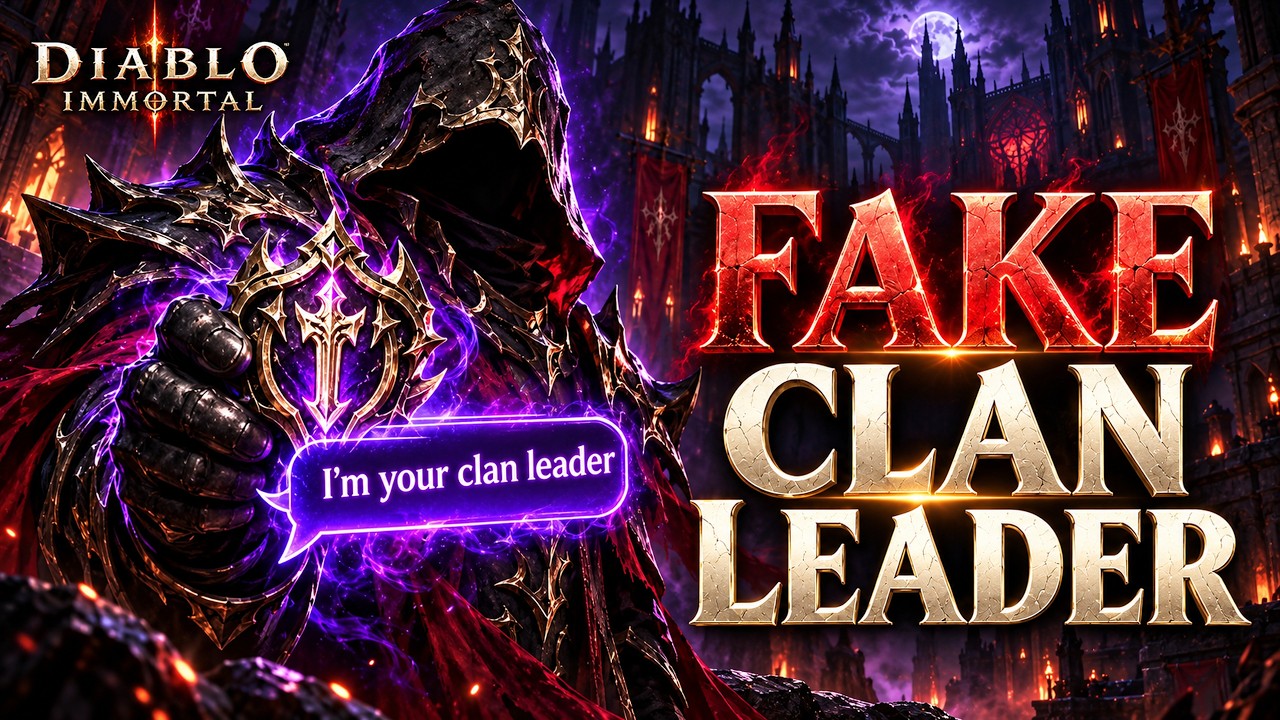
To protect your Diablo Immortal account from fake clan recruitment scams, inspect the sender’s character profile and clan rank on your server roster before accepting any external chat invitation. Malicious players impersonate clan officers or guild leaders through private whispers, baiting active adventurers into rogue Discord servers set up to capture Battle.net login credentials and hijack account sessions.
How the Fake Clan Recruiter Scam Operates
The scam starts with an unprompted whisper in Diablo Immortal. The sender claims to hold a leadership role in an established Shadow or Immortal Clan on your server. Target accounts typically include active high-level players, members of competitive Dark Clans, or unaligned adventurers participating in open-world farming and server events.
The message often claims an urgent recruitment need, such as an opening on a competitive roster, an alliance merger, or upcoming Rite of Exile preparation. The sender refuses to discuss roster details or clan rules through in-game chat, insisting instead that you join an external Discord server to view raid rosters, voice channels, and coordination guidelines. If followed, the invite leads to a replica server controlled by attackers.
Warning Signs in In-Game Whispers
Genuine clan officers rarely recruit using throwaway accounts or demand that players immediately leave the in-game chat environment. Comparing the sender's behavior against standard clan operations reveals the deception early.
| Warning Sign | Fake Recruiter Behavior | Legitimate Clan Leadership Behavior |
|---|---|---|
| In-Game Profile | Low Paragon level, mismatched gear, or no clan tag | Verifiable officer or leader rank in an established clan |
| Urgency | Demands immediate Discord joining; declines in-game party chat | Discusses clan expectations, war schedules, and roles in-game |
| Channel Redirection | Insists on moving to an off-platform link immediately | Uses server world chat, official clan boards, or recognized hubs |
| Name Consistency | Mimics known leaders with altered spelling or special characters | Exact character name match on server leaderboard rosters |
Always check the sender's character profile directly from the chat window. If someone claiming to lead a top Dark Clan displays an unranked character or a brand-new profile, ignore the whisper and report the account in-game.
Verification Traps Used on Rogue Discord Servers
If you join a fraudulent server, the scam shifts from impersonation to credential harvesting. These servers replicate legitimate Diablo Immortal alliance spaces with copied channel layouts, graphics, and fake member lists. Newcomers are placed in a locked channel requiring "server verification" to unlock access.
These prompts rely on malicious bots disguised as standard authentication utilities:
- QR Code Scans: The bot instructs you to scan a QR code using your Discord or Battle.net mobile app to confirm membership. Scanning this code does not verify your identity; it instantly authorizes a remote login session for the attacker without requiring a secondary password prompt.
- OAuth Permission Requests: External links prompt you to authorize a third-party app with permissions to read profile data, access linked email addresses, or join servers on your behalf.
- Phishing Portals: The server directs you to a fake website styled like the Battle.net login page, prompting you to enter your email, password, and two-factor authentication code under the pretext of syncing your Diablo Immortal character sheet.
Official community Discords never require you to log into Battle.net via a third-party portal or scan a login QR code just to view server channels.
How to Verify Clan Leadership in Diablo Immortal
Follow this in-game verification sequence before accepting any external community invite:
- Check the Server Leaderboard: Open the in-game Leaderboard menu or visit the Westmarch Honor Quarter. Locate the specific Shadow Clan or Immortal Clan named by the recruiter.
- Inspect the Official Roster: Open the clan profile and check the roster tab for the Clan Leader and appointed Officers. Confirm that the character whispering you matches the exact name and rank listed on the roster.
- Confirm in Public Chat: If the sender claims to be messaging from an alternate account, ask an active member or known officer from that clan in Westmarch world chat to confirm the claim.
- Use Official Clan Descriptions: Established competitive clans display their official, static Discord invite links directly inside their in-game clan description banner.
How to Secure an Account After Interacting with a Scam
If you clicked an external verification link, scanned an unverified QR code, or entered account details into an unfamiliar portal, secure your profiles immediately:
- Reset Battle.net Credentials: Open a clean browser, log in to official Battle.net account management, and change your password. Check the option to log out of all active sessions to disconnect unauthorized devices.
- Review Security Settings: Verify that your Battle.net Authenticator is active, and ensure no unauthorized phone numbers or recovery emails have been linked to your profile.
- Revoke Discord Authorizations: In Discord, open User Settings, select Authorized Apps, and deauthorize any application you do not recognize.
- Reset Discord Password: If you scanned a QR code in the Discord mobile app, change your Discord password immediately to invalidate all existing desktop and browser session tokens.
Free Diablo Immortal Codes
Current active codes and how to redeem them.

Sarah Williams
Sarah specializes in RPG and collection games, explaining team building, character growth, and beginner-friendly ways to avoid expensive early mistakes.
COMMUNITY
Player Comments
124 players commented on this guide.
Good guide for Diablo Immortal players. The heroes part was useful.
This saved me time in the early game.
The tips are practical and easy to follow.
Can you add more details about heroes in a future update?