
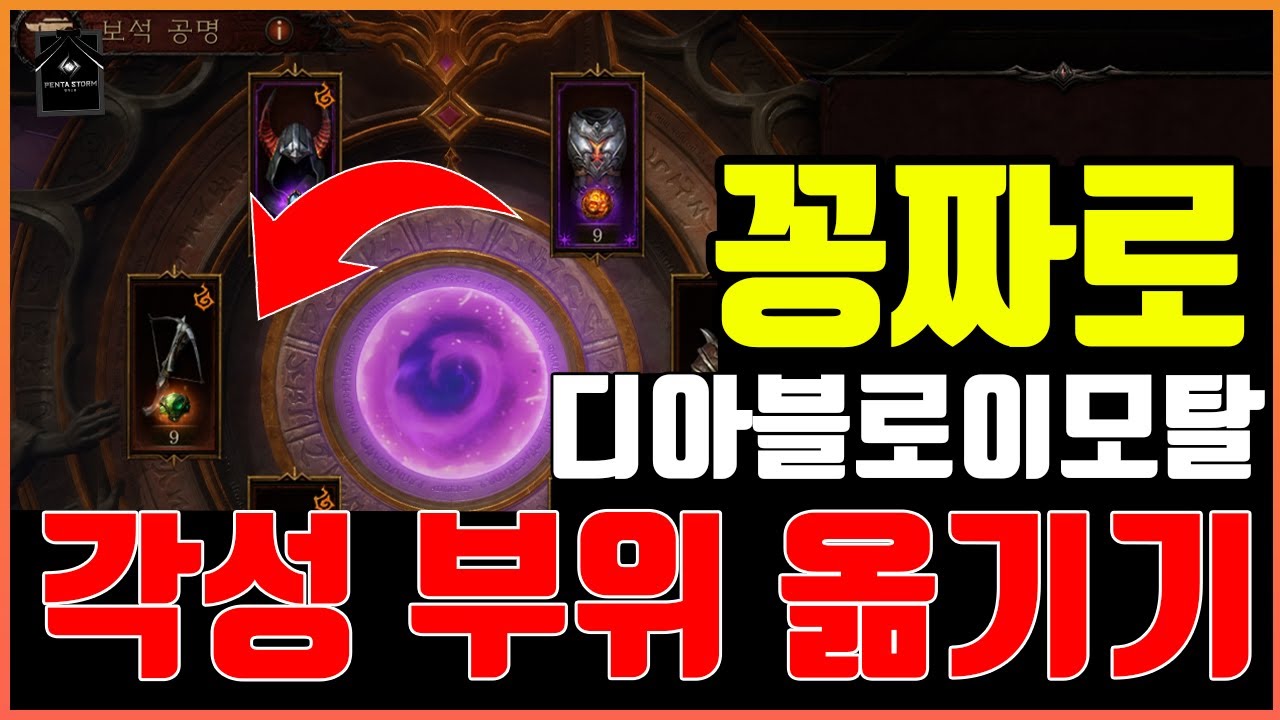
In Diablo Immortal, you do not need to worry about permanently locking an Awakening onto the wrong equipment piece. Once unlocked using a Dawning Echo, Awakening can be transferred between primary legendary equipment slots completely for free. This status is tied to your character's progression rather than an individual piece of gear, allowing you to reassign your awakened essence perks whenever you change builds, essences, or character classes.
How to Transfer an Awakening at the Master Jeweler
Transferring an Awakening costs zero Platinum, Gold, or crafting materials and can be performed at any time.
- Travel to Rakkis Plaza in Westmarch and speak with Master Jeweler Vic, or open your equipment management screen directly from your inventory.
- Select your currently awakened legendary equipment piece and open the Awakening management menu.
- Select the option to extract or transfer the Awakening status.
- Choose the destination legendary gear slot where you want the Awakening applied.
- Confirm the transfer to reassign the awakened status to the destination slot.
Your Dawning Echo is never destroyed, downgraded, or consumed during this process. The system unbinds the awakened status from the origin item and binds it to the destination slot, updating your active legendary essence perks immediately.
Activation Requirements and Dormant Slots
While transferring an Awakening carries no currency cost, the destination gear slot must meet specific gem requirements to activate its essence bonus:
- Eligible Gem Requirement: The destination slot must house an active Rank 10 1-star or 2-star legendary gem, or an eligible high-rank 5-star legendary gem.
- Dormant Status: If you transfer an Awakening to a slot containing an under-leveled gem, the slot itself remains awakened, but the associated 10% skill damage or cooldown reduction bonus remains dormant until a qualifying gem is socketed.
- Resource Efficiency: Because slots can be transferred freely, you do not need eight separate Dawning Echoes to begin using awakened bonuses. Investing in one or two Dawning Echoes allows you to move your awakened perks wherever your active build benefits the most, letting you allocate remaining Platinum toward gem power, legendary crests, or secondary gems.
Reassigning Awakened Slots Across Activities
Each legendary essence in Diablo Immortal provides a specific awakened bonus, typically offering either a 10% cooldown reduction or a 10% direct damage increase to the modified skill. Moving your awakened slot allows you to align your gear with the primary demands of each game mode.
| Content Type | Priority Slot Focus | Primary Stat Bonus | Strategic Combat Purpose |
|---|---|---|---|
| Open-World Farming & Rifts | Shoulders or Pants | -10% Skill Cooldown | Maximizes uptime on movement skills and broad area-of-effect clears |
| Helliquary Raids & Gauntlet | Main Hand or Chest | +10% Skill Damage | Maximizes sustained single-target burst against high-health bosses |
| Battleground & Tower PvP | Helm or Off-Hand | -10% Cooldown / Shield Buff | Shortens defensive cooldowns and crowd-control recovery windows |
Gear Upgrades and Class Changing
Upgrading your gear or switching character classes does not reset or erase your unlocked Awakening slots:
- Equipment Upgrades: Equipping new legendary drops with higher Combat Rating or superior attributes automatically retains the awakened status of that gear slot. When you inherit new legendary attributes at the Essence Transfer NPC, the awakened bonus applies directly to the newly inherited skill essence.
- Class Changes: When you change classes, your unlocked awakened slots carry over to the new class layout without requiring new Dawning Echoes. If your new class depends on cooldown reduction on a helmet essence rather than a weapon essence, visit Master Jeweler Vic to reassign the Awakening to match your new skill rotation.

Free Diablo Immortal Codes
Current active codes and how to redeem them.

Michael Smith
Michael covers live-service games, events, reward systems, and efficient daily routines, turning frequent updates into clear actions for players.
COMMUNITY
Player Comments
85 players commented on this guide.
Good guide for Diablo Immortal players. The strategy part was useful.
Can you add more details about strategy in a future update?
I tried this today and it worked better than my old setup.
Nice guide. I am checking the other Diablo Immortal articles next.