
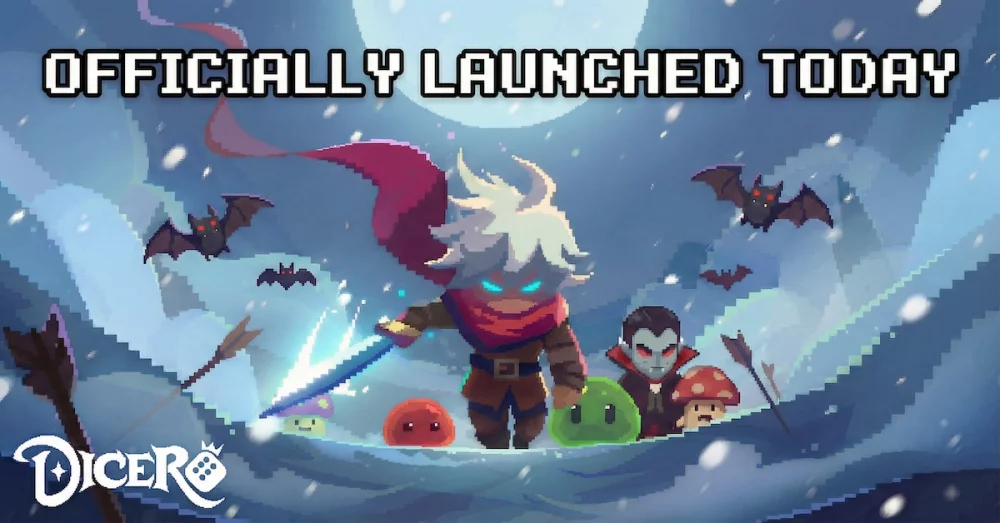
Securing free resources in Dicero! is a vital part of accelerating your progression, especially when aiming to upgrade equipment or acquire new heroes. The developers frequently release promotional codes that grant players various in-game items. This guide explains the process for locating and redeeming these rewards through the official channels.
How to Find Valid Dicero! Promo Codes
Promo codes for Dicero! are typically distributed through the developer's official social media channels, community newsletters, and partner content creators. To stay updated, keep an eye on these sources:
- Official Social Media: Follow the official Dicero! accounts on platforms like Facebook, X (formerly Twitter), or Discord. Developers often post limited-time codes during community milestones or holiday events.
- Community Hubs: Reddit and dedicated Dicero! Discord servers are excellent places to check, as active players often share newly discovered codes as soon as they go live.
- Content Creators: As seen in recent community updates, content creators often receive special codes to share with their audience. Be sure to check video descriptions from trusted sources in the Dicero! community.
Step-by-Step Redemption Process
Dicero! utilizes a dedicated web portal for gift code redemption rather than an in-game menu. Follow these steps to ensure your rewards are credited to your account:
- Locate Your Player ID: Before visiting the redemption site, ensure you have your correct Player ID copied from the in-game settings menu.
- Access the Official Portal: Navigate to the official Dicero! gift redemption page at https://dicero.habby.com/gift/index.html.
- Enter Your Details: Input your Player ID and the active promo code into the designated fields.
- Verify and Claim: Double-check your information for typos. Once submitted, the rewards will be sent to your in-game mailbox.
Troubleshooting Redemption Issues
If you are having trouble claiming your rewards, check the following common issues:
| Issue | Potential Cause |
|---|---|
| Invalid Code | The code has expired or was typed incorrectly. Codes are case-sensitive. |
| Already Redeemed | Most promo codes are "one-time use" per account. |
| Mailbox Delay | It may take a few minutes for rewards to appear in your in-game mailbox after a successful redemption. |
| Server Mismatch | Ensure you are using the correct region/server if prompted by the redemption site. |
Pro Tip: Always prioritize redeeming new codes as soon as they are announced. Many codes in Dicero! are time-sensitive or have a limited number of total redemptions, meaning they can expire without warning.

Free Dicero! Codes
Current active codes and how to redeem them.

Emily Johnson
Emily writes practical mobile strategy guides with a focus on resource planning, base progression, and the early decisions that shape a long-term account.
COMMUNITY
Player Comments
123 players commented on this guide.
This saved me time in the early game.
I wish I had read this before upgrading the wrong thing.
Can you add more details about resources in a future update?
This helped me understand resources much better.