
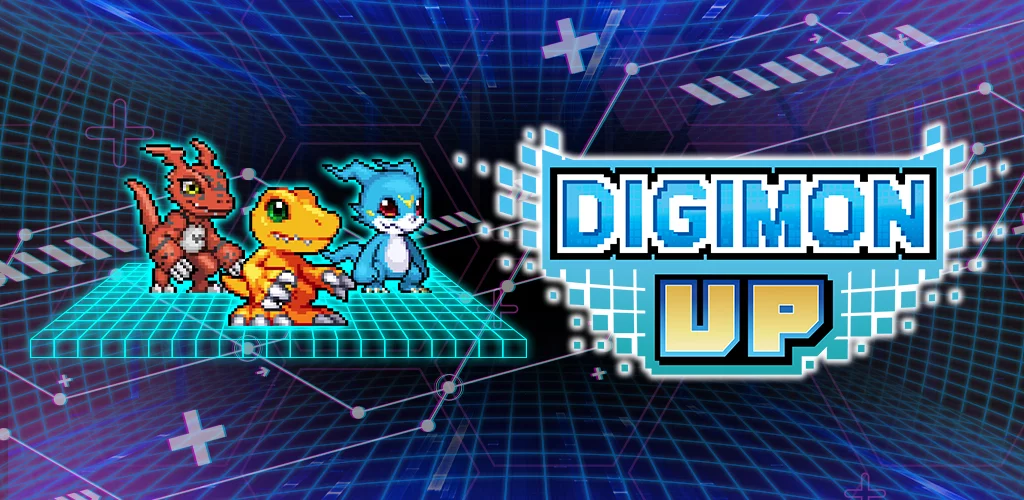
You can freely change the visual appearance of your Digimon in DIGIMON UP to display any evolution form you have already unlocked. This feature is purely cosmetic, allowing you to retain the look of a favorite lower-tier Digimon while keeping the combat stats and power levels associated with your current, stronger evolution. It provides a flexible way to personalize your roster's aesthetic without sacrificing any competitive performance or progression gains.
How to Access Evolution Skins
The core of this feature relies on the game’s internal record of your past evolutions. Once a Digimon has reached a specific stage, the visual asset for that stage is permanently unlocked in your account’s cosmetic library.
- Access the Digimon Profile: Navigate to your Digimon collection or the character detail screen.
- Locate the Appearance Tab: Look for the visual customization or "skin" menu within the character profile.
- Select Your Preferred Visual: You will see a list of all previously unlocked evolution forms for that specific Digimon.
- Apply the Skin: Choose the desired look and confirm the change. The Digimon will now appear as that form on your screen, in combat, and within menus, regardless of its true current evolution level.
Benefits of Customizing Appearances
Using this system is entirely optional, but it offers several quality-of-life benefits for long-term players who have specific aesthetic preferences.
| Benefit | Description |
|---|---|
| Personal Preference | Keeps your favorite visual designs active regardless of power scaling. |
| Visual Variety | Prevents your team from looking identical to every other high-level player's squad. |
| Nostalgia | Allows you to revert to classic forms while maintaining modern stats. |
Important Considerations
While this feature is great for customization, there are a few things to keep in mind regarding how it functions within the DIGIMON UP interface:
- Unlocked Forms Only: You cannot select an appearance for an evolution stage you have not yet reached or unlocked.
- Stat Independence: Changing your visual appearance does not alter your Digimon's current stats, abilities, or combat effectiveness. It is strictly a cosmetic override.
- UI Updates: Your Digimon’s icon in the UI might reflect the custom skin you have chosen, making it easier to identify your team based on your preferred visual layout.

Free DIGIMON UP Codes
Current active codes and how to redeem them.

Sarah Williams
Sarah specializes in RPG and collection games, explaining team building, character growth, and beginner-friendly ways to avoid expensive early mistakes.
COMMUNITY
Player Comments
34 players commented on this guide.
This helped me understand strategy much better.
This saved me time in the early game.
The explanation is clear, especially for beginners.
Nice guide. I am checking the other DIGIMON UP articles next.