
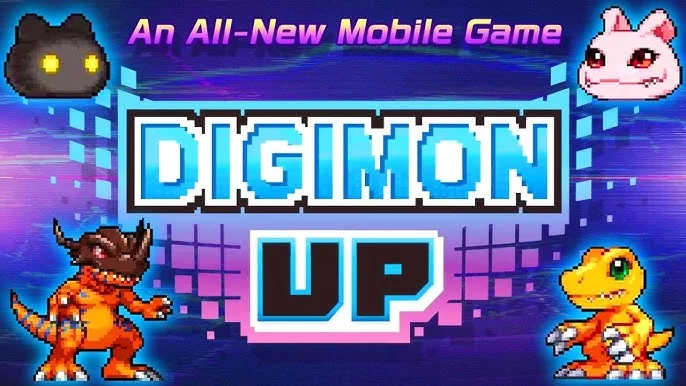
One of the most devastating experiences for a Tamer in DIGIMON UP is losing hours, days, or even weeks of hard-earned progress due to a simple oversight during the initial setup phase. Many players dive straight into the action, focusing entirely on team composition and evolution paths, only to realize too late that their account was never properly linked to a permanent service.
To ensure your investment in your Digimon team remains safe, follow this guide on account security and data backup protocols.
Why Account Linking is Critical
In DIGIMON UP, your progress is often tied to your local device cache until you actively authorize a cloud-based link. If you uninstall the app, switch devices, or experience a device crash, you risk losing your Tamer profile entirely.
Unlike some mobile titles, guest accounts in this ecosystem do not offer robust recovery options. Without a linked account, the support team may be unable to verify your ownership of the data, meaning your Digimon, resources, and event progress could be permanently unrecoverable.
Steps to Verify Your Account Status
Before you invest further into your current session, perform a quick check to see if your account is secured:
- Access the Settings Menu: Locate the gear icon or the main profile settings button on the home screen.
- Navigate to Account Management: Look for tabs labeled "Account," "Cloud Sync," or "User Center."
- Check Linking Status:
- Linked: You should see a status indicator showing a connected platform (such as Google, Apple, or a dedicated developer account).
- Unlinked: If the status shows "Guest" or "Link Account" as a clickable option, your data is currently at risk.
Recommended Security Practices for Tamers
To avoid the common pitfall of losing your progress, implement these security habits immediately:
- Link Before You Play: Make account binding the very first task you complete after installing the game. Do not wait until you have reached a higher Rank or acquired rare Mega Digimon.
- Use Permanent Credentials: Avoid temporary or throwaway email addresses. Use a primary, stable account that you have reliable access to in the long term.
- Document Your User ID: Even with a linked account, it is a best practice to take a screenshot of your unique User ID (often found in the bottom corner of the loading screen or the settings menu). This ID is essential if you ever need to contact support regarding a restore request.
- Verify After Updates: Occasionally, major version updates or server maintenance can refresh local settings. If you notice your game logs you out automatically, verify your link status again before resuming your daily grind.
Troubleshooting Account Recovery
If you find yourself in a situation where you have lost access to your account, follow these steps to attempt a recovery:
| Action | Purpose |
|---|---|
| Contact Support | Provide your User ID and any purchase receipts if you have made F2P or P2P transactions. |
| Check Linked Platform | Verify that your Google/Apple account is active and not restricted by regional settings. |
| Device Clearing | If you are trying to switch devices, ensure you have properly "unbound" or signed out from the old device first to avoid sync conflicts. |
By prioritizing your account security, you ensure that your journey through the digital world remains uninterrupted, allowing you to focus on evolving your Digimon and scaling your combat power without the fear of data loss.

Free DIGIMON UP Codes
Current active codes and how to redeem them.

Michael Smith
Michael covers live-service games, events, reward systems, and efficient daily routines, turning frequent updates into clear actions for players.
COMMUNITY
Player Comments
28 players commented on this guide.
This saved me time in the early game.
The tips are practical and easy to follow.
Nice guide. I am checking the other DIGIMON UP articles next.
I tried this today and it worked better than my old setup.