
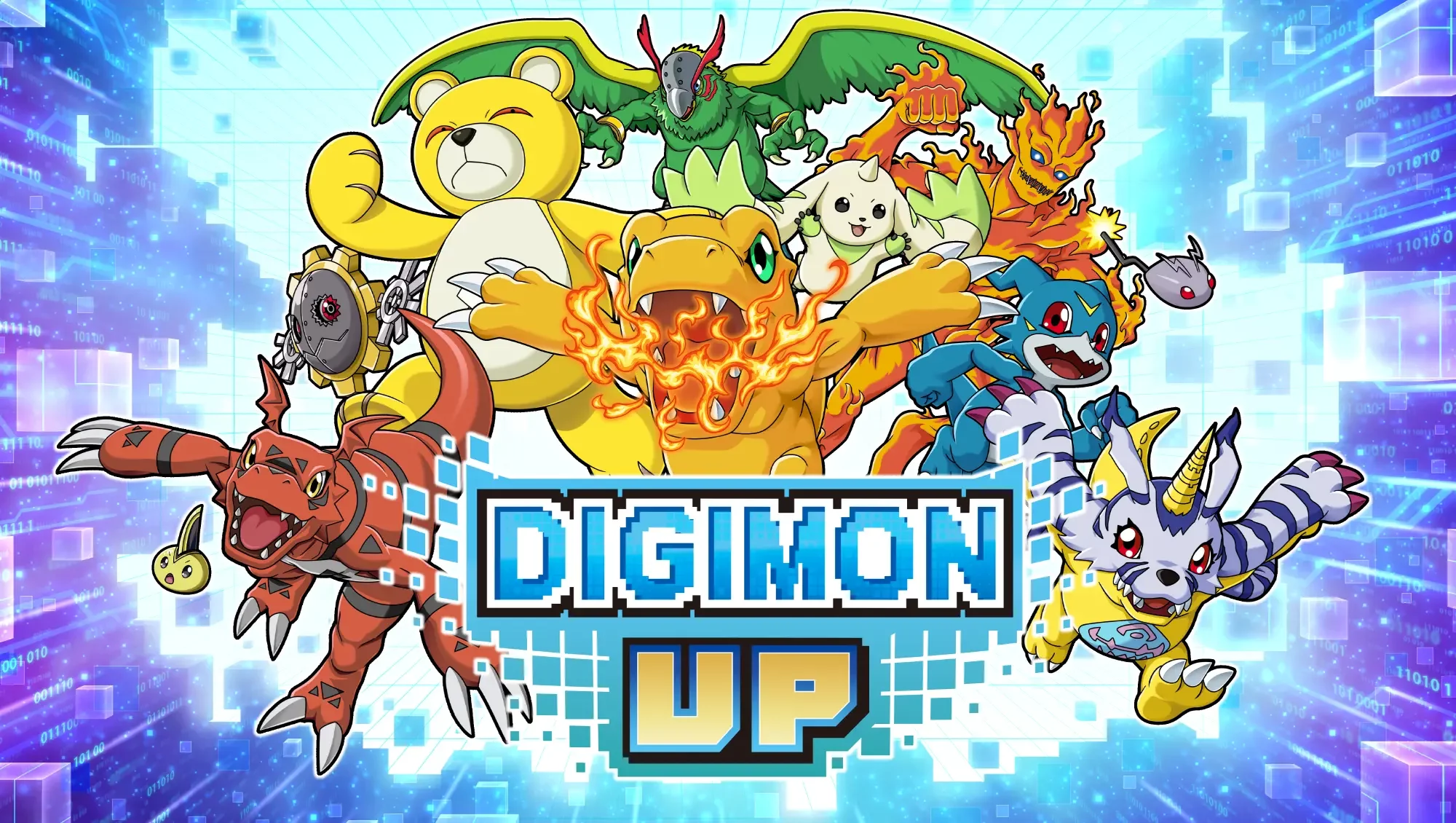
High-intensity summon animations in DIGIMON UP, particularly when pulling high-tier units like WarGreymon, can occasionally trigger client-side instability or momentary freezes. If your device struggles to process the complex visual effects during a successful summon, you should prioritize stabilizing your hardware environment. By managing your cache and ensuring your device isn't overheating during mass summons, you can prevent potential crashes that might otherwise disrupt your excitement when viewing new character acquisition sequences.
Optimizing Device Performance for Summon Animations
Visual-heavy animations, such as the sequence for WarGreymon, place a sudden, significant load on your mobile hardware. To ensure a smooth experience during your Gacha sessions, consider these technical adjustments:
- Clear Cache: Navigate to the game’s settings menu before entering the summon screen to clear temporary data. This reduces the burden on your device's memory when loading high-resolution assets.
- Manage Background Processes: Close all secondary applications to free up RAM. This is especially important for devices with lower memory capacity, as the game requires a sudden spike in resources to display the evolution or high-tier summoning cinematic.
- Check Thermal Conditions: Playing for extended periods increases heat, which can lead to frame drops. If you are performing a large batch of summons, give your device a moment to cool down to ensure the animation renders correctly.
Understanding Summon Stability Risks
When a rare character is pulled, the game attempts to load high-fidelity particle effects and sound assets simultaneously. While these effects are designed to heighten the experience, they are common points of failure for devices struggling with background sync or storage fragmentation.
| Issue | Impact on Summoning | Recommended Fix |
|---|---|---|
| Cache Bloat | Stuttering during cinematic | Clear cache via Settings |
| High RAM Usage | Game freeze/crash | Close background apps |
| Low Storage | Asset loading failure | Free up internal space |
Troubleshooting After a Summon Crash
If your game crashes during an animation, do not worry about losing your progress. The DIGIMON UP server logs your pulls the moment you hit the summon button, regardless of whether the visual animation completes. Upon restarting the application, the new Digimon will be present in your roster or inventory. Simply navigate to your collection or the "Recent" tab to verify that the summon was successful and check the stats of your new acquisition.

Free DIGIMON UP Codes
Current active codes and how to redeem them.

Michael Smith
Michael covers live-service games, events, reward systems, and efficient daily routines, turning frequent updates into clear actions for players.
COMMUNITY
Player Comments
143 players commented on this guide.
This helped me understand strategy much better.
This guide answered the exact question I had.
The tips are practical and easy to follow.
Good guide for DIGIMON UP players. The strategy part was useful.