
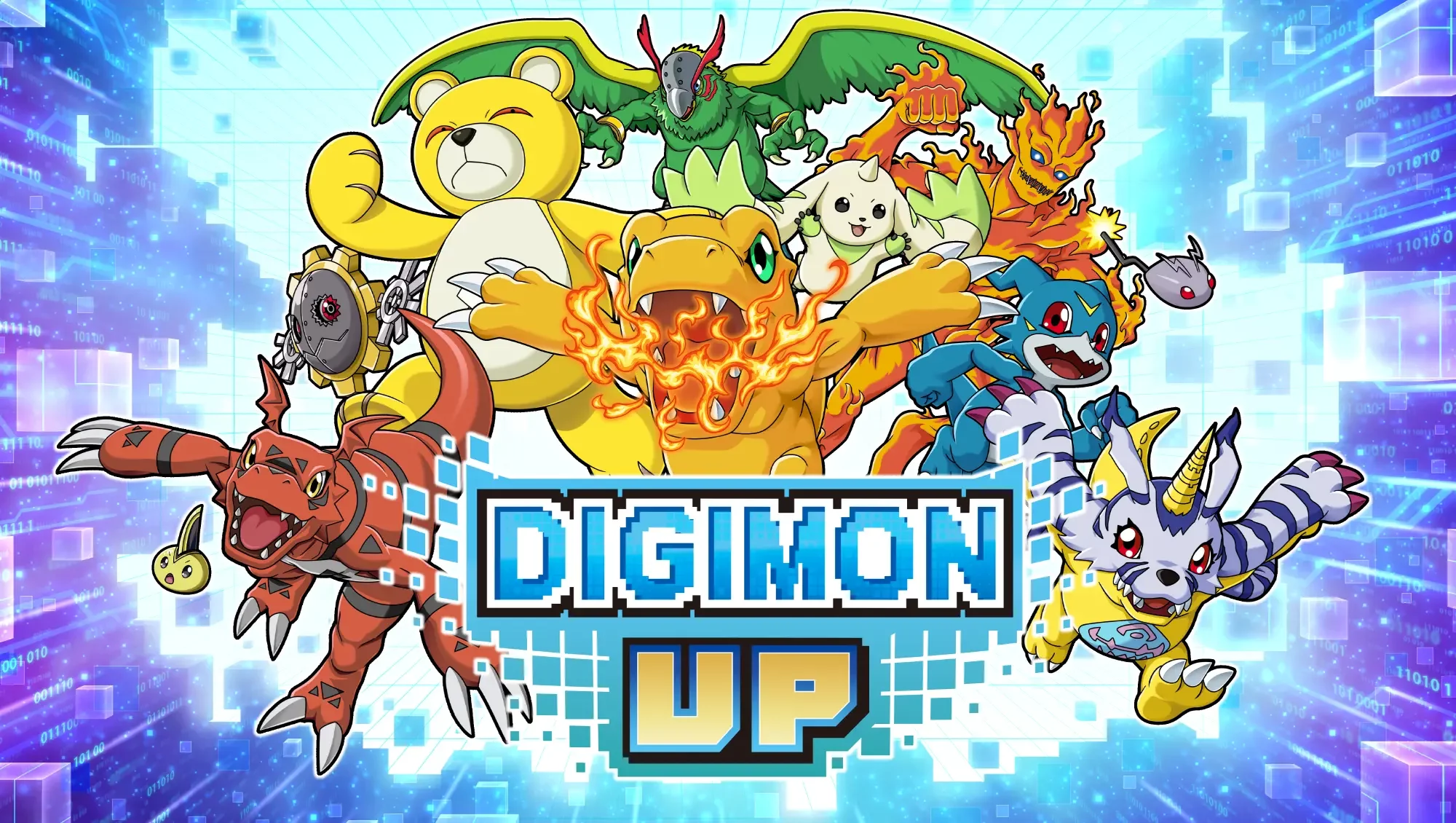
Navigating the interface of DIGIMON UP can be challenging for new players due to the density of icons and sub-menus. Understanding where to locate specific upgrade materials and management tools is key to maintaining a steady progression curve. This guide breaks down the primary interface elements to help you manage your Digimon more effectively.
Understanding the Primary Navigation Bar
The main screen in DIGIMON UP serves as your central hub. Familiarizing yourself with the layout ensures you don't miss out on daily tasks or resource collection opportunities.
- Tamer Profile: Located in the top corner, this provides access to your account details and current rank progression.
- Resource Display: Keep an eye on the top bar to track your DigiChips and other primary currencies.
- Event/Mission Tab: Usually found on the side, this is where you track active event objectives and daily login rewards.
Efficient Resource Management Through Menus
Accessing your inventory and Digimon storage correctly prevents clutter and ensures you are always ready for evolution or training. Use the following breakdown to streamline your workflow:
| Menu Section | Primary Function | Utility |
|---|---|---|
| Digimon List | View current partners | Check evolution status and stats |
| Inventory | Manage items/materials | Use or sell unused gear for progression |
| Training Hub | Stat enhancement | Apply resources to boost combat power |
| Summoning Screen | Gacha/Banner access | Check active banners and pull history |
Tips for Interface Efficiency
To maximize your efficiency while playing DIGIMON UP, consider these navigational habits:
Streamline Your Daily Routine
Always check the "Mission" tab immediately upon logging in. By identifying which daily tasks provide the most valuable resources, you can prioritize your time in the menus rather than wandering through sub-screens.
Managing Digimon Evolution Paths
When navigating the evolution screens, always check the prerequisites listed for each form. If you are stuck, the interface often highlights missing materials or level requirements that are preventing your Digimon from reaching their next stage. Clicking on these missing icons will often direct you to the specific adventure stage or shop where they can be obtained.
Utilizing Settings for Performance
If you find the interface laggy or difficult to read, investigate the settings menu accessible via the main dashboard. Adjusting graphical settings or disabling unnecessary combat animations can make navigating menus feel more responsive, especially on older devices or during high-intensity events.

Free DIGIMON UP Codes
Current active codes and how to redeem them.

Sarah Williams
Sarah specializes in RPG and collection games, explaining team building, character growth, and beginner-friendly ways to avoid expensive early mistakes.
COMMUNITY
Player Comments
30 players commented on this guide.
Can you add more details about resources in a future update?
Nice guide. I am checking the other DIGIMON UP articles next.
This helped me understand resources much better.
The tips are practical and easy to follow.