
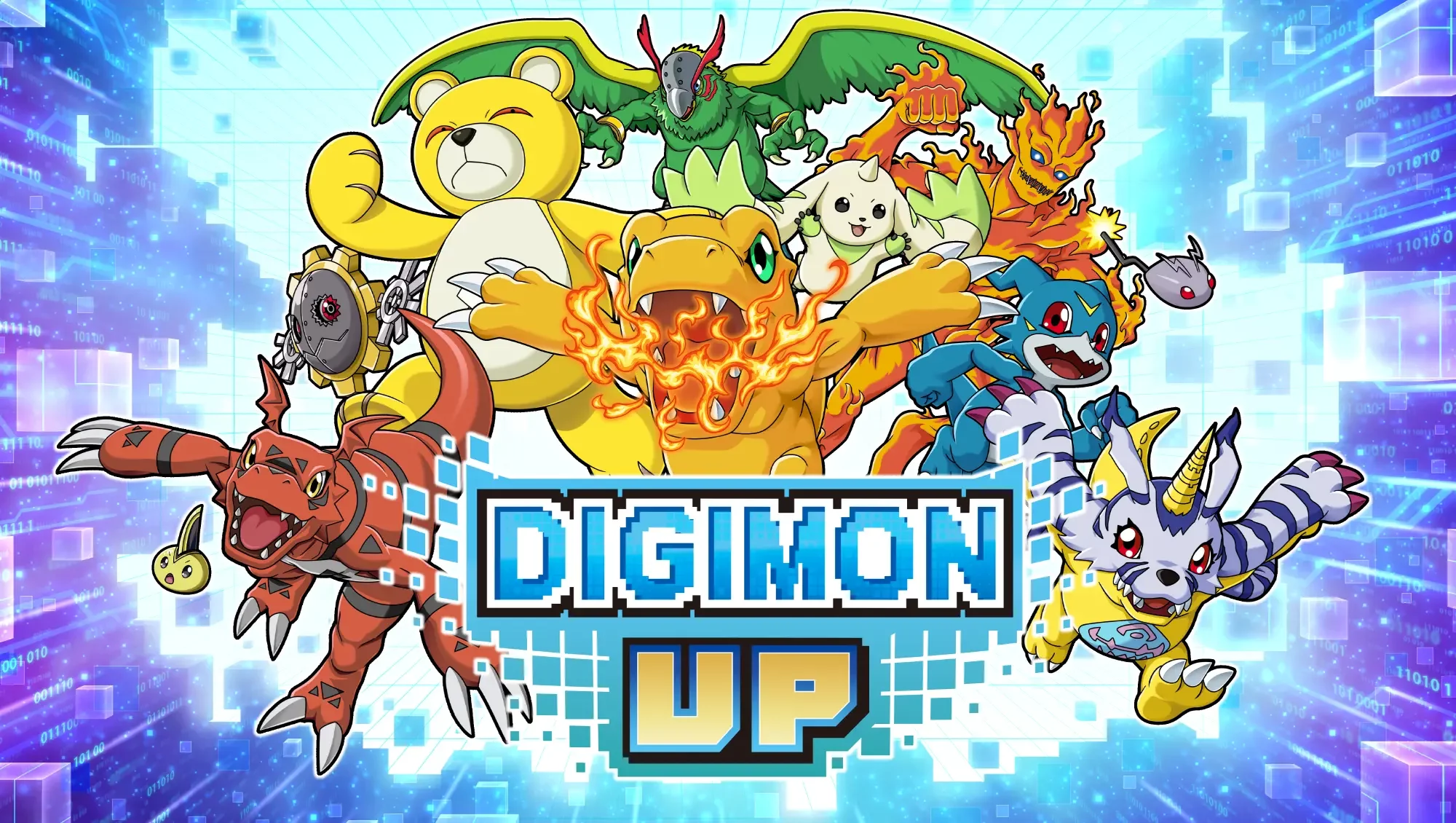
The Delivery Chaos event in DIGIMON UP presents a fast-paced challenge that tests your coordination and speed. However, some players have reported difficulties in successfully claiming their hard-earned event rewards. If you find yourself in the middle of a "delivery frenzy" and notice that your progress or items are not registering correctly, follow these troubleshooting steps to ensure you receive your rewards.
Common Issues with Delivery Events
During high-intensity events like the Delivery Chaos mode, server synchronization and UI bugs can occasionally prevent rewards from being credited. Players often encounter:
- Missing Progress: Packages delivered are not being tallied toward the event milestone.
- Reward Collection Errors: The "Claim" button remains unresponsive or causes a soft-lock.
- Display Lags: Visual assets for the rewards fail to load, making it unclear if the item was added to your inventory.
Troubleshooting Steps for Reward Issues
If you encounter a bug while participating in the event, try these systematic steps before contacting support:
- Check Connection Stability: Delivery events rely on real-time server communication. Even minor ping spikes can cause your delivery data to fail to sync with the central server. Ensure you have a stable Wi-Fi connection.
- Refresh the Game Client: If the event UI becomes unresponsive, a full restart of DIGIMON UP is the most effective way to clear temporary cache errors that may be blocking reward triggers.
- Clear Cache via Settings: Navigate to the game's settings menu and use the "Clear Cache" or "Repair" function if available. This forces the game to re-verify event files and can resolve display bugs where rewards appear missing despite being in your inventory.
- Verify Inventory Space: Occasionally, if your inventory is full, the game may struggle to process the receipt of new event rewards. Ensure you have sufficient slots open before completing the final delivery tasks.
Best Practices to Prevent Data Loss
To minimize the chance of encountering glitches during future event cycles:
| Strategy | Benefit |
|---|---|
| Avoid Spamming Taps | Rapidly tapping the collection button can cause input conflicts and server lag. |
| Wait for Sync | After completing a delivery, wait a few seconds for the status text to update before moving to the next task. |
| Check Event Notifications | Always verify the event end time. Rewards often become unclaimable the moment the event window closes, even if you completed the tasks seconds prior. |
When to Contact Support
If you have performed a hard reset and verified your internet connection but still cannot claim rewards for completed tasks, document the issue by taking a screenshot of your current event progress and your empty inventory. Contacting the DIGIMON UP support team with this proof is the fastest way to resolve account-specific synchronization errors.

Free DIGIMON UP Codes
Current active codes and how to redeem them.

Sarah Williams
Sarah specializes in RPG and collection games, explaining team building, character growth, and beginner-friendly ways to avoid expensive early mistakes.
COMMUNITY
Player Comments
65 players commented on this guide.
The explanation is clear, especially for beginners.
Can you add more details about updates in a future update?
Good guide for DIGIMON UP players. The updates part was useful.
This helped me understand updates much better.