
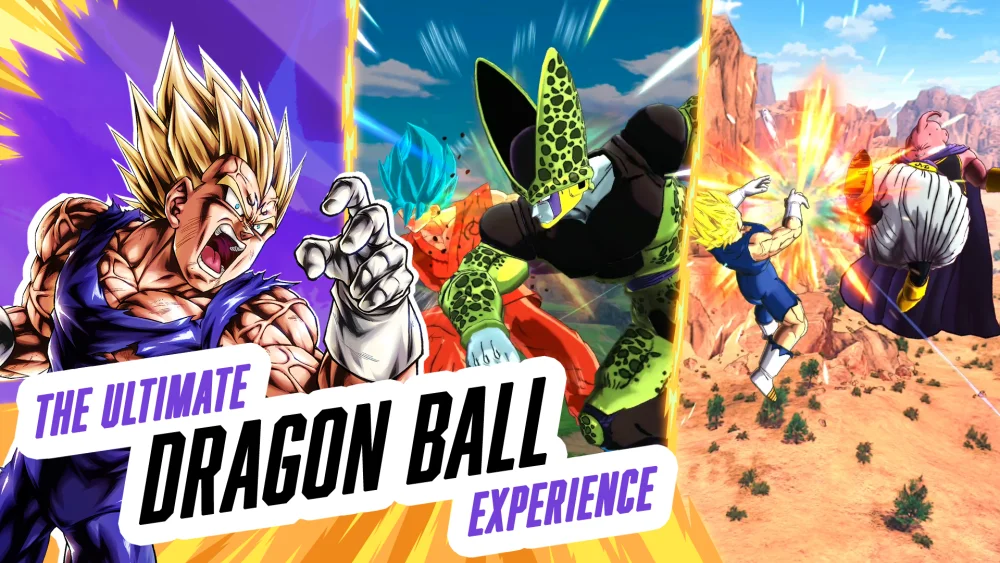
Regularly reviewing the gift history and reward distribution logs in Dragon Ball Legends is the most effective way to ensure you never miss out on allocated resources or event-specific items. By keeping track of incoming gifts, players can better manage their Chrono Crystal reserves and utility items, ensuring they are prepared for upcoming banners and competitive updates. Utilizing the gift center interface correctly prevents expiration risks and maximizes your overall progression efficiency.
Monitoring Your Gift History
The primary method for tracking resources in Dragon Ball Legends involves the Gift Box interface. This section acts as a centralized repository for all items distributed by the developers, including compensation for maintenance, celebration rewards, and event-based bonuses.
- Check Regularly: Notifications often appear on the home screen, but manual verification in the Gift Box is safer to avoid overlooking low-priority items.
- Watch Expiration Dates: Most gifts have a limited window for collection. Always prioritize the items closest to their expiration threshold to avoid losing currency or resources.
- Clear the Cache: If you notice discrepancies between expected rewards and your current balance, restarting the application or checking the official news board can clarify if a reward was sent in waves.
Organizing Your Resource Inventory
Once you have collected your gifts, categorization is key to effective resource management. Not every item should be used immediately upon acquisition, especially when dealing with energy tickets or skip tickets.
Prioritizing Resource Usage
| Resource Type | Recommended Strategy |
|---|---|
| Chrono Crystals | Save for high-value banners or step-up events. |
| Energy Tickets | Use during limited-time farming events or Zenkai grinds. |
| Skip Tickets | Reserve for finishing long-duration story missions quickly. |
| Z-Power | Apply to meta-relevant units to reach star thresholds. |
Troubleshooting Missing Rewards
If you believe a reward was not received, follow these steps to verify your account status:
- Read the News Feed: Developers often clarify if rewards are being distributed to all players or specific segments of the user base.
- Verify Eligibility: Check if the gift required participation in a specific event, PvP season, or mission objective.
- Contact Support: If a reward is officially announced as "distributed" and does not appear in your Gift Box after a reasonable delay, use the in-game support portal to submit a ticket with your player ID.
Free DRAGON BALL LEGENDS Codes
Current active codes and how to redeem them.

Emily Johnson
Emily writes practical mobile strategy guides with a focus on resource planning, base progression, and the early decisions that shape a long-term account.
COMMUNITY
Player Comments
63 players commented on this guide.
Good guide for DRAGON BALL LEGENDS players. The strategy part was useful.
The tips are practical and easy to follow.
Can you add more details about strategy in a future update?
I tried this today and it worked better than my old setup.