
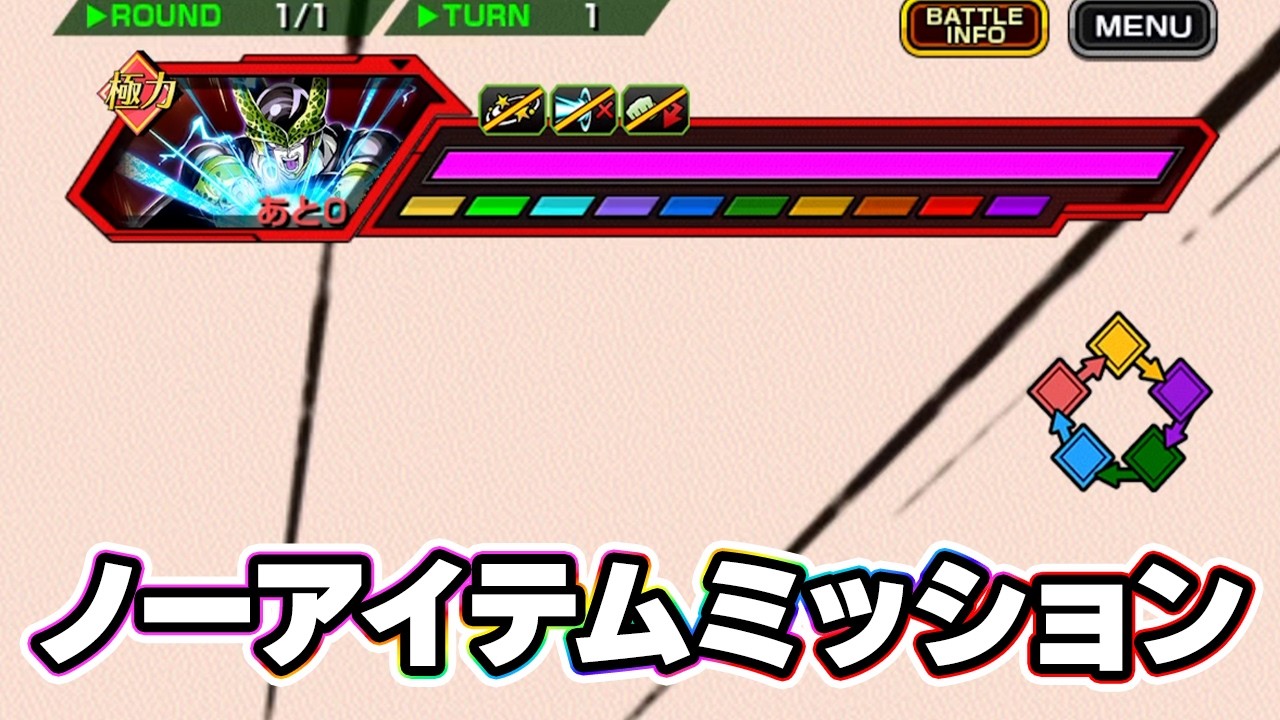
To clear the Androids Appear Perfect Cell mission in DRAGON BALL Z DOKKAN BATTLE, build your team under a 170% to 200% Leader Skill, lock dedicated defensive anchors into Slot 1 of both main rotations, and keep mandatory category filler units in Slot 3. Proactively activate damage-reduction items like Whis before high-threat phase attacks land on vulnerable floaters.
Team Setup and Role Distribution
Mission conditions require running designated category units that may lack the raw defensive stats needed to endure Perfect Cell's late-phase attacks. To offset this vulnerability, your team must pair sturdy Slot 1 anchors with high-damage carries, relegating category enablers to off-rotation support.
| Squad Position | Unit Profile | Primary Defensive Mechanic | Placement |
|---|---|---|---|
| Main Tank 1 | High base DEF vanguard | Unconditional guard against all attacks | Slot 1 (Rotation A) |
| Main Tank 2 | High-mitigation vanguard | 40%+ damage reduction or high dodge | Slot 1 (Rotation B) |
| Offensive Carry | Stat-stacking damage dealer | DEF raises on Super Attack, built-in additionals | Slot 2 (Both Rotations) |
| Mission Floaters | Required category filler units | Team DEF support, orb-changing, or utility | Slot 3 (Off-rotation) |
Ensure your primary rotation partners share common defensive and Ki links such as Prepared for Battle, Fierce Battle, or Cold Judgment. Reaching 18+ Ki on Ultra Super Attacks allows your offensive units to build their post-attack defense before Cell can target them.
Turn Rotations and Floater Management
Establish permanent two-character rotations within the first two turns of the fight, letting your stacking units raise their stats during Cell's weaker opening forms:
- Rotation A: Slot 1 Guard Tank + Slot 2 Stacking Carry + Slot 3 Mission Floater
- Rotation B: Slot 1 Damage Reduction Tank + Slot 2 Stacking Carry + Slot 3 Mission Floater
In the final phase, Perfect Cell attacks multiple times per turn and can instantly eliminate units lacking damage reduction or guard with a single Super Attack. Before picking Ki spheres, examine the enemy attack targeting icons:
- Front-loaded attacks: Keep your standard rotation order. Your Slot 1 vanguard will absorb the bulk of the hits safely.
- Back-loaded attacks in Slot 3: If multiple normal attacks or potential Super Attacks target your fragile floater, activate a damage-reduction item immediately or swap your Slot 2 and Slot 3 units to protect the weaker character.
- Turn 1 bad alignment: If opening rotation RNG groups three fragile floaters together without a reliable tank, deploy a defensive item right away or restart the stage to conserve time.
Support Item Timing
Treat support items as proactive shields rather than emergency heals. The Whis support item grants 40% damage reduction across two full turns, making it the most reliable tool for category missions.
- Phase transitions: Activate your first Whis as soon as you enter Cell's high-damage final phase, especially if a weak category filler must take attacks before acting.
- Overlapping turns: If a floater faces a dense attack cluster while your first item's duration expires, chain a second Whis or deploy a Ghost Usher to delay the enemy turn entirely.
- Item conservation rule: Do not save items for low-health emergencies. Cell's Super Attack damage ceiling is high enough to defeat an unshielded floater from full health in a single action.

Free DRAGON BALL Z DOKKAN BATTLE Codes
Current active codes and how to redeem them.

James Brown
James focuses on Android gaming on PC, emulator setup, controls, performance tuning, and practical troubleshooting for longer play sessions.
COMMUNITY
Player Comments
145 players commented on this guide.
This guide answered the exact question I had.
Good guide for DRAGON BALL Z DOKKAN BATTLE players. The strategy part was useful.
I tried this today and it worked better than my old setup.
I wish I had read this before upgrading the wrong thing.