
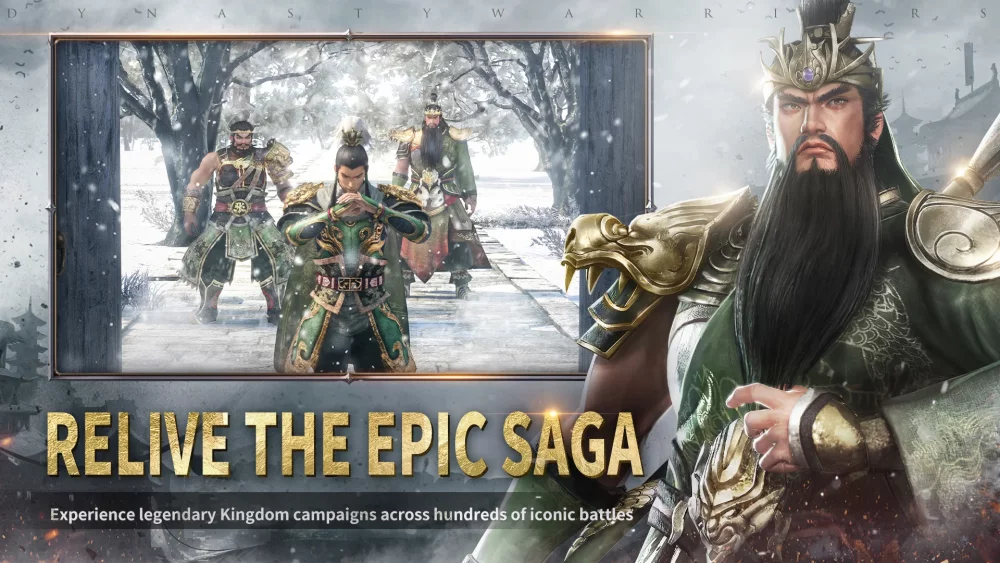
As Dynasty Warriors:Overlords expands its reach across international markets, players looking to dive into the definitive mobile Musou experience must navigate the technical requirements and regional availability of the title. Whether you are preparing for a new server rollout or looking to synchronize your account for a global launch, understanding the platform ecosystem is vital for a smooth transition into the Three Kingdoms.
Platform Availability and Technical Readiness
The title is designed to function across major mobile operating systems. Ensuring your device meets the baseline requirements is the first step in avoiding performance bottlenecks during high-density combat scenarios.
| Platform | Access Method | Optimization Tip |
|---|---|---|
| Android | Google Play Store | Clear cache if the update button fails to appear |
| iOS | Apple App Store | Ensure regional store settings match the server region |
Essential Pre-Launch Preparation
For players aiming to secure their account status before the official rollout, follow these steps to ensure you are ready the moment the servers go live:
- Store Pre-Registration: Utilize the official store pages to enable "Auto-Install" or "Pre-register" notifications. This ensures your device downloads the necessary assets the moment they become available, bypassing manual update delays.
- Regional Compatibility Check: If you are accessing the title through a specific regional storefront, verify that your account region settings are consistent with the server location to avoid potential latency or connectivity issues during the initial login phase.
- Account Binding: Once you gain access, prioritize binding your account to a stable social or email platform provided within the game’s settings. This secures your progress against device loss or app reinstallation.
Navigating Regional Access
As seen in various regional launches, Dynasty Warriors:Overlords often undergoes phased releases. Players should monitor official channels for specific information regarding their local storefronts. If the game does not appear in your regional search results, it may indicate that the specific server cluster has not yet officially launched for your territory.
Avoiding Common Installation Pitfalls
To ensure a seamless start, keep these technical considerations in mind:
- Storage Buffer: Always maintain at least double the initial download size in free space on your device. Large-scale mobile titles often perform secondary data unpacking after the initial installation.
- Stable Connection: Avoid performing the initial large asset download on unstable public Wi-Fi. A high-speed, stable connection during the first launch prevents corrupted files, which could otherwise necessitate a full re-download.
- Permissions Management: Upon the first launch, the game will request access to storage and network settings. Granting these permissions immediately is required for the game to download the necessary combat assets and maintain a persistent connection to the server.
By focusing on these infrastructure requirements, you can spend less time troubleshooting installation issues and more time mastering the tactical combat mechanics inherent to Dynasty Warriors:Overlords.

Free Dynasty Warriors:Overlords Codes
Current active codes and how to redeem them.

Sarah Williams
Sarah specializes in RPG and collection games, explaining team building, character growth, and beginner-friendly ways to avoid expensive early mistakes.
COMMUNITY
Player Comments
83 players commented on this guide.
This helped me understand strategy much better.
This guide answered the exact question I had.
Nice guide. I am checking the other Dynasty Warriors:Overlords articles next.
Good guide for Dynasty Warriors:Overlords players. The strategy part was useful.