
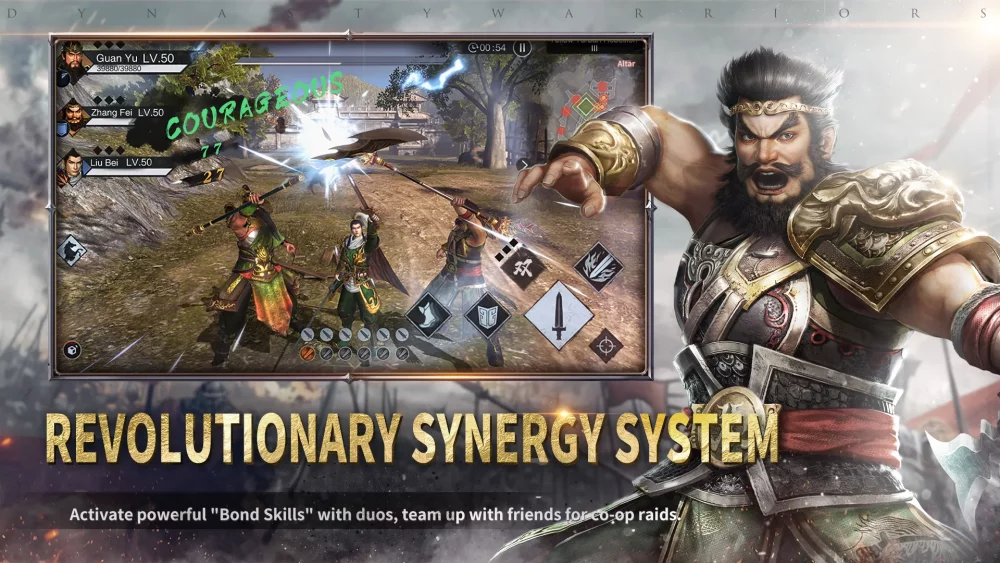
In fast-paced action titles like Dynasty Warriors:Overlords, success is often determined by the precision of your inputs rather than just the strength of your characters. Whether you are navigating intense boss battles or clearing crowded battlefields, "hand shake" or input inconsistency can lead to missed dodge windows, interrupted combos, and unnecessary health loss.
This guide focuses on refining your mechanical accuracy and ensuring your inputs translate into effective combat actions.
Common Causes of Input Errors
Many players struggle with execution during critical moments due to several preventable factors:
- Over-extension: Trying to push too many inputs in quick succession can lead to "input queuing," where the character continues a long animation, leaving you vulnerable to counter-attacks.
- Touchscreen Sensitivity: On mobile devices, sweat, screen protectors, or improper grip can lead to mis-taps or unresponsive movement zones.
- Panic-Button Syndrome: In high-stress situations, players tend to mash buttons rather than timing specific skills. This disrupts the character's natural flow and wastes cooldowns.
Techniques for Improving Combat Precision
1. Master the Rhythm of Combos
Instead of mashing the attack button, observe the animation frames of your chosen commander. Each character in Dynasty Warriors:Overlords has specific recovery frames after their EX attacks or Musou skills.
- Practice Tip: Spend time in the training or low-level stages focusing on "cadence." Press the attack button exactly when the previous strike lands. This reduces the likelihood of triggering an unwanted animation lock.
2. Optimize Your Grip and Device Stability
If you find your hands shaking or your inputs drifting, consider how you hold your device:
- The "Claw" Grip: Many competitive mobile players use a "claw" grip (using index fingers for skill buttons) to keep thumbs dedicated solely to movement.
- Surface Stabilization: If you are playing for extended sessions, rest your device on a stand or a flat surface. This eliminates the micro-movements caused by holding the device mid-air, allowing for steadier touch inputs.
3. Simplify Your Input Queue
When you are overwhelmed, your natural instinct is to activate every available skill. This is often counter-productive.
- Prioritize Movement: If you feel your accuracy failing, stop attacking. Focus entirely on the virtual joystick to evade incoming damage.
- Skill Pacing: Only commit to a Musou skill when the enemy is in a "stun" or "vulnerable" state. Activating skills when the enemy is hyper-aggressive often leads to wasted resources.
Combat Input Checklist
| Problem | Recommended Correction |
|---|---|
| Missed Dodge | Stop attacking 0.5 seconds earlier to clear the animation queue. |
| Skill Misfire | Increase your UI button size in settings to prevent "fat-finger" errors. |
| Input Lag Feeling | Check your network stability; jitter can make inputs feel delayed, causing over-tapping. |
| Hand Tremors | Take a 5-minute break; fatigue significantly impacts fine motor control. |
Fine-Tuning Your Settings
Check your in-game settings to ensure that the "Virtual Joystick" and "Button Size" are configured to your hand size. A common mistake is leaving these at default values. Adjusting the button layout so that your most-used skills are positioned directly under your thumb's natural arc of movement can drastically reduce input errors during intense moments.

Free Dynasty Warriors:Overlords Codes
Current active codes and how to redeem them.

James Brown
James focuses on Android gaming on PC, emulator setup, controls, performance tuning, and practical troubleshooting for longer play sessions.
COMMUNITY
Player Comments
73 players commented on this guide.
Good guide for Dynasty Warriors:Overlords players. The strategy part was useful.
Nice guide. I am checking the other Dynasty Warriors:Overlords articles next.
The explanation is clear, especially for beginners.
This guide answered the exact question I had.