
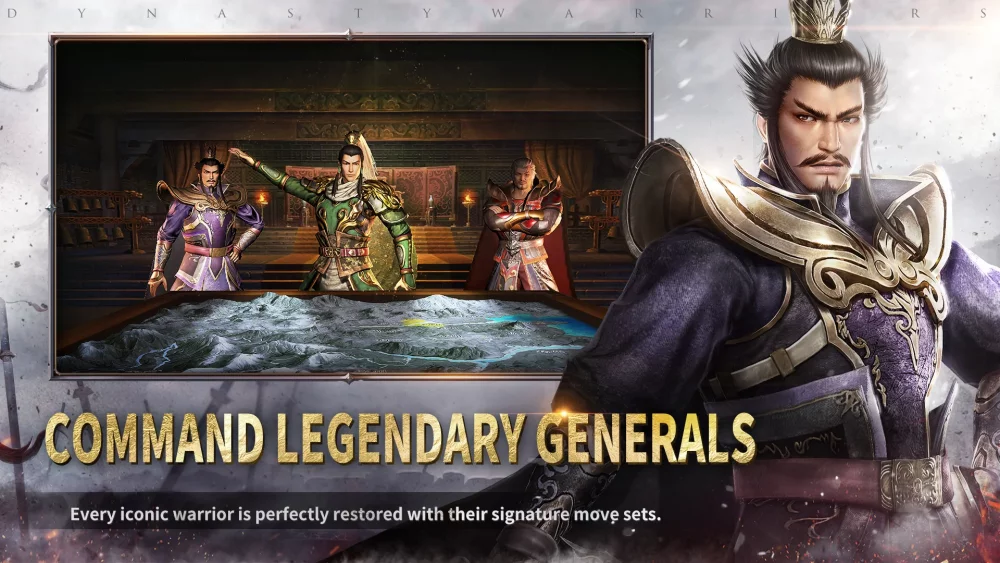
In the competitive landscape of Dynasty Warriors:Overlords, participating in "Peak of Might" requires more than just high-tier commanders; it demands a stable environment to execute complex combos. Players often face performance fluctuations that can disrupt the rhythm of intense battles. This guide focuses on technical adjustments and situational awareness to keep your combat performance consistent during high-stakes challenges.
Analyzing Combat Performance Hurdles
During high-intensity modes like Peak of Might, the sheer volume of combat data and visual effects can lead to frame drops or input lag. Addressing these issues is critical for maintaining the precision required to clear high-level stages.
- Input Latency: Ensure your device is not overheating, as thermal throttling is the leading cause of input delay in mobile action titles.
- Visual Clutter: High-density combat animations can obscure enemy cues. Adjusting your camera settings and visual fidelity can provide a clearer view of incoming attacks.
- Synchronization: Always verify your network stability before entering a competitive arena, as even minor packet loss can result in "teleporting" enemies or missed skill registrations.
Recommended Settings for Competitive Stability
If you are experiencing inconsistent performance during your Peak of Might runs, consider adjusting the following parameters within the game settings:
| Setting Category | Recommended Action | Benefit |
|---|---|---|
| Graphics Quality | Set to Medium/Low | Reduces thermal load and frame drops |
| Frame Rate | Lock at 60 FPS | Prevents erratic performance spikes |
| Camera Distance | Zoomed Out | Increases spatial awareness of boss telegraphs |
| Effect Intensity | Reduced/Off | Improves visibility of enemy attack markers |
Maintaining Momentum Under Pressure
"Peak of Might" challenges reward aggressive play, but aggression must be calculated. When you notice performance dips, shift your strategy to favor defensive maneuvers and safer, low-animation-lock skills until the combat flow stabilizes.
- Prioritize Evasion: If the framerate fluctuates, prioritize your dash/dodge abilities to reposition rather than committing to long, multi-hit combos that leave you vulnerable.
- Skill Sequencing: Use your most impactful skills during moments of lower screen density to ensure they connect fully without being interrupted by performance hitches.
- Cooldown Management: When in doubt, retreat to the edge of the arena to reset the engagement, allowing the processor to catch up if the screen becomes too cluttered with environmental effects.
Proactive Arena Preparation
Before entering the Peak of Might, perform a "warm-up" in a lower-stakes PvE stage. This helps you determine if your current device temperature and network connection are suited for the higher demands of competitive play. If you experience stuttering in a standard stage, restart the application to clear the cache before attempting any high-ranking competitive content. By optimizing these technical factors, you ensure that your mechanical skill remains the primary driver of your success in Dynasty Warriors:Overlords.

Free Dynasty Warriors:Overlords Codes
Current active codes and how to redeem them.

Sarah Williams
Sarah specializes in RPG and collection games, explaining team building, character growth, and beginner-friendly ways to avoid expensive early mistakes.
COMMUNITY
Player Comments
109 players commented on this guide.
Can you add more details about strategy in a future update?
Good guide for Dynasty Warriors:Overlords players. The strategy part was useful.
I wish I had read this before upgrading the wrong thing.
I tried this today and it worked better than my old setup.