
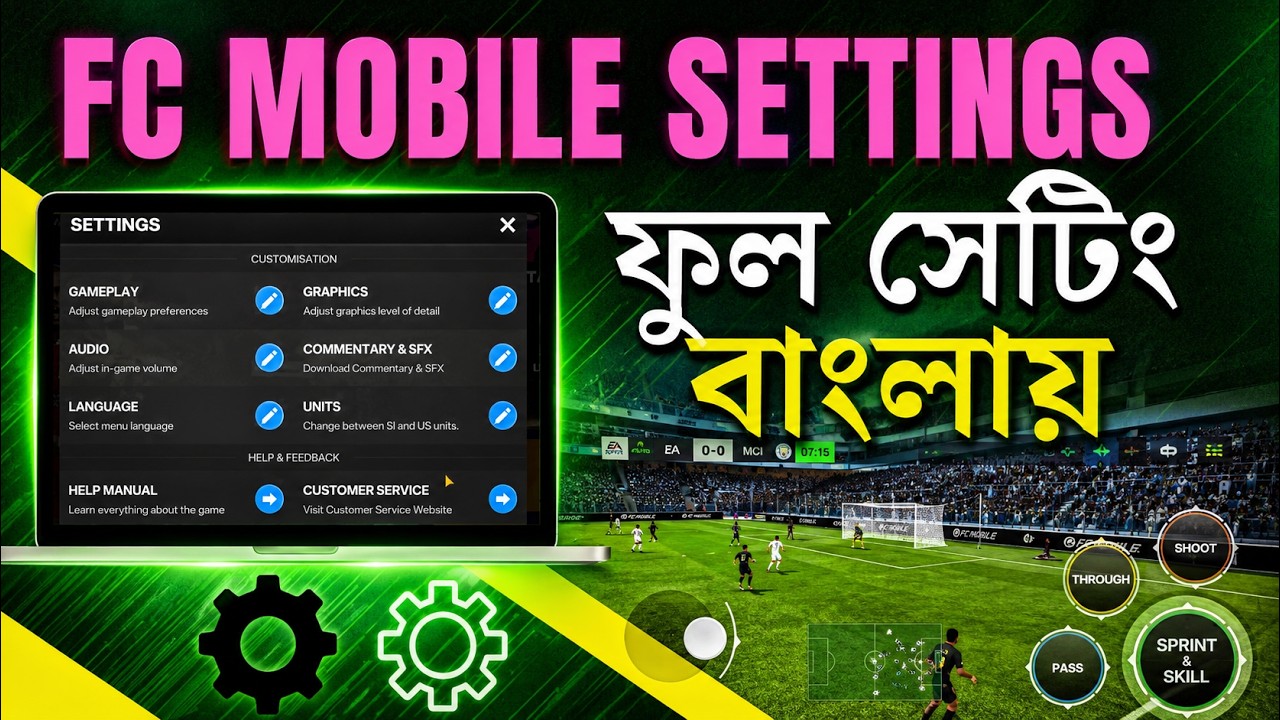
To gain complete control in competitive Head to Head matches in EA SPORTS FC Soccer Mobile 26, open the settings menu from the main hub gear icon, select Preferences, and turn off automated assists. Default gameplay assists frequently trigger unintended clearances, misdirected passes, and broken defensive lines.
Recommended Match Preferences Configuration
Configuring these settings eliminates unwanted artificial intelligence interventions while preserving critical visual information during ranked play:
| Preference Setting | Recommended Option | In-Match Tactical Purpose |
|---|---|---|
| Auto Passing & Shooting | OFF | Prevents rushed shots and forced clearances in congested areas |
| Auto-Switching | Air Balls Only | Stops defenders from stepping out of position during ground attacks |
| Player Switch Indicator | ON | Highlights the next active defender to prevent panic switching |
| Floating Virtual Stick | ON | Prevents dead zones caused by thumb drift across touchscreens |
| Pitch Radar | ON | Displays off-screen wing runs and opponent defensive overloads |
| Overhead Player Names | ON | Tracks opponent player identity and active stamina depletion |
| Change Sides at Half-Time | OFF | Preserves identical attacking angles and muscle memory all match |
Disabling Passing and Shooting Assists
Turn off Auto Passing & Shooting to retain complete authority over passing power, ball trajectory, and shot timing. When this setting is enabled, the game engine automatically kicks the ball if you hesitate for even a fraction of a second. This automation frequently produces misplaced clearances in defensive zones or premature shots inside the penalty box when a composed touch is required.
Disabling this setting requires active input for every action, but it keeps attacks under your control. Pair this adjustment with manual through passes and driven ground passes to lead wingers into open space rather than locking passes onto covered teammates.
Configuring Defensive Player Switching
Set Auto-Switching to Air Balls Only to maintain a compact defensive structure. Fully assisted auto-switching frequently swaps your active player to the closest defender while you are pulling backward with the virtual stick. This directional clash drags central defenders forward, leaving vacant running lanes for opposing attackers.
The Air Balls Only setting restricts automatic switching to aerial passes, crosses, and goal kicks, where rapid positioning is required to contest headers. All ground defending remains fully manual using the switch button or directional flicking. Keep the Player Switch Indicator toggled on so you can identify the targeted player before committing to a tackle.
Virtual Stick and Display Settings
Enable the Floating Virtual Stick to prevent missed inputs. A fixed virtual stick confines movement to an exact quadrant on the screen. If your thumb migrates during intense dribbling, directional commands stop registering. A floating stick dynamically centers on your point of contact, ensuring continuous control. If you play on a phone display, enable larger button sizes to reduce missed inputs during rapid defensive recovery.
Turn on both the Pitch Radar and Overhead Player Names under the visual display settings. Mobile camera angles track the ball tightly, which obscures wide players and trailing fullbacks. The radar reveals open passing options and counterattack opportunities across the entire pitch. Overhead player names and stamina bars display fatigue levels, warning you when depleted midfielders can no longer sustain contested sprints.
After adjusting these settings in the Preferences menu, practice in Unranked matches or Skill Games to adapt your muscle memory to manual clearances and deliberate player switching before entering ranked Head to Head competition.

Free EA SPORTS FC Soccer Mobile 26 Codes
Current active codes and how to redeem them.

Sarah Williams
Sarah specializes in RPG and collection games, explaining team building, character growth, and beginner-friendly ways to avoid expensive early mistakes.
COMMUNITY
Player Comments
135 players commented on this guide.
This helped me understand strategy much better.
Can you add more details about strategy in a future update?
The tips are practical and easy to follow.
I wish I had read this before upgrading the wrong thing.