
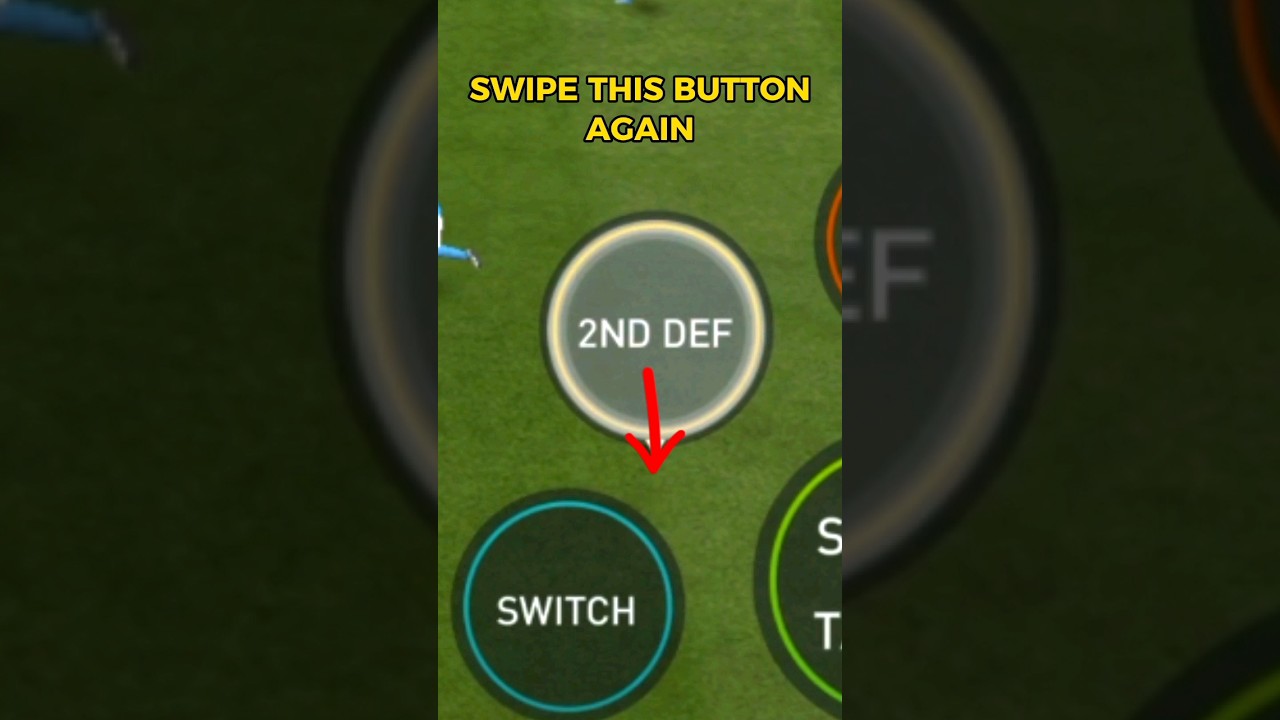
To stop conceding goals in EA SPORTS FC Soccer Mobile 26 Head to Head (H2H) matches, keep your center-backs in formation and defend primarily with your central midfielders while using patient manual jockeying. Stepping forward with a center-back creates open lanes for through balls, so your immediate action on defense is to switch to a midfielder, protect your backline structure, and delay tackling until the attacker commits to an action.
Control Midfielders to Maintain Defensive Shape
Pulling a center-back (CB) out of the defensive line to challenge midfield dribblers leaves open space behind your defense for fast opposing strikers to exploit. Preserving your horizontal backline allows the artificial intelligence to manage defensive depth and offside positioning naturally while your user-controlled player applies back-pressure.
When an opponent counters, execute this transition sequence:
- Switch to the midfield line: As soon as possession changes, toggle to your central defensive midfielder (CDM) or central midfielder (CM) rather than your nearest center-back.
- Track the central corridor: Sprint diagonally toward the space in front of your penalty box instead of charging straight at the ball carrier.
- Funnel the attacker into traffic: Position your midfielder between the opponent and your back four to slow down the attack and force passes toward the sidelines.
Neutralize Skill Moves with Manual Jockeying
Holding the sprint-tackle button generates forward momentum that opposing players easily exploit with skill moves like the Lane Change, Heel-to-Heel, or fake shot. Once your defender charges at full speed, recovery is difficult and gives the opponent an open shooting angle.
Release the sprint button and guide your defender strictly with the virtual joystick to jockey. Keep a cushion of one to two player lengths to stay balanced and react to sudden cuts without stumbling. However, avoid backing up too deep into your own box; halt your retreat at the edge of the eighteen-yard box to avoid conceding long-range finesse shots.
Choose the Correct Defensive Challenge
Physical challenges require strict timing. Tapping the tackle button carelessly locks your defender into a recovery animation, allowing the attacker to sprint past uncontested. Reserve standing tackles for moments when you are within arm's reach and the ball is momentarily detached from the dribbler. Restrict slide tackles to emergency goal-line blocks, as missed slide tackles near the box frequently result in red cards or penalties.
| Defensive Action | Controller Input | In-Game Situation | Primary Execution Risk |
|---|---|---|---|
| Manual Jockey | Virtual joystick (no sprint) | Tracking dribblers outside the box | Conceding long-range finesse shots |
| Standing Tackle | Tap Tackle within arm's reach | Opponent takes a heavy touch | Recovery freeze animation if missed |
| Recovery Sprint | Hold Sprint diagonally | Chasing down loose through balls | Overshooting the defensive angle |
| Slide Tackle | Tap or swipe Slide in desperation | Blocking an open-net shot | Direct red cards and penalty fouls |
Contain Flank Runs and Deflect Crosses
When defending the wings, guide your fullback parallel to the winger along the edge of the penalty box rather than rushing directly toward the touchline. Lunging outward lets the attacker cut inside toward the goal or bypass you with a quick change of pace.
Holding the inside positioning blocks cutbacks and passes toward the penalty spot. Maintain this containment until the winger enters the crossing zone, then step into the delivery path to block the ball with your defender's body.
Configure Switching Settings
Set your defensive switching settings to manual or air-ball assistance. Automatic switching often shifts your active cursor to a retreating center-back right as a lofted ball is played, pulling that defender out of alignment. While the switch button works during slow possessions, tapping directly on the desired player during rapid counter-attacks provides the most precise control over your defensive structure.

Free EA SPORTS FC Soccer Mobile 26 Codes
Current active codes and how to redeem them.

Sarah Williams
Sarah specializes in RPG and collection games, explaining team building, character growth, and beginner-friendly ways to avoid expensive early mistakes.
COMMUNITY
Player Comments
30 players commented on this guide.
Nice guide. I am checking the other EA SPORTS FC Soccer Mobile 26 articles next.
This guide answered the exact question I had.
This helped me understand updates much better.
Can you add more details about updates in a future update?