
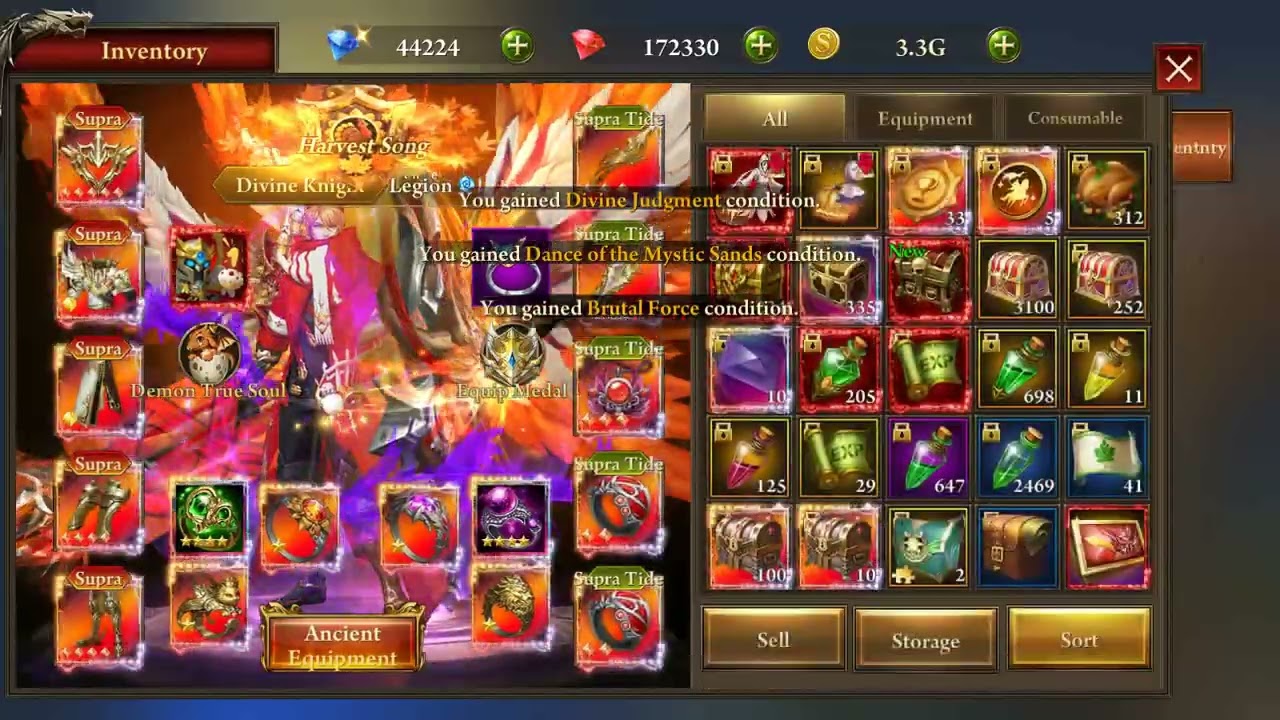
To craft the Otoya's Blessing Celestial Ring in Era of Celestials, access the in-game Forge menu, select the Celestial crafting tab, and combine your prerequisite tier ring with the designated blessing essences and synthesis currency. Equipping the crafted ring and manually unlocking new fashion sets in your wardrobe immediately applies permanent combat stat increases and raises your overall Battle Rating (BR).
Requirements for Otoya's Blessing
Before forging Otoya's Blessing, verify that your character has reached the required Celestial Gear tier milestone to make the recipe visible in the Forge interface. Combining items requires specific base pieces and currencies:
- Prerequisite Base Ring: A tier-appropriate progression ring that serves as the crafting foundation.
- Blessing Essence: Otoya-specific crafting catalysts acquired through Celestial trials, high-level bosses, or event exchanges.
- Synthesis Currency: Sufficient Bound Gold or Diamonds to pay the forge fee.
| Component / Requirement | Source or Role | Function |
|---|---|---|
| Base Ring Catalyst | Prior tier ring progression | Serves as synthesis foundation |
| Otoya Blessing Essence | Bosses, trials, or event shops | Imbues signature Celestial stats |
| Synthesis Fee | Bound Gold or Diamonds | Completes the Forge transaction |
| Active Ring Slot | Character equipment panel | Activates raw attributes and BR |
How to Forge the Celestial Ring
Follow these steps to synthesize and equip the ring:
- Open the Forge: Tap the menu on the right side of the screen and select the Forge icon.
- Navigate to Celestial Gear: Choose the Celestial or Craft category from the side navigation tabs, then locate Otoya's Blessing under the accessory list.
- Check Components: Review the required ingredients. Missing items or insufficient currencies appear highlighted in red.
- Synthesize the Ring: Select Craft to create the piece. The item transfers directly to your inventory.
- Equip and Transfer: Open your Character panel, equip Otoya's Blessing into your active ring slot, and transfer existing enhancement stars or slotted gems from your previous ring.
Activating Costumes in the Wardrobe
Costumes in Era of Celestials provide permanent attribute bonuses that stack onto your profile regardless of which appearance you choose to display visually. Unlocking a costume voucher or skin does not grant its stats automatically; you must activate it manually.
- Open the Character menu and select the Wardrobe (or Appearance) tab.
- Check for items marked with a red notification dot indicating an unactivated fashion piece.
- Select the item and tap Activate.
Activating fashion pieces adds flat attributes—such as HP, Attack, and Defense—directly to your permanent stats. Collecting complete matching sets unlocks collection resonance, which grants percentage-based attribute multipliers that scale alongside the flat attributes provided by high-tier gear like Otoya's Blessing.
Next Steps: Refining Your New Ring
After equipping Otoya's Blessing, optimize its performance through standard enhancement systems:
- Inherit Refinements: Move enhancement levels from your older ring immediately so your overall combat rating does not drop during the gear transition.
- Socket Priority Gems: Fill open sockets with high-tier Attack, Penetration, or Critical gems to benefit from the ring's offensive profile.
- Reroll Secondary Stats: Use polishing stones and purification items to align secondary attributes with your class damage type.
- Trigger Set Resonance: Pair the ring with a complementary tier necklace and secondary ring to complete active accessory resonance tiers.

Free Era of Celestials Codes
Current active codes and how to redeem them.

James Brown
James focuses on Android gaming on PC, emulator setup, controls, performance tuning, and practical troubleshooting for longer play sessions.
COMMUNITY
Player Comments
47 players commented on this guide.
I wish I had read this before upgrading the wrong thing.
Nice guide. I am checking the other Era of Celestials articles next.
The explanation is clear, especially for beginners.
The tips are practical and easy to follow.