
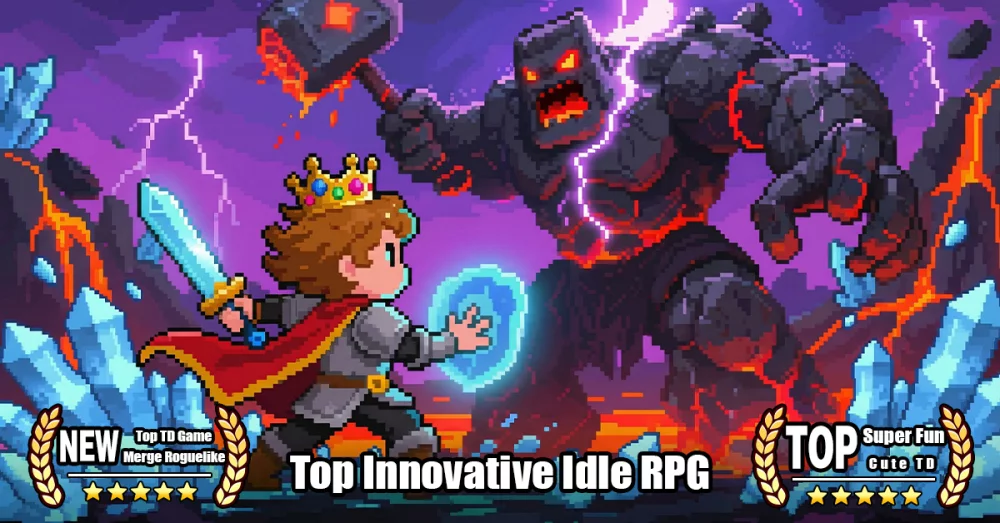
In Evo Defense, character customization goes beyond simple aesthetics. The introduction of thematic skins, such as the Phantom Night Star set, allows players to differentiate their defensive lineup while maintaining high-level combat performance. This guide breaks down the process of managing hero skins and how to integrate new cosmetic additions into your existing roster.
Understanding Skin Acquisition and Application
Skins in Evo Defense are primarily tied to specific events or milestone rewards. Unlike base gear or totems, skins are cosmetic overlays that do not inherently alter the base statistics of your hero, though they are often released alongside balance adjustments or event-specific buffs.
To apply the Phantom Night Star skin:
- Navigate to the Hero Menu: Open your hero collection from the main hub.
- Select the Target Hero: Identify which hero is compatible with the Phantom Night Star skin.
- Access the Customization Tab: Look for the "Skin" or "Outfit" icon located on the hero’s detail page.
- Equip the Skin: Once unlocked, select the skin from the list and confirm the change to update your hero's appearance on the battlefield.
Why Prioritize Cosmetic Upgrades?
While skins are visual, they serve a strategic purpose in competitive environments:
- Recognition: In high-intensity stages or co-op modes, unique skins help you and your teammates quickly identify your specific hero units amidst the chaos of randomized tower synthesis and mob waves.
- Event Participation: Often, acquiring a new skin requires participation in limited-time events. Completing these challenges often yields secondary rewards, such as refinement stones or currency, making the pursuit of a skin a productive use of your energy.
- Account Prestige: High-tier skins signal to other players that you have successfully cleared the specific content or reached the milestones required to unlock them.
Best Practices for Managing Hero Cosmetics
If you are aiming to collect the Phantom Night Star skin or future releases, keep these tips in mind to maximize your resources:
| Feature | Strategy |
|---|---|
| Resource Hoarding | Save event-specific currencies until you have enough to guarantee the skin unlock. |
| Hero Synergy | Only prioritize skins for heroes that occupy permanent slots in your main defensive formation. |
| Event Timing | Check the event duration timer to ensure you have enough time to complete the necessary combat milestones before the item is removed from the shop. |
Strategic Integration
When you equip the Phantom Night Star skin, remember that it does not override your current Totem or Gear stats. You can safely change the look of your hero without worrying about losing your carefully refined stat bonuses. Always double-check your hero's equipment loadout after a major patch or event update to ensure that your active gear remains optimized for your current stage progression.

Free Evo Defense Codes
Current active codes and how to redeem them.

Michael Smith
Michael covers live-service games, events, reward systems, and efficient daily routines, turning frequent updates into clear actions for players.
COMMUNITY
Player Comments
79 players commented on this guide.
Can you add more details about heroes in a future update?
This saved me time in the early game.
This helped me understand heroes much better.
I tried this today and it worked better than my old setup.