
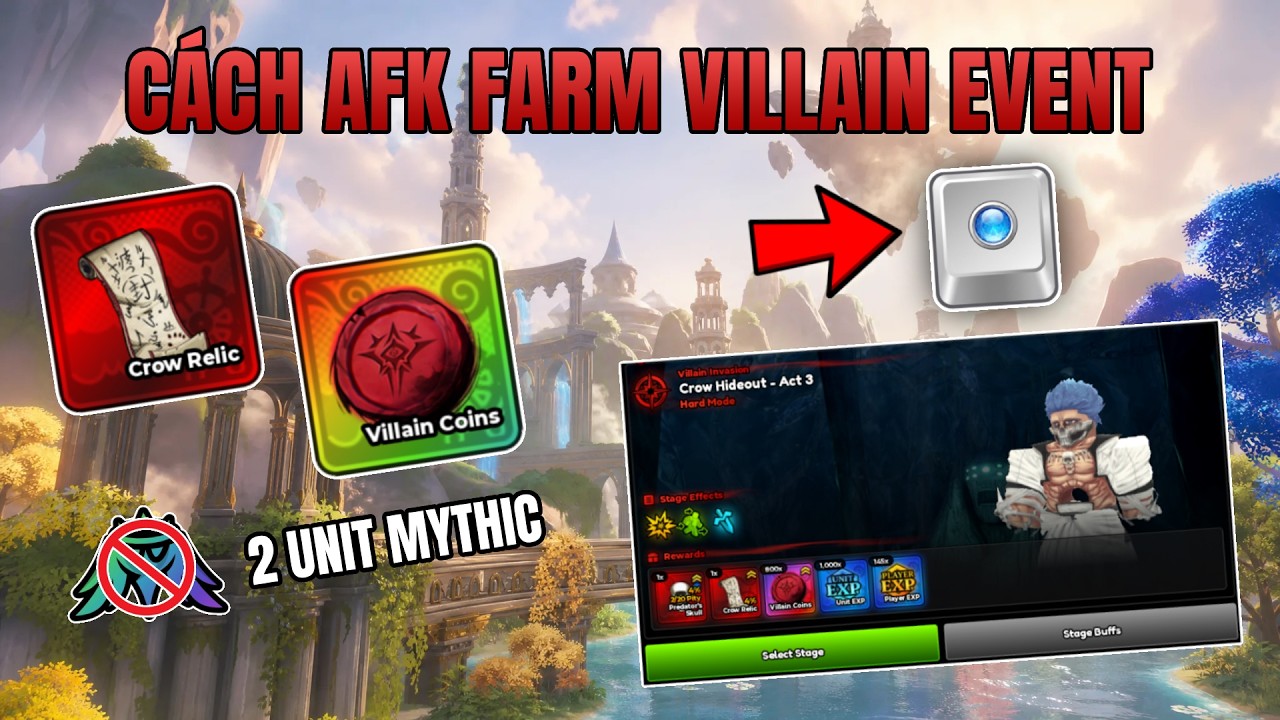
To AFK farm the Villain Event in Mythic Expedition, set your game client to windowed mode, field a two-unit team capable of clearing your chosen difficulty, and use macro recording software such as TinyTask to automate the retry loop. This eliminates manual repetitive inputs during event grinds.
Preparing Your Two-Unit Composition
The automation relies on two units clearing enemy waves fast enough to avoid getting overwhelmed.
- Unit Requirements: Select two characters with high area-of-effect (AoE) damage, long attack range, or strong crowd-control abilities to rapidly wipe enemy health bars.
- Consistency Check: Run your chosen pair manually for 10 consecutive runs at your target difficulty tier. If either unit dies or fails to clear within that test window, raise their levels or upgrade their gear before starting the automated loop.
Configuring the TinyTask Automation Sequence
Before recording, switch Mythic Expedition to windowed mode. Keeping resolution fixed ensures that mouse click coordinates do not shift during macro playback.
- Open the Villain Event menu and place your two selected units onto the battlefield.
- Launch TinyTask and begin recording.
- Click the in-game Start button to commence the battle.
- Wait for the round to complete and the victory screen to display.
- Click the Retry (or Next) button.
- Stop recording in TinyTask and set the macro to loop continuously.
Optimizing Loop Timing and Preventing Desync
Variations in wave clear speed can break your macro loop if the sequence clicks before the end-of-match screen appears.
- Add Buffer Time: Allow a few extra seconds of idle delay in your recording between the match victory screen appearing and clicking the retry button.
- Verify Stability: Watch the macro execute for 5 full cycles. Confirm that the cursor consistently lands on the retry button regardless of slight clear-time differences.
- Clear Screen Interference: Disable or dismiss desktop notifications that could draw focus away from the game window or hijack mouse clicks.
Managing Farming Checks and System Maintenance
While AFK farming accumulates event resources steadily, long automation runs require basic upkeep:
- Hourly Check-ins: Inspect your game client every hour to ensure the match loop is active and your inventory has free space for incoming rewards.
- Roster Balance: Manually level up secondary and tertiary units between farming sessions so your wider roster does not fall behind if event scaling changes.
- Hardware Monitoring: Running continuous macro loops increases system load. Keep an eye on device temperature and performance during extended farming sessions.

Free Mythic Expedition Codes
Current active codes and how to redeem them.

James Brown
James focuses on Android gaming on PC, emulator setup, controls, performance tuning, and practical troubleshooting for longer play sessions.
COMMUNITY
Player Comments
127 players commented on this guide.
I tried this today and it worked better than my old setup.
This saved me time in the early game.
This guide answered the exact question I had.
I wish I had read this before upgrading the wrong thing.