
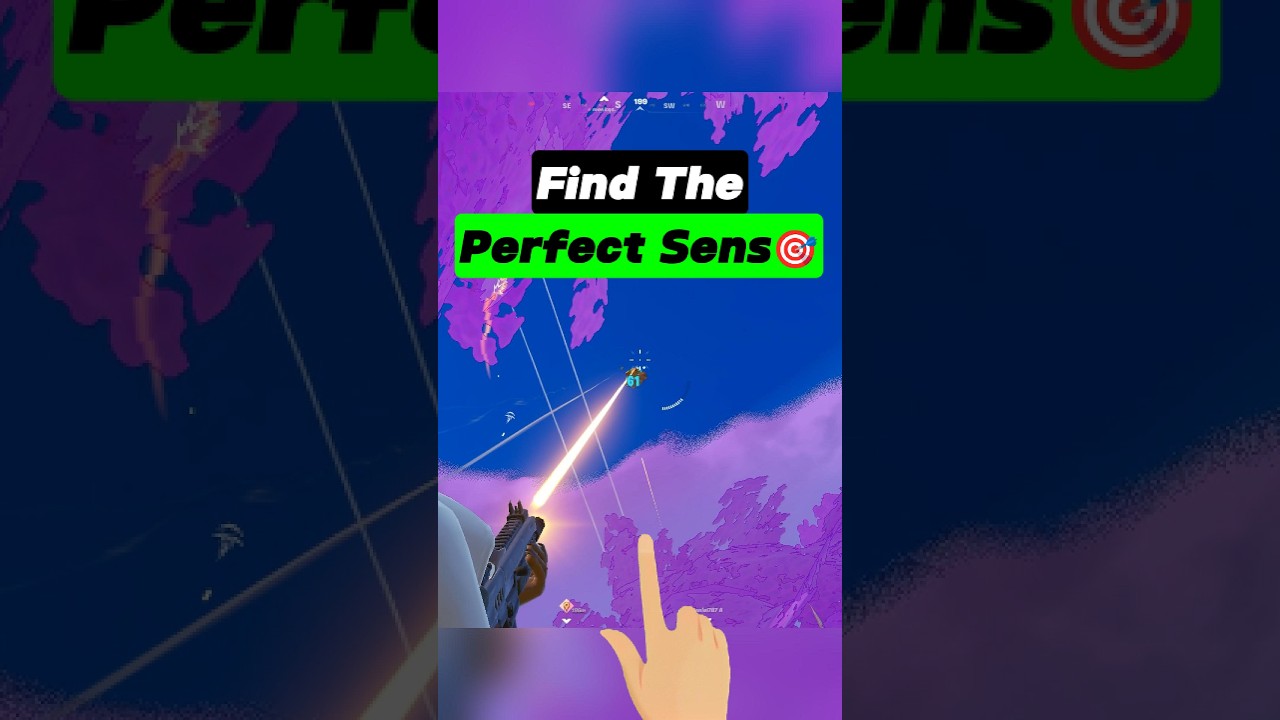
To find your ideal Fortnite mouse sensitivity, establish an effective DPI (eDPI) baseline that matches your available desk space, refine your hipfire tracking in Creative mode, and configure independent multipliers for building and targeting. Calibrating your settings around your hardware prevents overshooting close-range shotgun targets while preserving the speed required for piece control.
Calculating eDPI and Choosing a Baseline Bracket
Effective DPI standardizes your mouse hardware DPI and your in-game sensitivity into a single comparable value. To calculate your eDPI, multiply your hardware mouse DPI by your in-game sensitivity percentage. For example, using 800 DPI with an 8.0% in-game sensitivity results in an eDPI of 64 (800 × 0.08).
Your available mousepad surface dictates which sensitivity bracket you should choose:
| Sensitivity Bracket | eDPI Range | Primary Advantage | Operational Limitation |
|---|---|---|---|
| Low | 32–48 | High shotgun precision and stable tracking | Demands rapid arm sweeps and a large mousepad |
| Medium | 48–72 | Balanced hybrid for flicks and fast edits | Requires coordinated arm and wrist movement |
| High | 72–100+ | Fast piece control with minimal physical movement | Prone to jitter and inconsistent mid-range tracking |
Arm aimers using large desk pads benefit most from low to medium eDPI ranges, whereas wrist aimers with limited mousepad space require higher eDPI values to execute full turns.
Calibrating Hipfire with the Boundary Rule and Tracking Tests
Before testing your aim against targets, apply the mousepad boundary rule to establish your turn radius. Center your mouse on your pad and perform a single swipe to the outer edge. This movement should rotate your character between 180 and 270 degrees in-game. If a full sweep yields less than a 180-degree turn, increase your sensitivity so you can react to players behind you. If a slight flick spins your character a full 360 degrees, lower it to prevent overshooting under pressure.
Once your turn radius is set, enter a Creative aim-training map to evaluate your tracking:
- Stand roughly 10 to 15 meters away from a moving target bot.
- Strafe left and right while keeping your crosshair centered on the target without firing.
- If your reticle darts ahead of the bot or shakes during adjustments, reduce your in-game sensitivity by 0.5%.
- If your reticle drags behind the bot or causes physical strain to maintain alignment, increase your sensitivity by 0.5%.
- Test static shotgun snaps by flicking from an anchor point onto a stationary bot. If you consistently land past the target, lower the value slightly; if you stop short, raise it.
Configuring Targeting (ADS) and Build Multipliers
Decoupling your Aim Down Sights (ADS) sensitivity and build multipliers prevents fast building mechanics from destabilizing your long-range gunplay.
- Targeting Sensitivity: Set your ADS sensitivity between 25% and 40% of your primary hipfire value. This added resistance stabilizes weapon reticles when tracking gliding or sprinting opponents with Assault Rifles and DMRs.
- Low eDPI (32–48): Set your Build and Edit multipliers between 1.2x and 1.5x. This provides the speed needed for tunneling and rapid piece placement without requiring exhaustive arm movements.
- Medium eDPI (48–72): Set your multipliers between 1.0x and 1.2x to keep weapon crosshair placement aligned with build tile editing.
- High eDPI (72+): Keep multipliers at 1.0x. Adding multipliers to a high base sensitivity often leads to misplaced structures and missed edit selections.
Preserving Muscle Memory and Warming Up
Frequent sensitivity adjustments prevent your nervous system from developing consistent micro-adjustments. After setting your calculated eDPI and multipliers, keep those exact values for at least seven to ten consecutive days.
Before queuing into competitive matches, run through a 10-minute Creative warm-up sequence:
- 3 Minutes of Smooth Tracking: Track moving bots to calibrate hand friction and arm fluidness.
- 3 Minutes of Shotgun Flicks: Practice snapping between stationary targets to reinforce close-quarters crosshair placement.
- 4 Minutes of Free-Building: Execute tunnels, edits, and box resets to ensure your build multipliers translate cleanly into full-speed play.

Free Fortnite Codes
Current active codes and how to redeem them.

Sarah Williams
Sarah specializes in RPG and collection games, explaining team building, character growth, and beginner-friendly ways to avoid expensive early mistakes.
COMMUNITY
Player Comments
80 players commented on this guide.
The explanation is clear, especially for beginners.
This saved me time in the early game.
Good guide for Fortnite players. The base building part was useful.
I tried this today and it worked better than my old setup.