
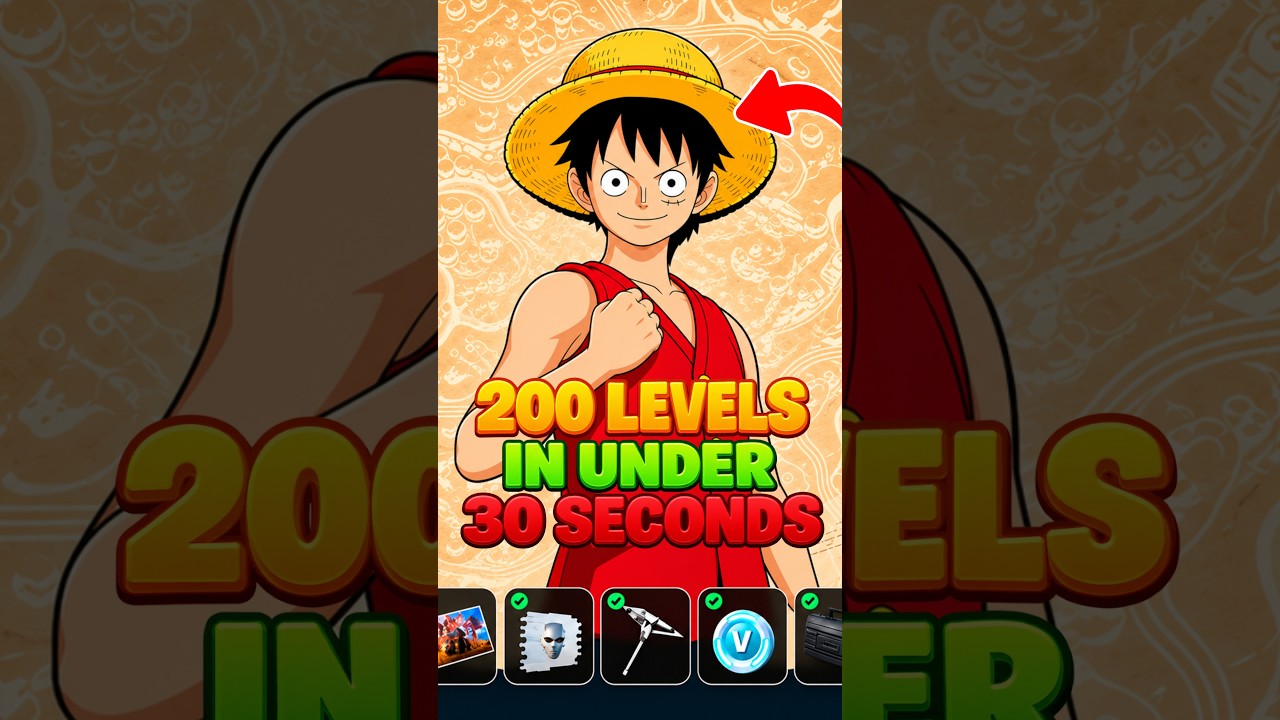
To level up your Fortnite Battle Pass using no-timer Creative XP maps, load the target island code into a private match, locate the hidden interaction prompt in the spawn area, and enter the designated bounce room. This routine triggers an ongoing passive XP stream immediately without forcing you to wait out a ten-minute countdown clock.
Set Up a Private Match
Always launch custom Creative islands under a private game setting. In public lobbies, other players can activate triggers prematurely, deplete interactive objects, or desynchronize the map's accolade device.
- Open the Discover menu and navigate to the Island Code tab.
- Enter the target map code and confirm the selection.
- Check the matchmaking box above the Play button and toggle it from Public Game to Private Game.
- Launch the island. In a private instance, all interactive props, secret buttons, and accolade devices are reserved exclusively for your session.
Locate No-Timer Accolade Triggers
Standard XP maps often lock their accolade rewards behind ten-to-fifteen-minute digital countdown timers. No-timer maps bypass this delay by placing interactable collision boxes directly within the starting arena's reachable geometry.
Look for interaction prompts near decorative objects in the spawn area:
- Behind changing booths or weapon kiosks
- Underneath arena ramps and staircases
- Along outer perimeter railings or scoreboards
Interacting with these hidden hitboxes activates the map's accolade device, starting passive experience ticks within seconds of loading.
| Feature | No-Timer AFK Maps | Timed Vault Maps |
|---|---|---|
| Initial Wait Time | 0 minutes (instant access) | 10 to 15 minutes |
| Access Requirement | Hidden interaction prompt | Keypad code after timer |
| Lobby Disconnect Risk | Minimal | Moderate (idle timeout risk) |
| Primary XP Output | Immediate continuous ticks | Large burst after wait time |
| Best Use Case | Quick daily leveling sessions | Extended multi-hour AFK |
Use the Bounce Room to Prevent Idle Disconnects
Standing completely still in Creative mode triggers an idle disconnect after roughly ten to fifteen minutes. No-timer maps resolve this by opening a rift or portal once you trigger the primary accolade prompt.
Step through the portal into the bounce room. Launch pads, bouncers, or low-gravity fields in this room continuously propel your avatar. Fortnite's engine registers this constant movement as active player input, preventing idle kicks without requiring third-party software or controller rubber-banding. Some bounce rooms also feature elevated pickup coins or secondary XP buttons that grant extra experience bursts on contact.
Manage the Daily Creative XP Soft Cap
Fortnite applies an adaptive diminishing-returns system to Creative mode experience. While initial ticks yield substantial progress, accolade payouts gradually decrease during extended sessions.
- Daily Cap Range: Creative XP typically soft-caps after accumulating roughly 400,000 to 500,000 XP in a single 24-hour cycle.
- Exit Threshold: When payouts drop below 50 to 100 XP per tick, leave the session. Remaining in the bounce room past this point yields negligible gains.
- Reset Schedule: Epic Games resets the daily Creative XP pool alongside daily quest refreshes. Once your rate slows significantly, return to the lobby so your earned Battle Stars bank properly, then resume standard gameplay or wait for the next daily reset.
Free Fortnite Codes
Current active codes and how to redeem them.

James Brown
James focuses on Android gaming on PC, emulator setup, controls, performance tuning, and practical troubleshooting for longer play sessions.
COMMUNITY
Player Comments
48 players commented on this guide.
Can you add more details about strategy in a future update?
I wish I had read this before upgrading the wrong thing.
I tried this today and it worked better than my old setup.
Nice guide. I am checking the other Fortnite articles next.