
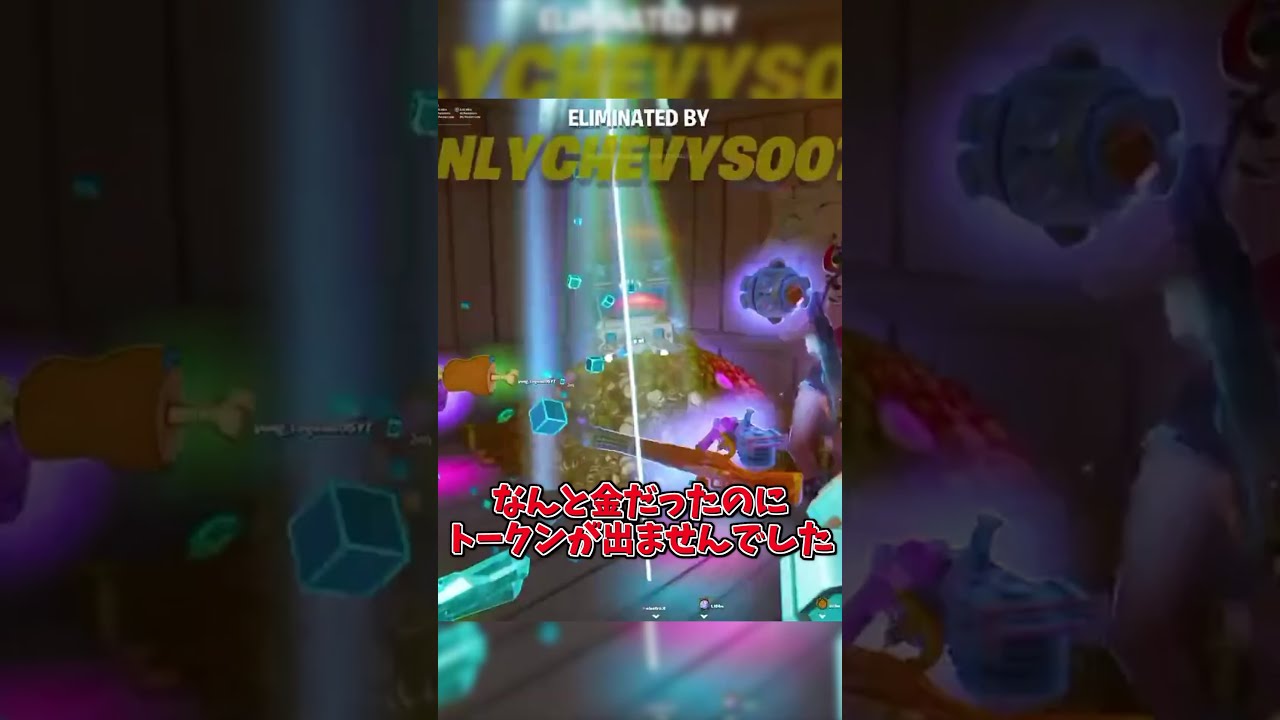
To prevent losing event tokens during Fortnite Chapter 7 Mini-Season 1, collect all dropped currency on foot from inside defensive structures, avoid looting while operating vehicles, and redeem tokens early at Pirate Shop terminals. Most sudden token losses stem from client-server desynchronization, per-match collection limits, or late-match eliminations before banking.
Primary Causes of Disappearing Tokens
Unexpected token losses in Chapter 7 Mini-Season 1 trace back to four primary mechanics:
- Client-server latency rollback: The local game client plays a pickup chime and immediately adds tokens to your on-screen HUD. If network lag, packet loss, or server delay interrupts communication before the backend server validates the pickup, your displayed balance rolls back to its previous verified amount upon closing your inventory or accessing a shop.
- Per-match collection thresholds: Mini-season events feature hidden per-match intake caps to manage the event economy. Once you hit this cap through chests or player eliminations, floor tokens will still trigger visual pickup animations, but they will not register in your session inventory.
- Vehicle and traversal clipping: Driving through dropped tokens causes vehicle hitboxes to clip items into uneven geometry, rocks, or deep water. If an item falls below the terrain collision mesh or into invalid coordinates, the server deletes the entity to avoid physics errors.
- Contested loot timing: When you and an opponent grab the same dropped token simultaneously, server tick priority awards the currency to the lower-ping player. The losing player often sees a phantom pickup animation before the HUD reverts.
Safe Collection Strategies
Minimizing physics glitches and latency conflicts requires adjusting how you gather floor drops.
| Looting Scenario | Primary Risk Factor | Reliability | Safe Action |
|---|---|---|---|
| Contested open ground | Rival fire and latency discrepancies | Moderate | Build defensive box walls around drops before collecting |
| High-speed vehicle drive-by | Physics clipping and void drops | Low | Exit the vehicle and loot items on foot |
| Deep water or coastal drops | Submerged entity interaction failure | Poor | Build floor ramps beneath floating items or use a harpoon |
| Stationary chest drops | Server desync during weapon swapping | High | Loot methodically without rapid weapon-cycling inputs |
Using mobility items directly over loot piles carries similar risks. Triggering rifts or jump pads while standing on loose tokens interrupts the pickup channel before the server registers the addition. Come to a complete stop on solid ground before picking up items.
Banking Currency at Pirate Shop Terminals
Carrying loose tokens into late storm circles exposes your balance to eliminations, storm damage, and match disconnections. Tokens in your inventory provide no shield, health, or combat advantages during combat.
To secure your progress:
- Identify designated Pirate Shop terminals situated at named landmarks and pirate outposts.
- Route rotations toward these terminals during the second and third storm circles.
- Spend collected balances immediately on permanent cosmetic unlocks, companion items, or match upgrades.
Once spent at a terminal, the value attaches to your account profile and cannot be lost upon elimination.
Troubleshooting Display Discrepancies
If your token counter suddenly drops or fails to update after looting, use the following steps to confirm your balance:
- Do not quit to the lobby via the pause menu. Manually leaving an active match can abort the final data transfer. Always finish the match through normal elimination or victory so the match server posts your session totals.
- Check the main menu. Visual discrepancies during high-load endgames often clear once you load back into the lobby.
- Restart the game client. If your balance does not reflect confirmed gains, close and reopen Fortnite to clear temporary cache discrepancies.
Free Fortnite Codes
Current active codes and how to redeem them.

Sarah Williams
Sarah specializes in RPG and collection games, explaining team building, character growth, and beginner-friendly ways to avoid expensive early mistakes.
COMMUNITY
Player Comments
65 players commented on this guide.
I wish I had read this before upgrading the wrong thing.
The explanation is clear, especially for beginners.
This saved me time in the early game.
Good guide for Fortnite players. The early game part was useful.