
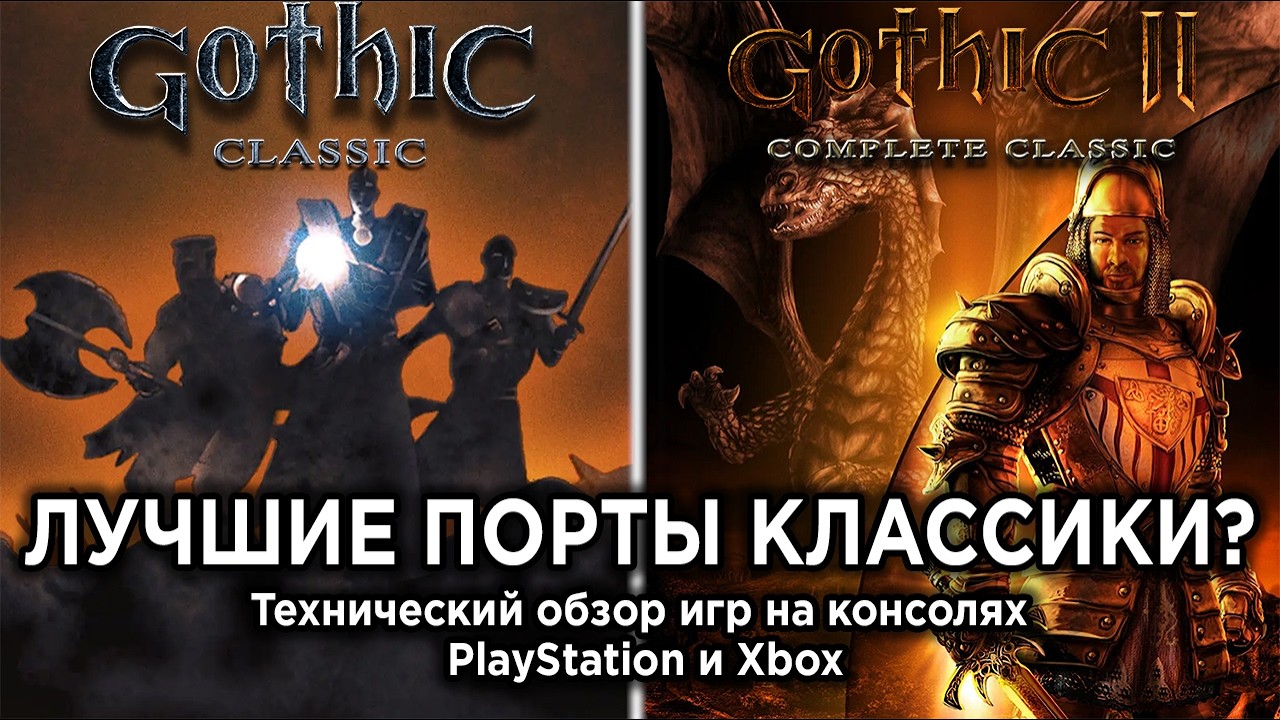
To smooth out technical friction in Gothic Classic on modern consoles, set up your radial shortcuts before entering hostile territory, maintain a multi-slot manual saving rotation, and lock onto enemies to stabilize melee movement.
Setting Up the Console Radial Menu
The console edition replaces original PC keyboard shortcuts with a circular radial menu for weapons, spells, and consumables. Because the game does not consistently pause during menu navigation, opening full inventory lists while in combat creates serious survival risks.
Before entering contested zones such as the Old Mine or Orc lands:
- Assign Vital Items First: Place core healing items, like health potions, into fixed radial slots during quiet moments.
- Organize Inventory Rows: Keep similar consumables in the same inventory row to reduce browse times when adjusting radial setups.
- Access Gear via Radial Inputs: Rely on the fast radial wheel rather than opening the pause menu when re-equipping tools or potions near enemies.
Managing Save Files and Stability
Frequent auto-saving or overwriting a single quick-save slot can lead to save file issues in Gothic Classic. The port retains legacy engine geometry and collision behaviors, making manual save management your primary safeguard against progression loss.
| Save Action | Trigger Point | Purpose |
|---|---|---|
| Slot Rotation | Arrival at any new camp or major quest turn-in | Prevents save file corruption from repeated single-slot overwrites. |
| Pre-Combat Save | Before engaging tough guards or aggressive wildlife | Protects against sudden animation locks or fast deaths. |
| Pre-Exploration Save | Before navigating dense terrain or narrow geometry | Mitigates progress loss if your character becomes stuck in legacy collision boxes. |
Adapting to Legacy Tank Controls and Targeting
Combat and movement in Gothic Classic mirror the rigid design of the original release. Attacks are tied directly to combining movement stick directions with the action button, and button-spamming will not cancel active animation frames.
- Engage Lock-On Early: Activate the target lock-on system when engaging enemies like bloodflies or young scavengers. Lock-on fixes your strafing axis, making spacing predictable.
- Time Attacks Rhythmically: Press your attack inputs deliberately in sequence with your weapon's swing frames. Allow each animation to resolve before committing to your next strike.
- Maintain Backstep Distance: Always leave space behind your character to execute a backstep. Limited turning speeds prevent rapid reorienting if targets circle behind you.
Optimization and Interaction Settings
Console performance reflects the classic lighting models and original engine structure. On Nintendo Switch in handheld mode, draw distance and asset density reduce around large hubs like the exterior of the Old Camp.
- Pace Movement in Dense Hubs: When entering heavily populated areas, walk briefly to allow the engine to process NPC AI and zone assets without frame stutter.
- Align Interacting Prompts: Stand at precise straight angles when interacting with world objects such as anvils or chests to trigger legacy interaction boxes correctly.
- Track Audio Cues: Listen to environmental audio layers to detect hostile pathfinding before enemies show up in your visual field of view.

Free Gothic Classic Codes
Current active codes and how to redeem them.

Sarah Williams
Sarah specializes in RPG and collection games, explaining team building, character growth, and beginner-friendly ways to avoid expensive early mistakes.
COMMUNITY
Player Comments
83 players commented on this guide.
Good guide for Gothic Classic players. The strategy part was useful.
The tips are practical and easy to follow.
This saved me time in the early game.
This guide answered the exact question I had.