
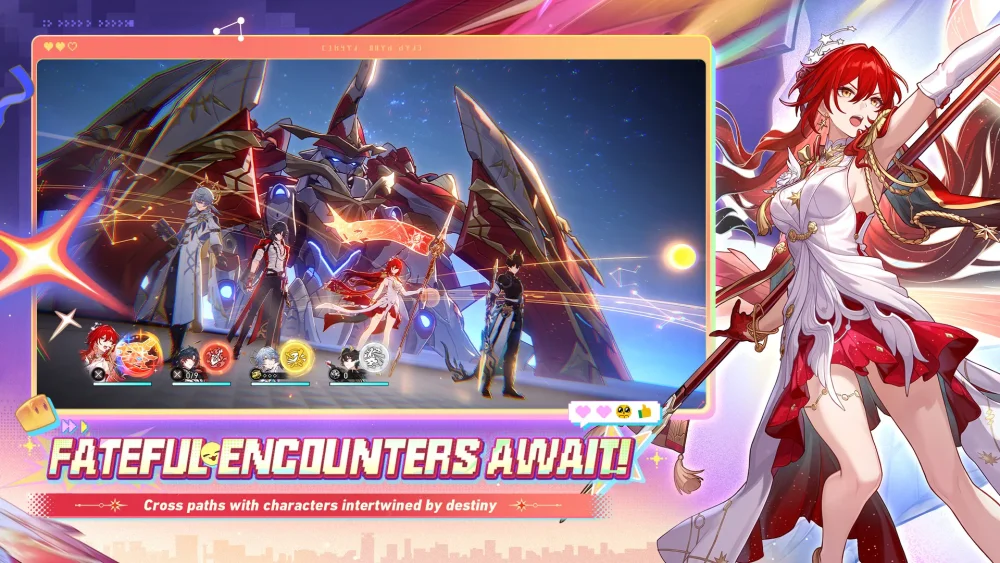
Combat animation irregularities in Honkai: Star Rail often manifest as visual hitches, character clipping, or frozen sequences during high-intensity turns. While these bugs are typically temporary, understanding how to identify and document them is essential for maintaining a clean visual experience. When combat animations fail to transition correctly, it can disrupt the flow of your turn, potentially leading to missed visual cues or confusion regarding action order during complex encounter sequences.
Recognizing Common Combat Animation Abnormalities
Visual errors in Honkai: Star Rail usually occur when character models fail to sync with the combat environment or skill-specific background effects.
- Model Clipping: Characters appearing to phase through objects or terrain during their ultimate animation.
- Frozen Sequences: Animations that halt midway, causing a temporary stall in the turn order display.
- Sync Issues: Audio cues playing out of sync with the character's physical model movements during specific attacks.
- Texture Flickering: Rapid lighting or shadow changes during high-impact ultimate abilities.
Steps for Reporting Persistent Visual Bugs
If you encounter a reproducible glitch that consistently triggers during specific combat scenarios, reporting it directly to the developers is the most effective way to help the team implement a fix in future updates.
- Capture Evidence: Use your platform's built-in recording software to capture the specific moment the animation fails.
- Document the Context: Note which character, stage, or enemy was involved when the bug occurred.
- Use the In-Game Feedback Tool: Navigate to the "Phone" menu in Honkai: Star Rail, select "Bug Report," and attach your recording with a brief description of the issue.
- Clear Cache: Occasionally, restarting the game or using the "Clear Cache" function on the login screen can resolve persistent local visual glitches.
Maintaining Performance Stability
While some bugs are inherent to the current build, you can optimize your client to reduce the likelihood of graphical errors. Ensure your graphics drivers are up to date and that you are not running resource-heavy background applications that might interfere with the game’s animation engine. Adjusting your "Graphics Quality" settings in the options menu can sometimes alleviate issues where specific visual effects cause the client to skip frames or hang during character transitions.
Free Honkai: Star Rail Codes
Current active codes and how to redeem them.

Michael Smith
Michael covers live-service games, events, reward systems, and efficient daily routines, turning frequent updates into clear actions for players.
COMMUNITY
Player Comments
52 players commented on this guide.
The tips are practical and easy to follow.
Nice guide. I am checking the other Honkai: Star Rail articles next.
This saved me time in the early game.
Can you add more details about heroes in a future update?