
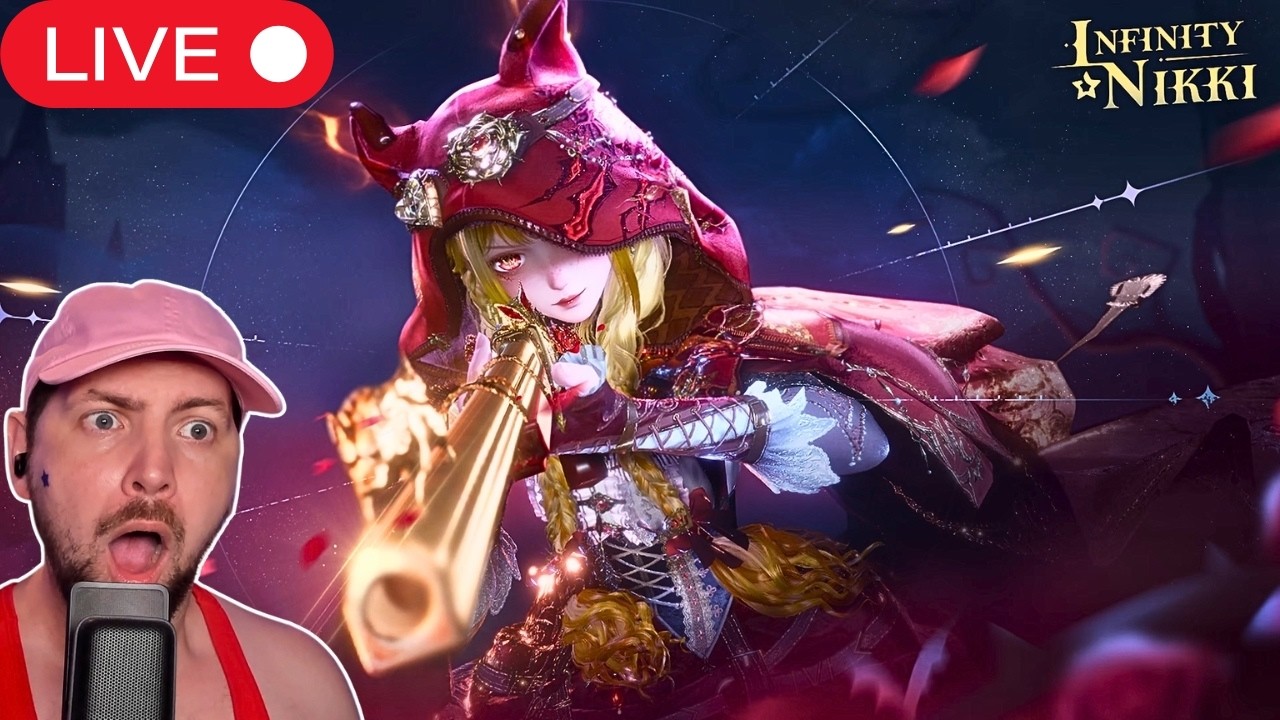
In the expansive world of Miraland, every resource counts toward mastering your magical outfits and navigating the challenges of Infinity Nikki. With the arrival of the highly anticipated Version 2.4 update, "The Forest Need Not Listen," the developers have introduced an exclusive Twitch Drops campaign. By linking your account and watching participating creators, you can secure essential materials, currency, and exclusive items that significantly accelerate your progression.
This guide provides a comprehensive walkthrough on how to maximize your rewards, avoid common pitfalls, and ensure your account is properly configured to receive these time-sensitive bonuses.
Establishing the Connection: Linking Your Account
The most critical step to securing your rewards is ensuring your Infinity Nikki account is properly authenticated with your Twitch profile. Without this "handshake" between platforms, your watch time will not be tracked, and you will be unable to claim your items.
- Navigate to the Official Portal: Visit the official Infinity Nikki Twitch Drops campaign page.
- Log In: Sign in with your game account credentials. Ensure you are using the correct account if you have multiple profiles.
- Authorize Twitch: You will be prompted to link your Twitch account. Follow the on-screen instructions to grant the necessary permissions.
- Verification: Once linked, check your Twitch "Drops & Rewards" inventory page. If the game is listed under your connected games, the link is successful.
Pro-Tip: If you have recently changed your Twitch password or updated your game credentials, perform a "re-link" by disconnecting and reconnecting the accounts. This prevents "stale" authentication tokens from blocking your progress tracking.
Meeting Watch-Time Requirements
Twitch Drops in Infinity Nikki operate on a tiered system. This means you earn rewards based on cumulative watch time rather than a single session.
- Monitor Progress: Keep an eye on your Twitch "Drops & Rewards" dashboard. The progress bar updates in real-time, displaying how many minutes remain until you unlock the next tier of rewards.
- Active vs. Passive Watching: While you can keep a stream running in the background to accumulate time, ensure your status on Twitch remains "Online." If your browser puts the tab to sleep or your status switches to "Away," your watch time may stop accumulating.
- Manual Claiming is Mandatory: This is the step most players miss. Once you reach a milestone, the reward is not automatically sent to your game. You must click the "Claim" button on the Twitch interface. You have a limited window to claim these drops, so check your inventory periodically during the event.
Identifying Participating Streams
Not every Infinity Nikki stream contributes to your drops. The developer specifically enables these rewards for creators who are part of the official program.
- Look for the Tag: Always verify that the stream has the "Drops Enabled" tag. This is usually displayed prominently in the stream title or clearly indicated in the chat window.
- The "Drops Enabled" Indicator: If you are watching on a desktop, a notification will often appear at the top of the chat box when a stream has active drops. If you do not see this indicator, your watch time is not counting toward your goal.
- Official Creator Lists: If you are having trouble finding a channel, check the official Infinity Nikki social media channels (X, Discord, or the game launcher). They often provide a curated list of streamers participating in the Version 2.4 launch event.
Managing Your In-Game Mailbox
Once you click "Claim" on Twitch, the items are sent to your in-game mailbox. Players often find that rewards do not appear instantly, especially during the high-traffic windows of a new version release.
- The Delay Factor: During major update launches, server traffic can cause a delay of 15 to 30 minutes. Do not panic if your items do not appear immediately.
- Mailbox Hygiene: Your mailbox has a capacity limit. Regularly clear out old, read, or junk mail to ensure you do not hit the cap, which can prevent new system rewards from arriving.
- Expiration Warnings: Some event-specific rewards come with an expiration date. If you fail to "Accept" the items from your mailbox within the allotted time, they will be purged from the system. Make it a habit to accept all attachments as soon as you log in to play.
Strategic Value: Why Twitch Drops Matter
In Infinity Nikki, resource management is the key to efficient progression. While Twitch Drops provide a boost, they are best used as a supplement to your daily activities in "The Forest Need Not Listen."
The Benefits
- Resource Acceleration: The materials provided in these drops are often the exact items required for early-to-mid-game crafting. Obtaining them through Twitch saves you valuable Stamina that would otherwise be spent farming.
- Exclusive Cosmetics: Occasionally, drops include exclusive outfit pieces or accessories that are not obtainable through standard gameplay. These serve as status symbols and unique additions to your wardrobe.
The Limitations
- Not a Replacement for Play: Twitch Drops cannot replace the core gameplay loop. You still need to explore Miraland, complete main story chapters, and defeat bosses to level up your character and unlock new outfit abilities.
- Time-Limited Availability: The "The Forest Need Not Listen" drop event is temporary. Once the campaign expires, these rewards are typically removed from the rotation. Never build a long-term progression strategy that relies entirely on these drops; treat them as a "bonus" rather than a "base requirement."
Common Mistakes to Avoid
- Mismatched Accounts: Linking a secondary Twitch account to your primary game account. Always confirm the email addresses match.
- Muting the Stream: While you can mute the video player, some users find that muting the browser tab entirely can cause Twitch to stop counting your watch time. Keep the volume at 1% instead of muting the tab.
- Ignoring Browser Extensions: Ad-blockers or privacy extensions can sometimes interfere with Twitch's ability to track your watch time. If you notice your progress bar is stuck, try disabling these extensions or using a "clean" browser window to watch the stream.
By integrating these Twitch Drops into your routine, you ensure that you are staying ahead of the curve in Infinity Nikki. Use the time you save on grinding to dive deeper into the story and mechanics of the new version, ensuring you get the most out of your experience in Miraland.
Free Infinity Nikki Codes
Current active codes and how to redeem them.

Michael Smith
Michael covers live-service games, events, reward systems, and efficient daily routines, turning frequent updates into clear actions for players.
COMMUNITY
Player Comments
158 players commented on this guide.
Can you add more details about strategy in a future update?
This guide answered the exact question I had.
This saved me time in the early game.
This helped me understand strategy much better.