
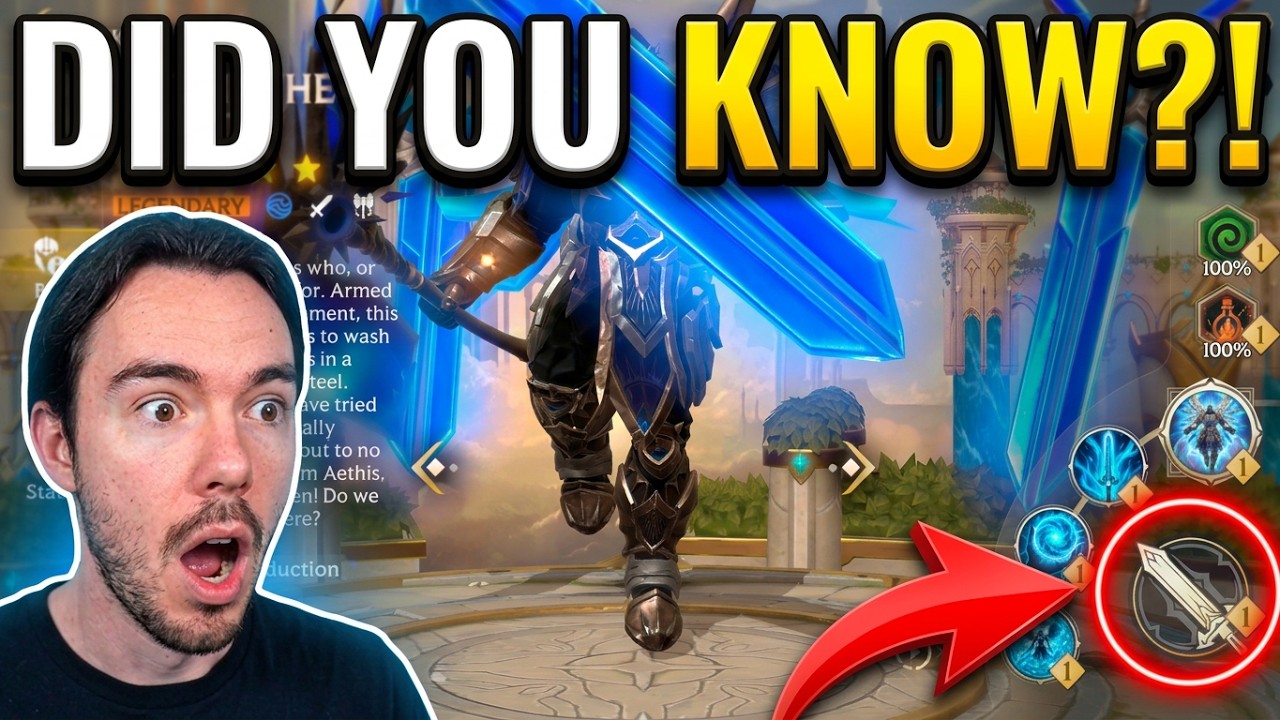
In Invokers: Titan Legacy, an Invoker's hidden weapon classification dictates their Combo Attack animation length, recovery time, and hit count per trigger. Because these categories do not appear on character stat screens, you must match your squad's attack rhythm and gear stats to an Invoker's underlying weapon profile rather than relying solely on raw Combo Speed.
How Hidden Weapon Profiles Affect Combo Attacks
The character interface in Invokers: Titan Legacy lists basic attributes like Attack, Defense, Health, and Combo Speed, but it lacks a weapon equipment slot and omits weapon type labels. Despite this omission, every Invoker is tied to an underlying weapon model—such as dual daggers, short bows, casting staves, or heavy blunt weapons—that directly governs battlefield execution.
When an active hero triggers a combo, the Invoker enters a specific animation sequence consisting of startup frames, active hitboxes, and recovery frames before returning to neutral. Fast melee archetypes strike almost immediately with minimal windup. In contrast, spellcasters and heavy-weapon wielders require extended windup or channeling frames before their hits connect, altering the timing of your entire rotation.
Animation Lock and the Combo Speed Soft Cap
Investing heavily into Combo Speed causes severe diminishing returns on slow-striking Invokers. While Combo Speed shortens the internal cooldown between combo prompts, physical animation durations cannot be cancelled.
If an Invoker uses a heavy two-handed weapon or an extended casting animation, the execution time can exceed the reduced cooldown window. When your active heroes trigger another combo while the Invoker is still finishing an ongoing attack, that trigger is delayed or wasted.
To optimize gear investments:
- Fast-profile Invokers: Invest heavily in Combo Speed. Their rapid recovery frames allow them to trigger frequently without bottlenecking fast squads.
- Slow-profile Invokers: Stop investing in Combo Speed once it aligns with your active heroes' primary skill cycles. Funnel extra gear substats into Attack, Critical Rate, or Titan Resonance to ensure their infrequent strikes deal maximum impact.
Hit Frequency and On-Hit Status Application
Beyond animation duration, hidden weapon categories dictate how many discrete hits an Invoker delivers per combo trigger. Heavy weapons concentrate damage into a solitary strike, whereas dual daggers or bows distribute damage across two to three hits.
In Invokers: Titan Legacy, on-hit mechanics roll on each individual hit rather than once per combo activation:
- Status Effects: Relics and passives that apply Burn, Poison, or Defense Break roll their proc chance on every strike. A three-hit attack offers three separate chances to apply a debuff.
- Critical Strikes: Each hit independently calculates Critical Strike chance, creating more dependable damage output.
- Titan Gauge Buildup: Multi-hit strikes generate Titan energy per connection, accelerating summons far faster than single-hit strikes.
Invoker Weapon Profile Breakdown
Use this reference to identify how different weapon categories function during battle:
| Weapon Category | Animation Speed | Hits Per Trigger | Primary Combat Strength | Recommended Team Focus |
|---|---|---|---|---|
| Dual Daggers | Very Fast | 2–3 Hits | Rapid proc cycling and minimal lock | Speed-clearing, on-hit relics |
| Short Bows | Fast | 1–2 Hits | Consistent range and fast recovery | Balanced PvE, single-target bosses |
| Casting Staves | Moderate | 1–2 Hits (AoE) | Broad battlefield hitboxes | Wave clearing, Titan energy teams |
| Heavy Weapons | Slow | 1 Heavy Hit | High burst and shield penetration | Slower burst teams, crowd control |
To determine an unlisted Invoker's category, bring them into combat and observe the damage numbers generated from a single combo trigger. Sequential damage numbers confirm a multi-hit profile. Observing how quickly the character returns to an idle stance reveals their recovery frame duration.
Squad Cadence and Stat Optimization
Match your active squad's attack pace to your Invoker's weapon profile to prevent dropped combo inputs:
- High-Velocity Squads: When running fast attackers and turn-meter pushers, select Invokers with dual daggers or short bows. These weapons finish recovery frames quickly, allowing the Invoker to respond to constant combo prompts.
- Burst and Control Squads: Pair slower heroes with casting staves or heavy-weapon Invokers. Because these squads attack at longer intervals, the Invoker's longer recovery lock will not interfere with incoming triggers.
- Stat Calibration: Check whether your Invoker finishes their attack animation before the next combo prompt appears. If they are consistently locked in recovery when a prompt appears, reduce Combo Speed in favor of raw offensive stats.

Free Invokers: Titan Legacy Codes
Current active codes and how to redeem them.

Michael Smith
Michael covers live-service games, events, reward systems, and efficient daily routines, turning frequent updates into clear actions for players.
COMMUNITY
Player Comments
133 players commented on this guide.
Nice guide. I am checking the other Invokers: Titan Legacy articles next.
I wish I had read this before upgrading the wrong thing.
Good guide for Invokers: Titan Legacy players. The strategy part was useful.
Can you add more details about strategy in a future update?