
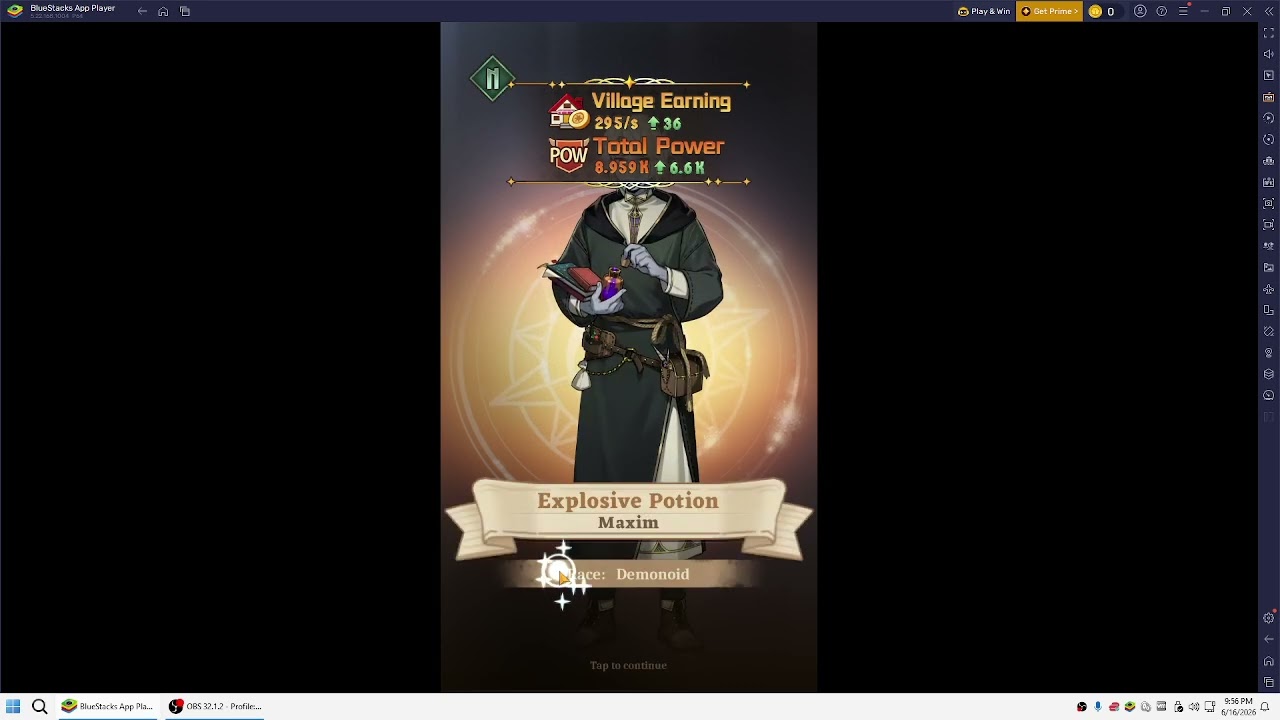
Isekai: Slow Life is a delightful simulation experience that rewards consistency, patience, and strategic resource management. However, as your town grows and your list of Fellows expands, the daily cycle of collecting taxes, managing trade, and navigating menus can become time-consuming. Playing Isekai: Slow Life on BlueStacks allows you to transcend the limitations of a mobile device, offering a superior workspace for multitasking, precise navigation, and the automation of tedious, repetitive tasks.
By optimizing your emulator environment, you can shift your focus from manual clicking to high-level decision-making, ensuring your town develops at the fastest possible rate.
Leveraging BlueStacks Multi-Instance for Account Management
For veteran players or those interested in testing different progression strategies, the Multi-Instance Manager is the single most powerful tool in the BlueStacks suite. It allows you to run several instances of Isekai: Slow Life simultaneously, meaning you can manage multiple towns or secondary accounts on the same screen.
- Strategic Growth Testing: Use multiple instances to test different Fellow upgrade paths or resource allocation strategies to see which yields higher Earnings per Second (EPS).
- Workflow Organization: Utilize the "Arrange" function to tile your windows. This is vital when tracking stamina recovery timers, limited-time event windows, or daily shop refreshes across different accounts.
- Hardware Considerations: Because running multiple instances is resource-intensive, ensure your PC has sufficient RAM (at least 16GB is recommended for 3+ instances) and that you have allocated at least 4GB of RAM and two CPU cores per instance within the BlueStacks settings menu to maintain smooth performance.
Automating Village Tasks with Macros
The core of Isekai: Slow Life progression involves a recurring loop of collecting taxes, processing interactions in the town, and clearing notification badges. The BlueStacks Macro Recorder is the perfect solution for streamlining these "chores."
By recording a sequence—such as clicking through your daily earnings collection or navigating to the Trading Post—you can turn a five-minute repetitive task into a single-keystroke operation.
- Creating a Collection Route: Start your recording, perform your standard daily collection, and then stop the recording. Save this macro with a descriptive name.
- Efficiency Tips: Only automate tasks that are perfectly repeatable. Avoid recording macros that involve menus where UI elements shift position frequently, as this can lead to accidental menu navigation.
- Looping: For tasks like repetitive dialogue skipping, you can set your macro to repeat at specific intervals, allowing you to walk away and return to a finished chore list.
Utilizing Keymapping for Faster UI Navigation
The Isekai: Slow Life interface is dense, packed with icons for your Bag, Fellows, Town, and Events. Clicking these with a mouse can be inefficient, especially when jumping between menus to optimize Fellow power during a challenge.
The BlueStacks Keymapping tool allows you to map keyboard keys to specific screen locations. By assigning keys to your most-visited menus, you create a "hotkey" system that drastically speeds up your gameplay.
- Setup Strategy: Assign keys like
Vfor Village,Ffor Fellows, andBfor Bag. This keeps your hands in a comfortable typing position while navigating the game, reducing the travel time for your mouse. - Tactical Advantage: During time-sensitive events—such as the Sandtopia or similar competitive challenges—the ability to jump instantly between your Fellowship menu to boost power and the event arena is a tangible advantage that can mean the difference between earning a top-tier reward or missing out.
Managing Display and Performance Settings
Isekai: Slow Life features a beautiful, vibrant aesthetic. To ensure the game looks its best and performs smoothly on a desktop monitor, you must configure your emulator’s engine settings.
- Resolution and DPI: Navigate to the BlueStacks Engine settings. Matching your display resolution to your monitor’s native resolution (typically 1920x1080) ensures that text is crisp and icons are easy to identify.
- High Frame Rate: Even though this is a simulation game, enabling "High Frame Rate" (and setting the frame rate slider to 60 or 120 FPS) makes the UI transitions feel snappy and responsive.
- Engine Stability: Always keep your emulator updated to the latest version. Developers frequently release compatibility patches that improve how games like Isekai: Slow Life run within the emulator environment, fixing potential graphical stutters and reducing overall CPU load.
Balancing Emulator Efficiency and Game Stability
While automation tools are powerful, they require maintenance. Isekai: Slow Life receives frequent updates that may introduce new UI elements, move buttons, or change the layout of your village.
- Macro Maintenance: If the game receives a patch, always re-test your macros before relying on them during an important event. A macro that clicks in the wrong place could accidentally spend your precious resources or navigate to the wrong menu, causing frustration.
- Avoid Over-Automation: Use macros for repetitive, low-impact tasks (like tax collection). Avoid using them for high-stakes decisions like spending premium currency or upgrading Fellows, as these require manual oversight to ensure you are allocating resources to the most efficient targets.
- Stay Updated: Maintain a clean BlueStacks environment by clearing the cache periodically and ensuring your emulator version matches the requirements of the latest game build.
By mastering these emulator-specific tools, you elevate your Isekai: Slow Life experience from a basic mobile game to a highly efficient management project. Focus your manual effort on the strategic "why"—who to promote, how to build your town's synergy—and let BlueStacks handle the "how" of repetitive daily operations.

Free Isekai:Slow Life Codes
Current active codes and how to redeem them.

Sarah Williams
Sarah specializes in RPG and collection games, explaining team building, character growth, and beginner-friendly ways to avoid expensive early mistakes.
COMMUNITY
Player Comments
127 players commented on this guide.
I wish I had read this before upgrading the wrong thing.
This saved me time in the early game.
Good guide for Isekai:Slow Life players. The strategy part was useful.
Can you add more details about strategy in a future update?