
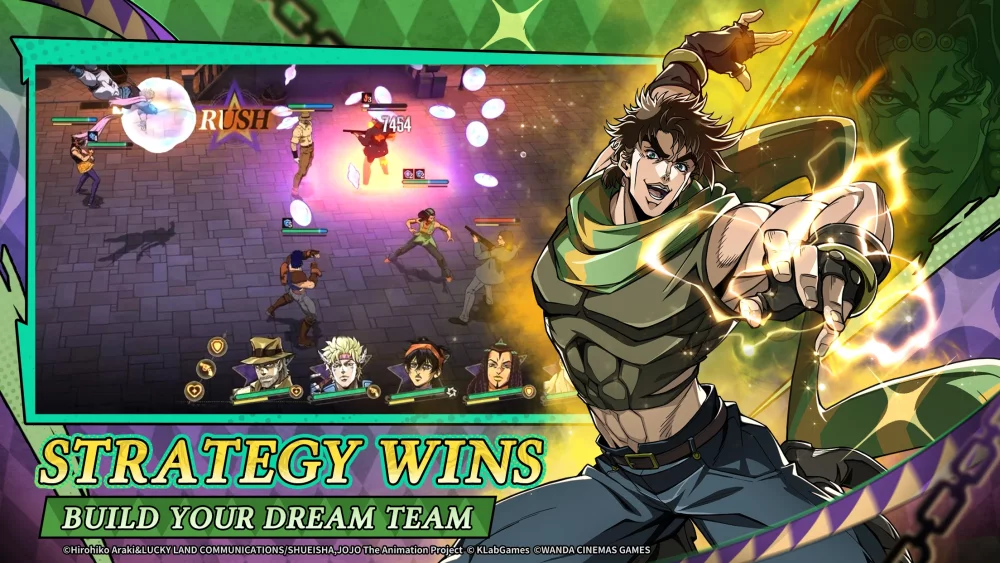
To manage account growth in JoJo's Bizarre Adventure: GS, use the primary dashboard's persistent navigation bar to jump directly between combat modes, your inventory, and character upgrade screens. Immediately inspect red dot markers after every battle to equip newly acquired gear and apply upgrade stones.
Main Dashboard and Red Dot Notifications
The central hub displays currency balances, energy levels, active notifications, and links to administrative menus. A persistent navigation bar along the bottom or sides of the screen allows quick movement between key screens without backing out through multiple sub-menus. Tap the single-tap home or back icon whenever you need to return quickly to the main dashboard.
Red dot notification markers act as visual indicators for pending items across all main menus. Check icons displaying a red dot to identify actionable updates:
- Bag / Inventory: Unopened loot, consumable items, or new gear pieces earned from stages.
- Character / Team: Unit level-ups, skill upgrades, or team positioning adjustments.
- Mailbox & Quests: Unclaimed daily rewards, quest completions, and passive account resources.
- Events: Time-sensitive event tasks and temporary reward tracks.
Inventory and Character Upgrades
New gear and upgrade stones earned from story stages or boss encounters do not equip automatically. You must open your inventory manually to consume upgrade materials and assign gear to your active combat roster.
| Menu | Key Function | Action Required |
|---|---|---|
| Bag / Inventory | Resource storage for upgrade stones, consumables, and gear. | Open after battles to consume materials and equip newly dropped gear. |
| Character / Team | Displays unit stats, skill tabs, and roster positioning. | Select glowing borders or highlighted upgrade buttons to apply stats and swap reserves. |
When preparing for challenging battles, access the team management interface to switch roster positions and swap reserve characters based on enemy details provided in stage briefings.
Daily Login Navigation Order
To prevent reward expiration and maintain daily account progress, follow a structured navigation path upon logging in:
- Mailbox: Collect system mail and passive rewards first.
- Quest Log: Review daily objectives and claim completed milestones.
- Event Tab: Check secondary sub-menus for limited-time event objectives before spending energy.
- Character Roster: Spend accumulated upgrade stones on primary team units.
Once all red dot notification markers are cleared from the primary dashboard, all daily administrative tasks for the current session are complete.

Free JoJo's Bizarre Adventure: GS Codes
Current active codes and how to redeem them.

Sarah Williams
Sarah specializes in RPG and collection games, explaining team building, character growth, and beginner-friendly ways to avoid expensive early mistakes.
COMMUNITY
Player Comments
56 players commented on this guide.
This guide answered the exact question I had.
I wish I had read this before upgrading the wrong thing.
I tried this today and it worked better than my old setup.
This helped me understand strategy much better.