
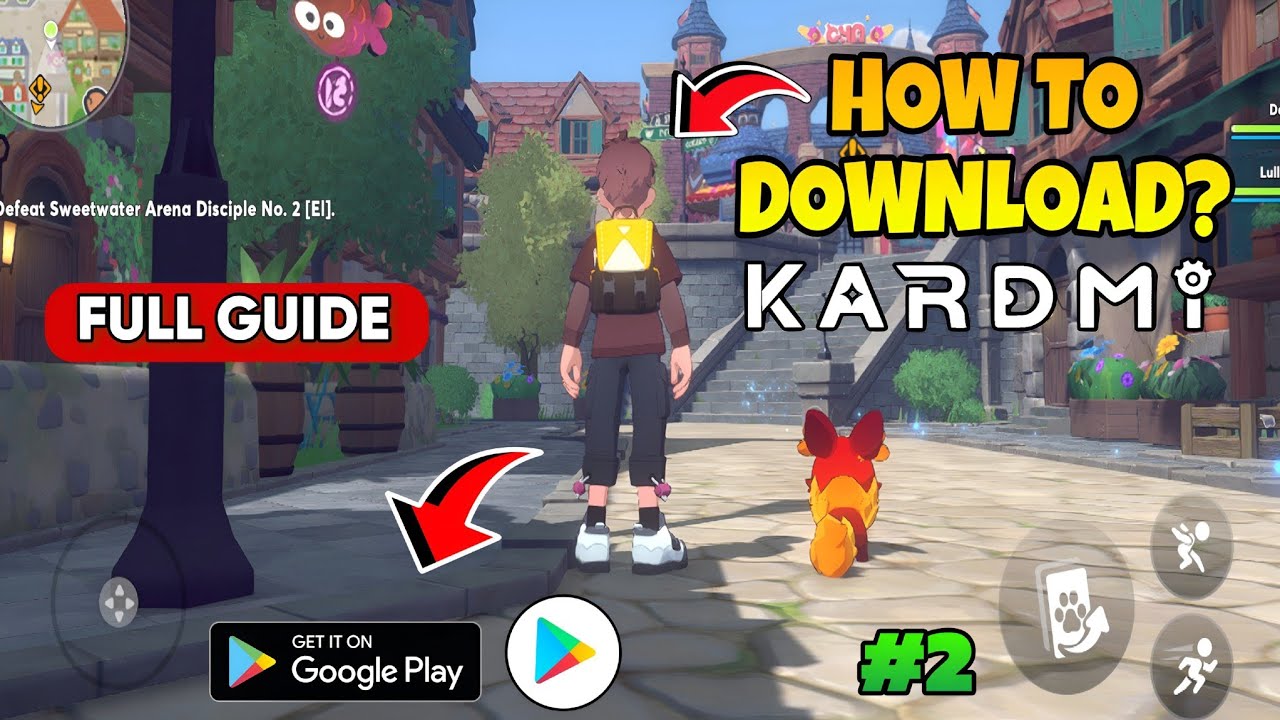
To install Kardmi on your Android device, enable installation permissions for unknown apps, run the downloaded installation package, and download the remaining game files upon the first launch.
System Requirements
Before downloading the installation file, check that your device meets the operational baseline for Kardmi. The creature-collection game uses 3D models and open environments that require 64-bit hardware support.
| Specification | Minimum Requirement | Recommended Specification |
|---|---|---|
| Operating System | Android 8.0 (Oreo) | Android 11.0 or newer |
| Architecture | 64-bit (ARM64-v8a) | 64-bit (ARM64-v8a) |
| Processor | Octa-core 2.0 GHz (Snapdragon 665 / Helio G80) | Snapdragon 870 / Dimensity 1200 or higher |
| RAM | 4 GB | 6 GB to 8 GB |
| Free Storage | 8 GB initial space | 12 GB or more for updates |
| Network | Stable mobile data or Wi-Fi | High-speed 5 GHz Wi-Fi |
Insufficient storage causes most installation failures during file extraction. The initial package only contains base client data. Once opened, Kardmi downloads high-definition textures, audio tracks, and creature models to internal memory.
Enable Unknown App Installations
Android restricts manual application packages by default to protect your device. If you acquire Kardmi outside the Google Play Store, you must grant permission to your browser or file manager.
- Open your device Settings.
- Select Apps & Notifications (or App Management on some devices).
- Tap Special App Access, which may be located under advanced settings.
- Select Install Unknown Apps.
- Choose the browser or file manager used to download the file.
- Turn on the toggle next to Allow from this source.
Download and Install the Game Client
After configuring your system permissions, proceed with installing the client:
- Download the Kardmi installation package through your browser. Keep the browser open in the foreground until the transfer completes to avoid interrupted downloads.
- Open your device Downloads folder or tap the completed download notification.
- Select the package to trigger the Android system installer.
- Review the requested permissions and tap Install.
- Wait for the process to finish and confirm that the Kardmi icon appears on your home screen or app drawer.
First-Time Launch and Asset Patching
The base installer remains small to streamline initial distribution, requiring the remaining core assets to download upon startup:
- Connect your device to an unmetered Wi-Fi network.
- Open Kardmi and grant the requested storage permissions to allow file caching.
- Keep the application open in the foreground while it downloads the required 3 GB to 6 GB patch. Switching apps or locking your screen can suspend the transfer and corrupt unpacked files.
Troubleshooting Common Installation Errors
If the installer fails or the game does not start, check for these issues:
- "App Not Installed" or "Package Parsing Error": This occurs if the package download is incomplete, if an older version of Kardmi is conflicting with the new build, or if your phone uses a 32-bit processor. Remove any existing test builds, delete corrupted partial files, and redownload the package.
- Black Screen or Immediate Crash: The device may run out of memory during initial texture decompression. Close all background applications, restart your phone, and ensure Android System WebView is fully updated in the Google Play Store.
Link Your Account
After completing the initial download, tap the user center on the title screen to link your account before starting your adventure. Guest accounts remain saved only on local device storage. If you clear your app data or uninstall the client, an unlinked guest profile will lose all companion progress and game history. Bind your game data to an email address or supported third-party login to secure your save.

Free Kardmi Codes
Current active codes and how to redeem them.

Emily Johnson
Emily writes practical mobile strategy guides with a focus on resource planning, base progression, and the early decisions that shape a long-term account.
COMMUNITY
Player Comments
154 players commented on this guide.
Good guide for Kardmi players. The strategy part was useful.
Nice guide. I am checking the other Kardmi articles next.
This guide answered the exact question I had.
The tips are practical and easy to follow.