
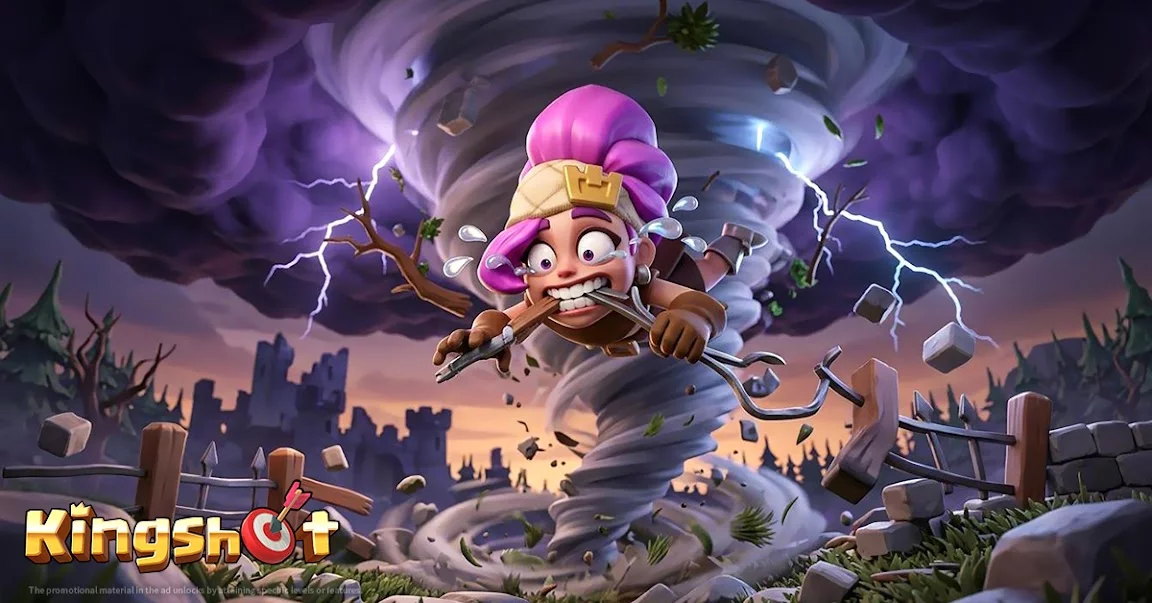
In Kingshot, base customization goes beyond simple utility. While most players focus exclusively on optimizing resource production and defensive structures, the game frequently introduces dynamic environmental overlays and limited-time event themes that can transform the visual atmosphere of your city.
Players often overlook the creative potential of these event-specific assets. By effectively integrating these themes into your city layout, you can enhance the immersion of your base while maintaining the functional integrity of your production hubs.
The Impact of Limited-Time Themes
Kingshot regularly rolls out temporary visual updates, such as the football-themed aesthetic seen during seasonal sports events. These updates are not merely cosmetic; they often change the "feel" of the urban center, adding unique animations or interactive elements that break the monotony of the standard construction aesthetic.
- Dynamic Visuals: Look for interactive objects that appear in the city streets during specific event windows. These often include themed props that occupy otherwise empty space in your base.
- Atmospheric Immersion: Unlike permanent skins, these event overlays usually apply globally to your base, providing a refreshing change of pace for long-term players who spend significant time navigating the city UI.
- Social Signifiers: Displaying current event themes indicates an active account, which can be useful when recruiting for alliances or signaling to other players that you are currently engaged with the latest content updates.
Strategic Layout Considerations
While enjoying the aesthetic changes, ensure that your base architecture remains optimized for efficiency. When a new event theme is active:
- Prioritize Functionality: Always keep your high-traffic buildings—such as the Furnace, Workshop, and Resource Depots—in easily accessible, centralized positions. Do not let decorative event items obstruct your view or interaction with these critical nodes.
- Clearance Management: Some event assets can be quite large. During events that feature massive props (like stadium-themed items or large-scale event markers), move your decorative foliage or minor structures to the perimeter to prevent the "cluttered" look that often hinders quick clicking.
- UI Navigation: If an event theme introduces excessive visual flair that makes selecting specific troop training buildings or resource collectors difficult, use the game's zoom and UI-minimalist modes to maintain your daily collection speed.
Keeping Your Base Optimized
| Feature | Benefit | Optimization Tip |
|---|---|---|
| Event Overlays | Improves visual variety | Ensure they don't block critical clicks |
| City Decorations | Boosts aesthetic appeal | Group in non-essential corner zones |
| Event Props | Highlights active participation | Place near main gates for visibility |
By balancing the aesthetic flair of limited-time event themes with a disciplined approach to base layout, you can keep your city looking unique without sacrificing the efficiency required to climb the power rankings. Treat these seasonal visual updates as a way to personalize your territory while keeping your core production loops running at peak performance.

Free Kingshot Codes
Current active codes and how to redeem them.

Sarah Williams
Sarah specializes in RPG and collection games, explaining team building, character growth, and beginner-friendly ways to avoid expensive early mistakes.
COMMUNITY
Player Comments
159 players commented on this guide.
The tips are practical and easy to follow.
Can you add more details about resources in a future update?
The explanation is clear, especially for beginners.
Good guide for Kingshot players. The resources part was useful.