
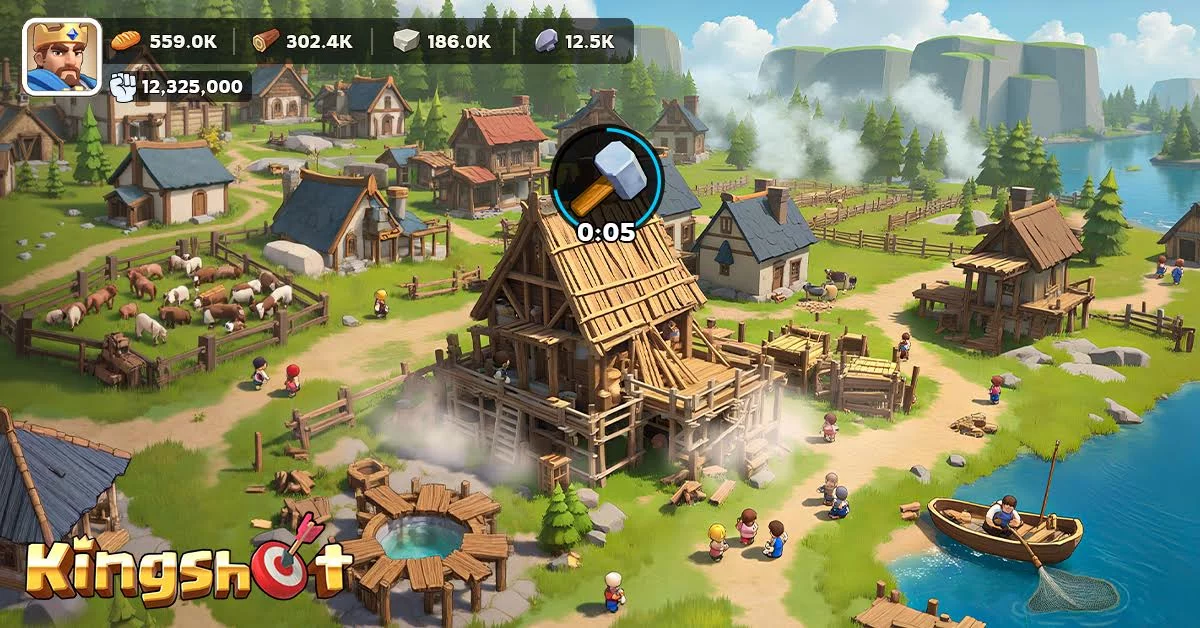
In Kingshot, managing your daily tasks and internal menus can become a bottleneck as your account grows. Many players spend excessive time navigating through multiple sub-menus to perform basic maintenance or resource collection. By utilizing specific UI shortcuts and hidden navigation tricks, you can significantly reduce the time spent on administrative tasks, allowing you to focus on high-impact strategic maneuvers.
Streamlining Navigation and Menu Access
One of the most effective ways to accelerate your progress is to minimize the "click-path" required to reach critical areas of your kingdom.
- Quick-Access Toggles: Familiarize yourself with the persistent navigation bars on the edge of the screen. Many players overlook the small arrows or icon expansions that allow you to jump directly to the Alliance or Hero menus without returning to the main city view.
- Contextual Menu Jumping: When interacting with buildings, look for the "Quick Jump" buttons that often appear in the pop-up dialogue. These are designed to take you directly to related research or training screens, skipping the need to navigate the world map or city interface manually.
- Asset Notification Filtering: Use the notification indicators on the left side of the screen to identify which tasks are ready for collection. Instead of checking buildings one by one, clicking the notification icon will automatically center the camera on the specific building or resource node that requires your attention.
Tactical Resource Management Shortcuts
Efficient resource management is often about how quickly you can cycle through your daily duties. Use these methods to keep your production lines moving without manual clutter:
| Feature | Shortcut/Method | Benefit |
|---|---|---|
| Resource Collection | Icon Tapping | Collects all available resources instantly without manual clicking. |
| Troop Training | Repeat Last Selection | Use the "Repeat" button in the training queue to save time on unit type selection. |
| Building Upgrades | Speedup Prompt | Use the automatic speedup suggestion when a timer is nearing completion rather than manually searching inventory. |
Reducing "Idle Time" Through UI Awareness
Much of the time lost in Kingshot is caused by excessive menu switching. To stay ahead of the curve, adopt these habits:
- Prioritize the "Main Menu" Shortcuts: Ensure you are using the shortcut icons for the most frequent tasks, such as the Daily Quests or the Alliance Help list. If you find yourself clicking more than three times to reach a menu, look for a shortcut icon that provides a direct route.
- Notification Management: Clear your notification badge counts regularly. Not only does this keep your interface clean, but it also serves as a visual checklist for what you have already completed during a session.
- Hero Deployment Efficiency: When preparing for combat or expeditions, use the "Preset" or "Formation" slots. This eliminates the need to manually drag and drop heroes or units into position every time you transition between activities.
By adopting these UI-focused habits, you effectively increase your "actions per minute" (APM) within the game. This efficiency is particularly vital during competitive events, where rapid responses to enemy movements or resource requirements can determine your success in Kingshot.

Free Kingshot Codes
Current active codes and how to redeem them.

Emily Johnson
Emily writes practical mobile strategy guides with a focus on resource planning, base progression, and the early decisions that shape a long-term account.
COMMUNITY
Player Comments
124 players commented on this guide.
The tips are practical and easy to follow.
I wish I had read this before upgrading the wrong thing.
The explanation is clear, especially for beginners.
Can you add more details about strategy in a future update?